October, 1996 6880902Z36-B 2-25
GM300 Radio Service Software Manual Getting Started
Starting RSS
2
2.7.4.3
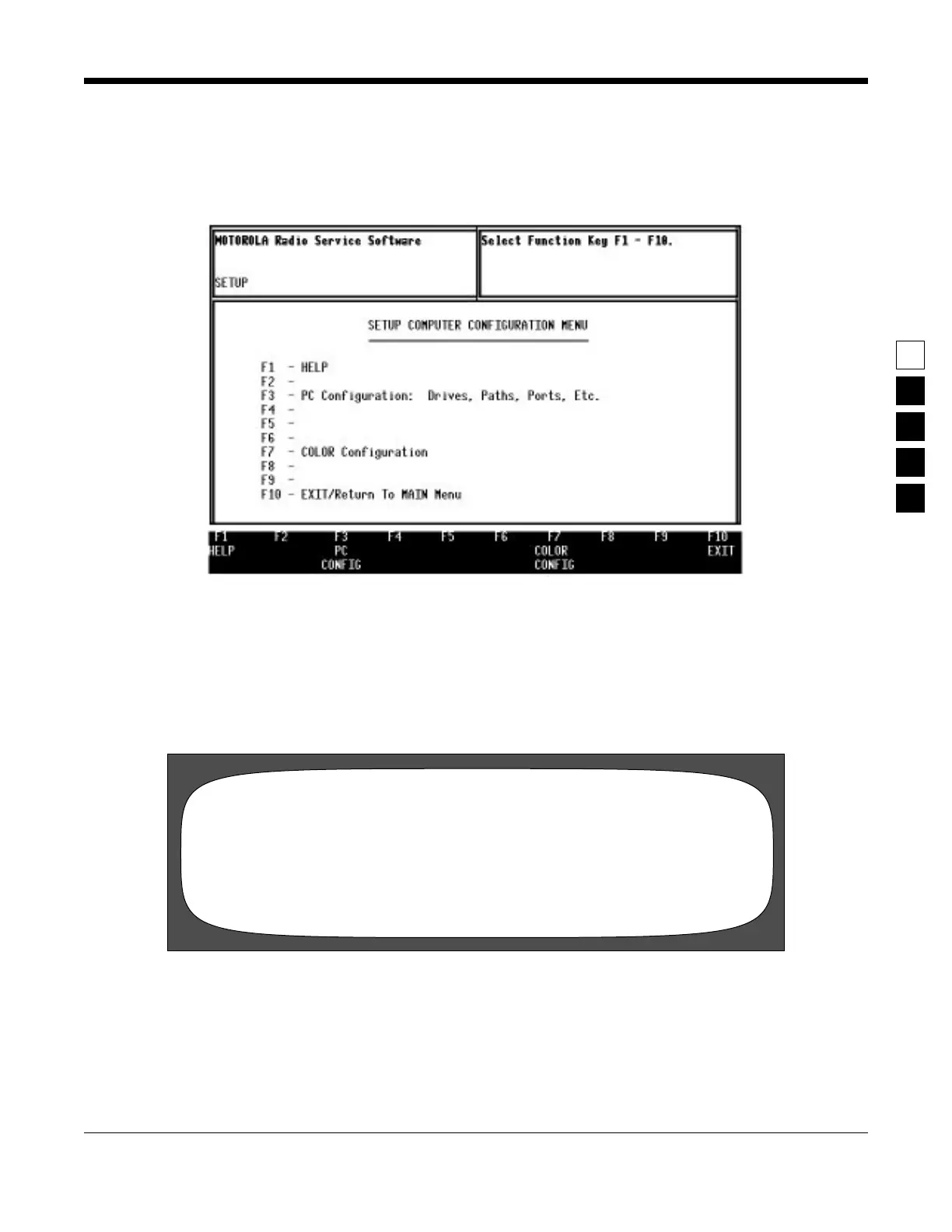
Service Software Configuration Menu
If you are using diskettes to run RSS for the first time, you will see the SERVICE SOFTWARE CONFIGU-
RATION MENU (see below):
Figure 2-4. Service Software Configuration Menu
For now, press the F10 key on your keyboard to exit this menu. We will return to it later.
2.7.4.4
Banner Screen
When the program correctly loads, you will see a “BANNER” screen (see below) with the Motorola logo
and copyright information.
Figure 2-5. Banner Screen
Press any key. You will now see the MAIN MENU.
Radius GM300/GR300/M120/M10
VERSION Rxx.xx.xx
DD-MMM-YY
Press Any Key To Continue
(C) Copyright MOTOROLA Inc. All Rights Reserved.



 To Next Page