October, 1996 6880902Z36-B 3-11
GM300 Radio Service Software Manual Tutorials
Cloning Radios
3
3.2.5 Exit RSS
You now have a foundation for programming more radios. If you don't want to proceed to the next tuto-
rial, Cloning Radios, then use the steps outlined in Table 3-9 to exit RSS. To retain a good portion of what
you've learned so far, please review this material or program another radio within 48 hours.
3.3 Cloning Radios
To clone, radios must be of the same model type and version.
3.3.1 Scenario
To make the best use of their time, the Longwood Hotel and Convention Center's setup and maintenance
staff will need at least two tow trucks and two forklifts equipped with identical Radius GM300 mobile
radios, as their duties are very similar.
3.3.2 Desired Features
The desired features are the exact same ones listed in the previous tutorial.
3.3.3 Major Decisions Involved
The major steps for cloning in this tutorial are reduced from the six steps in the first tutorial to three steps
here, as most of the questions were answered by the decision to have identical radio personalities for all
setup and maintenance operations.
To program the cloned radio, the approach will be:
❏ Pick Desired Archive File.
❏ Decide Whether to Change IDs.
❏ Decide How Many Radios to Clone.
3.3.3.1
Pick Desired Archive File
To clone, the radios must be from the same product family, must be of the same model type and product
vintage. In this case, you will use the archive file created and saved in the first tutorial, A999999.999.
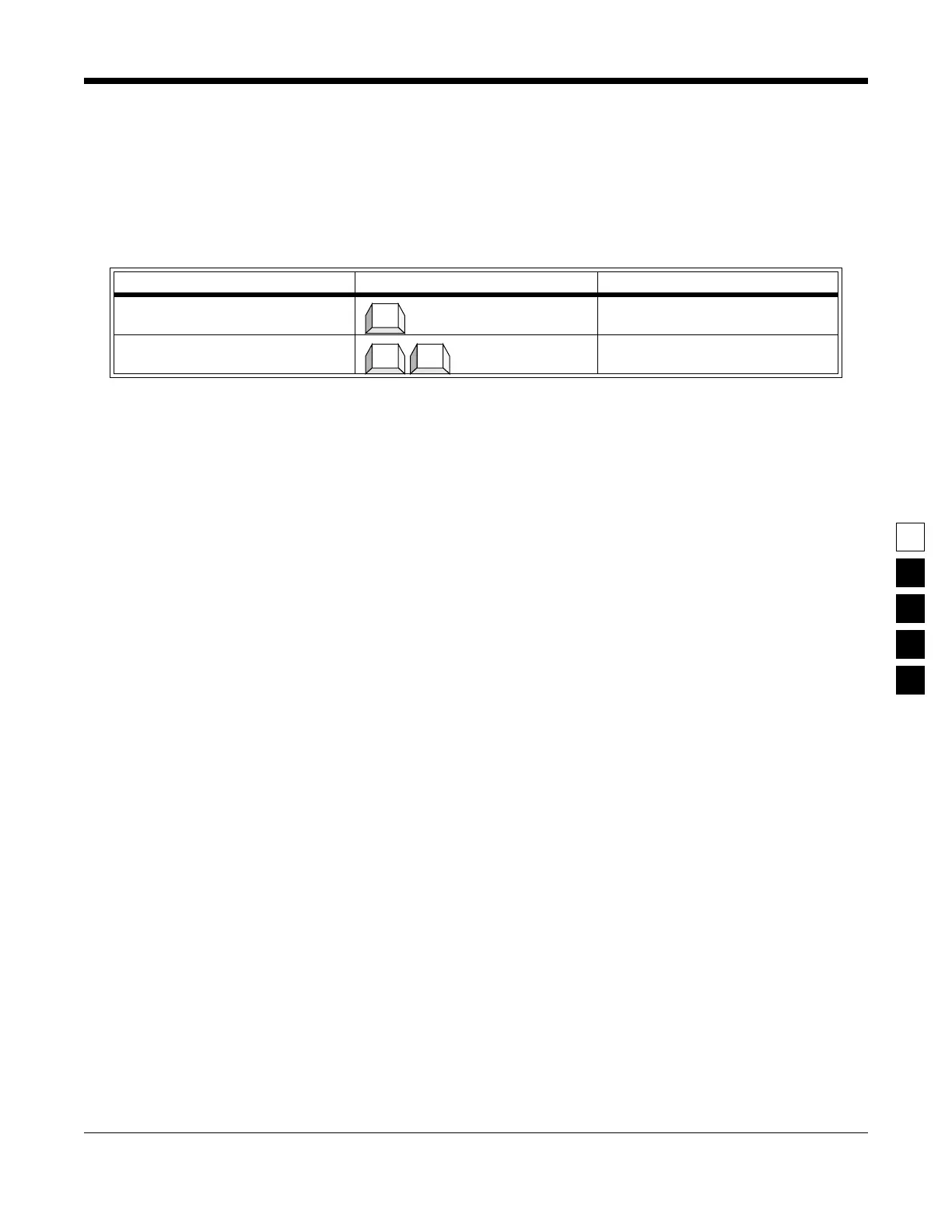
Table 3-9. Steps to Exit the RSS
Instruction What to type What it does or means
1. Go to MAIN MENU Press Esc to back up to MAIN
MENU.
2. Exit to DOS Press F10 twice to exit to DOS.
Esc
F10 F10



 To Next Page