October, 1996 6880902Z36-B
4-3
GM300 Radio Service Software Manual Basic Features
GM300 Features
4
Busy Channel Lockout
RSS LOCATION
DEFINITION
Limits audible conversations from other user groups and reduces transmissions
on top of other user groups.
DEFAULT/CHOICES Default: N
Choices:
■
Y
■
N
DEPENDENCIES
Receive squelch type not equal to carrier squelch.
EXCEPTIONS
Does not apply when receive squelch type is equal to carrier squelch, therefore it
is incompatible with Tx Inhibit on Busy.
RECOMMENDATIONS
Use when you don't want to hear anybody else's conversations, or when you
don't want one user group “eavesdropping” on another. Compatible with Rapid-
call signalling and scan.
WARNINGS
Not compatible with carrier squelch channels. May cause operational difficulties
when talking through community repeaters. Operation is less reliable when used
with Channel Scan, since it is more probable that you will key up on another
group.
IMPORTANT NOTE
If you press PTT on radio while there is a carrier on the channel, the radio follows
this protocol:
a. If the carrier has your TPL/DPL, then you are allowed to transmit just like nor-
mal
b. If the carrier has no TPL/DPL or the wrong TPL/DPL, then you will hear a
busy tone while you hold PTT. Release PTT and try again later.
A short carrier ‘break’ is required to return to the BCL protected state.
SEE ALSO
Tx Inhibit On Busy.
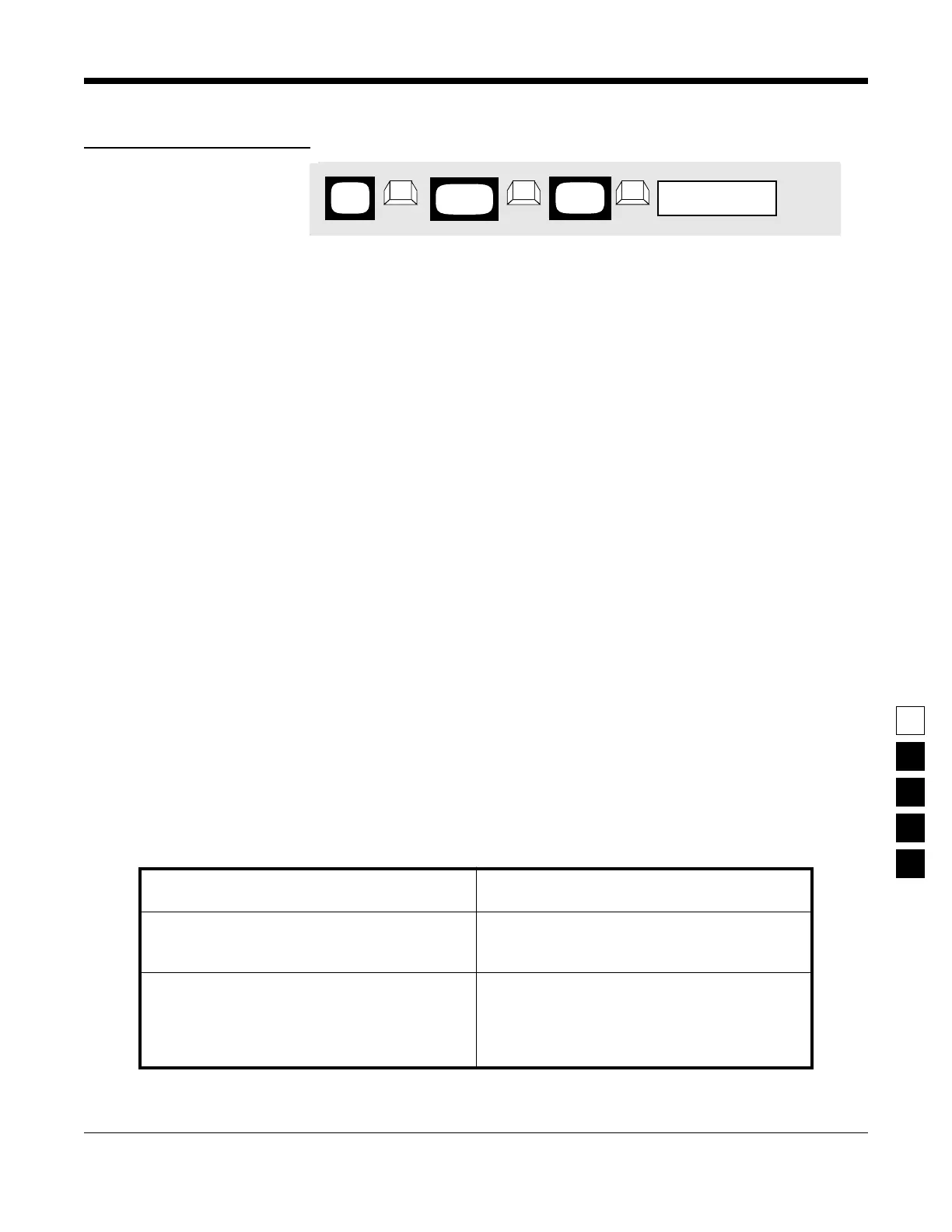
PROGRAMMING PROCEDURE
1.
Press
F4
at the
MAIN MENU
to get to the
CHANGE/VIEW CODEPLUG MENU
.
4.
Press
Tab
(or
Enter
or
Return
) until the
Busy
Channel Lockout
field is highlighted.
2.
At the
CHANGE/VIEW CODEPLUG MENU
,
press
F5
to get to the
MODE CONFIGURATION
screen.
5.
Use the
↑ ↓
arrow keys to select the desired
Busy Channel Lockout
value.
3.
At the
MODE CONFIGURATION
screen, select
the mode number that you want to change
Busy Channel Lockout
value by pressing either
the
F3
or
F4
keys until the desired mode num-
ber is displayed in the
Name
field.
6.
To change the
Busy Channel Lockout
value on
other modes, repeat steps 3-5.
Not Programmable with the RSS
MAIN
MENU
MODE
screen
CONFIG
field
Busy Channel Lockout
➠
F4
➠
F5
➠
Tab
CHANGE/
VIEW



 To Next Page