October, 1996 6880902Z36-B 6-9
GM300 Radio Service Software Manual Accessory Connector (16 Channel Models Only)
Customizing the Expanded Accessory Connector
6
Function Description
RSS LOCATION
DEFINITION This refers to the functions that can be assigned to the programmable pins on the
Expanded Accessory Connector. There are two types of functions: Dependent and
Independent. Dependent functions cannot be reprogrammed. They are depen-
dent on the assigned pin when used with the selected accessory. Independent
functions can be reprogrammed to other pins in any package. Table 6-2 on page 6-
19 and Table 6-3 on page 6-20 list the available INPUT and OUTPUT functions and
whether they are independent or dependent.
DEFAULT/CHOICES Default: See Accessory Package default tables.
WARNING The same function (except NULL and CHANNEL STEERING) should NEVER be
assigned to more than one pin on the connector. Also, always verify the levels and
polarities of the signals prior to connecting any custom accessory to the connector
pins.
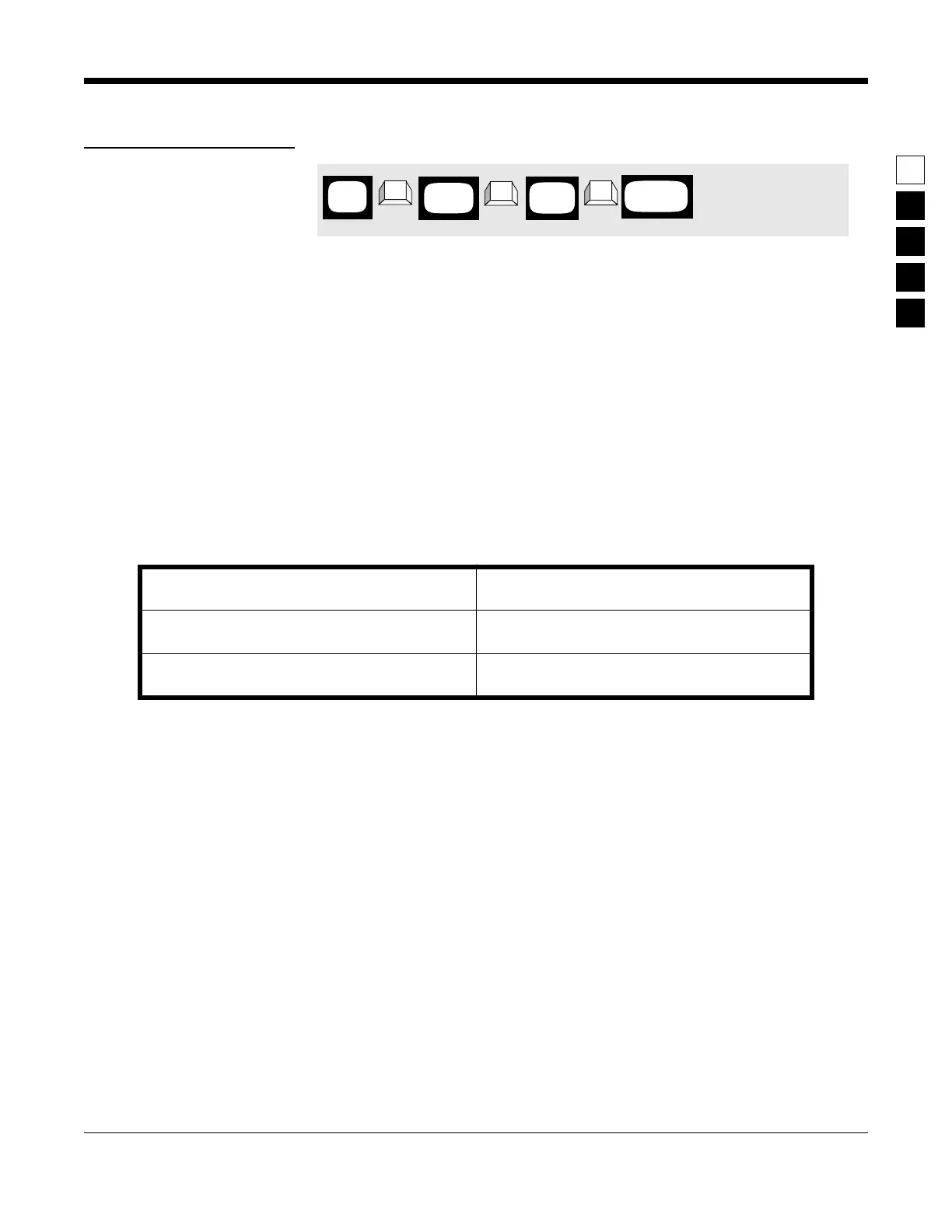
PROGRAMMING PROCEDURE
1. Press F4 at the MAIN MENU to get to the
CHANGE/VIEW CODEPLUG MENU.
4. Use the ↑ ↓ arrow keys to select the desired
function.
2. At the CHANGE/VIEW CODEPLUG MENU,
press F2 to get to the RADIO-WIDE screen.
3. Press F9 to enter the ACCESSORY CONNEC-
TOR CONFIGURATION screen.
MAIN
MENU
➠
F4
➠
F2
CHANGE/
VIEW
➠
F9
RADIO
WIDE
ACCESSORY
SCREEN



 To Next Page