Scanning Features GM300 Radio Service Software Manual
5-6 6880902Z36-B October, 1996
Scan Features
5
Scan Hang T
ime
RSS LOCATION
DEFINITION Determines how long the radio will remain on the channel after receiving the end
of a transmission or after releasing PTT.
DEFAULT/CHOICES Default: 2.5 seconds
Choices: ■ 0.0 - 4.1 seconds
DEPENDENCIES Applies to all scan lists (user and mode-slaved).
RECOMMENDATIONS The hang time provides both received message continuity and allows the user
time to “grab the microphone” to respond to a received message. Some systems,
such as split simplex, require a zero hang time to hear both sides of a conversa-
tion.
IMPORTANT NOTE During the hang time, the radio remains on the last active channel.
SEE ALSO Scan Talkback
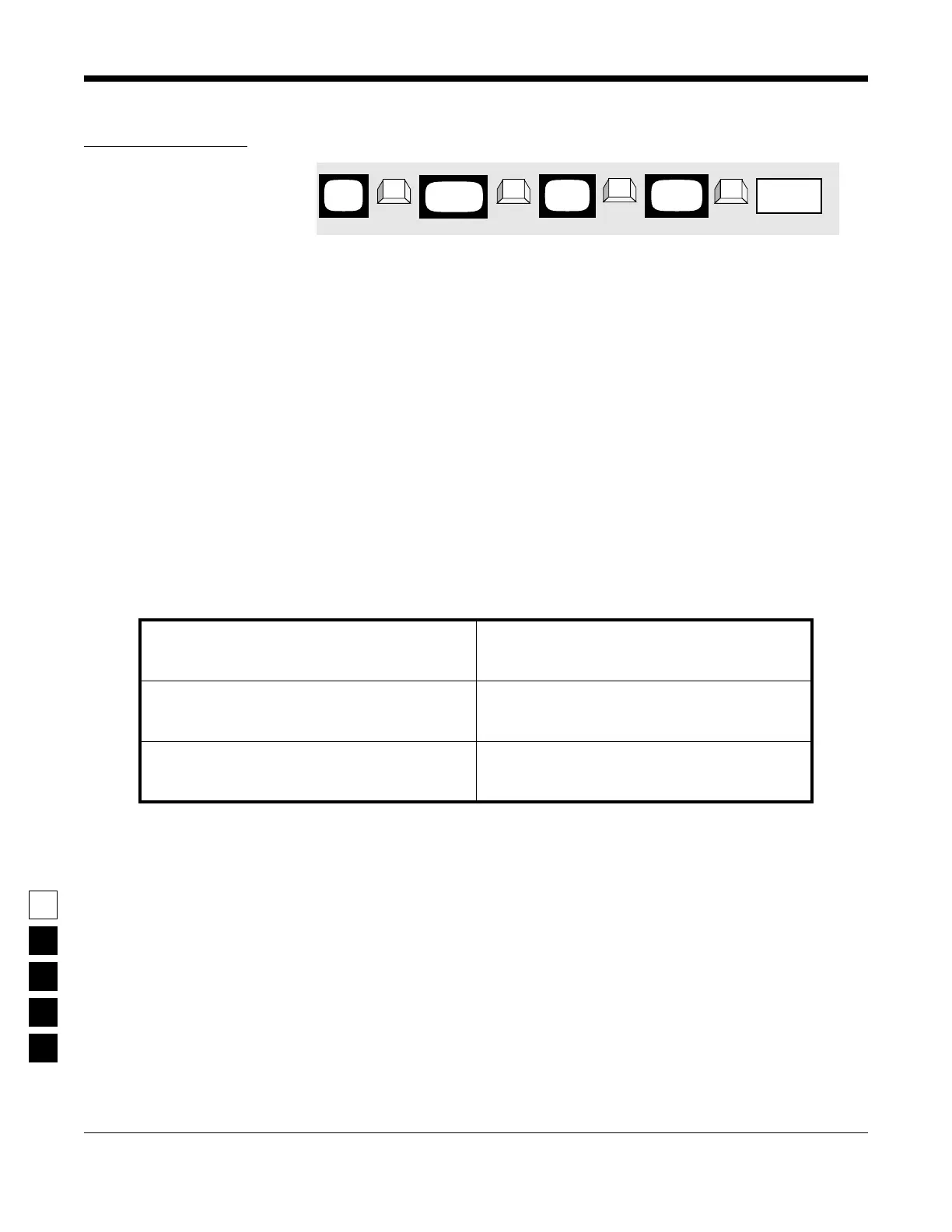
PROGRAMMING PROCEDURE
1. Press F4 at the MAIN MENU to get to the
CHANGE/VIEW CODEPLUG MENU.
4. At the RADIO-WIDE SCAN OPTIONS screen,
press Tab (or Enter or Return) until the Scan
Hang Time field is highlighted.
2. At the CHANGE/VIEW CODEPLUG MENU,
press F2 to get to the RADIO WIDE CONFIGU-
RATION.
5. Use the ↑ ↓ arrow keys to select or directly
type in the desired Scan Hang Time.
3. At the RADIO WIDE CONFIGURATION screen
press F7 to get to the RADIO-WIDE SCAN
OPTIONS screen.
MAIN
MENU
RADIO
screen
WIDE
Scan Hang
➠
F4
➠
F2
➠
Tab
CHANGE/
VIEW
➠
F7
SCAN
screen
OPTIONS
Time(s)
field



 To Next Page