October, 1996 6880902Z36-B 4-11
GM300 Radio Service Software Manual Basic Features
GM300 Features
4
T
ime-Out Timer (TOT)
RSS LOCATION
DEFINITION Limits the time allowed for any continuous transmission. When time limit is
reached, the radio dekeys and a constant tone is heard until PTT is released.
DEFAULT/CHOICES Default: 60 seconds
Choices: ■ Off ■ 1-255 seconds
Increments: 1 second - scroll or direct-entry
Off To turn TOT off, type in a 3-digit value, such as “OFF” or “000”.
(One zero followed by pressing the space bar two time will also
work. A single zero (0) will not work. Two zeros will not work.)
1 - 255 Specify TOT time in seconds, ranging from one second to 255 sec-
onds.
RECOMMENDATIONS Set for 60 seconds. Should be used when you want to limit the amount of time one
person can continuously talk. This eliminates accidentally tying up the channel. If
you do not wish to limit the amount of time one person can continuously talk, set
value to be a very large time (255 seconds). Only when it is absolutely needed
should you choose OFF.
Time-Out Timer is useful to eliminate stuck mics and other channel abuse.
IMPORTANT NOTE Rx operation is not affected.
SEE ALSO TOT Rekey Time
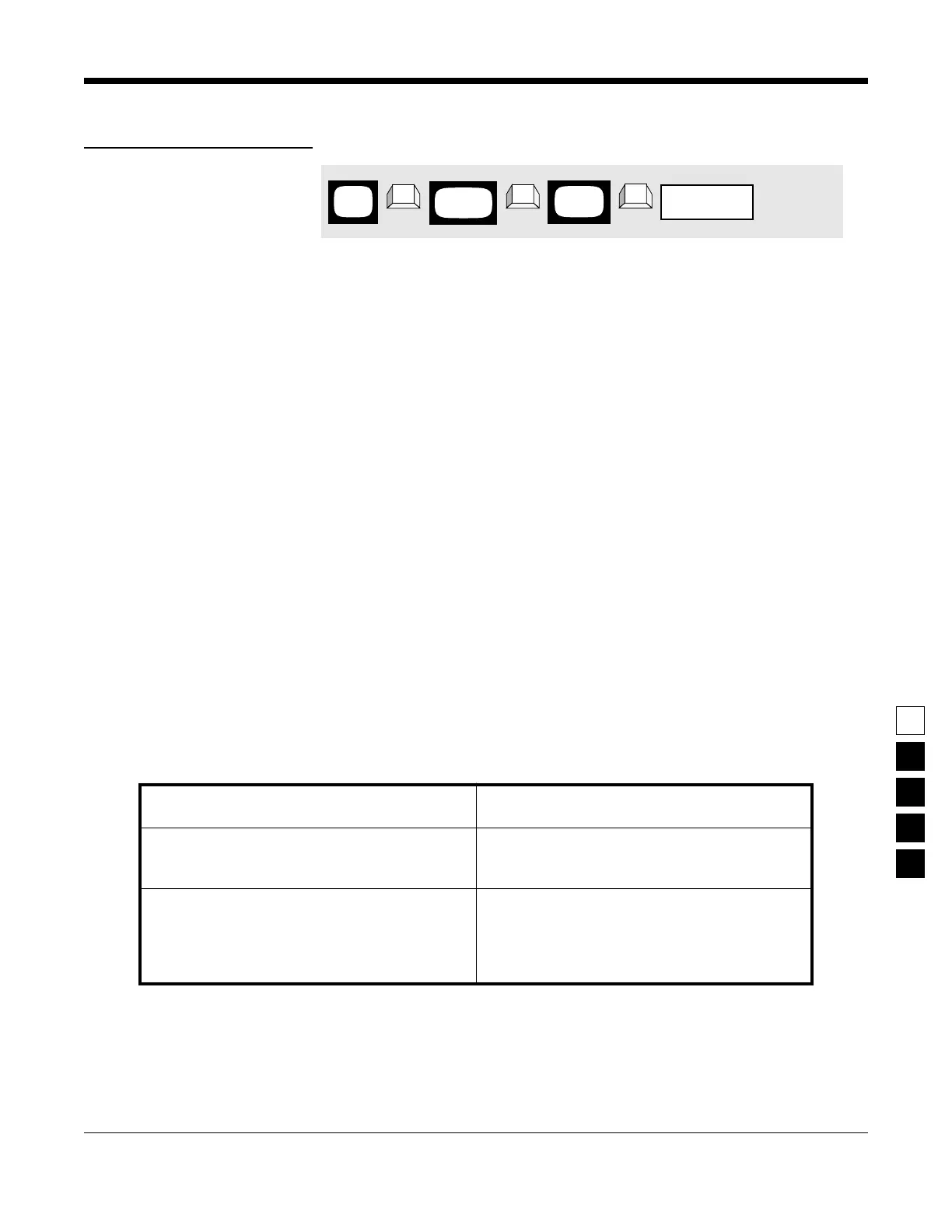
PROGRAMMING PROCEDURE
1. Press F4 at the MAIN MENU to get to the
CHANGE/VIEW CODEPLUG MENU.
4. Press Tab (or Enter or Return) until the TOT
field is highlighted.
2. At the CHANGE/VIEW CODEPLUG MENU,
press F5 to get to the MODE CONFIGURATION
screen.
5. Use the ↑ ↓ arrow keys to select the desired
TOT value or type in the value directly.
3. At the MODE CONFIGURATION screen, select
the mode number for which you want to
change Time-Out Timer value by either the F3
or F4 keys until the desired mode number is
displayed in the Name field
6. To change the TOT value on other modes,
repeat steps 3-5.
MAIN
MENU
MODE
screen
CONFIG
field
Time-Out Timer
➠
F4
➠
F5
➠
Tab
CHANGE/
VIEW



 To Next Page