Scanning Features GM300 Radio Service Software Manual
5-4
6880902Z36-B October, 1996
Scan Features
5
Priority Sampling Rate
RSS LOCATION
DEFINITION
Determines how often the priority channel is sampled for activity when listening
to priority 2 or non-priority channels. This sampling process is known as “look-
back” and causes holes in received audio. The time chosen determines the length
of time between samples. The following picture shows the sequence information.
DEFAULT/CHOICES Default: 0.9 seconds
Choices:
■
0.5 seconds to 4.0 seconds
RECOMMENDATIONS
Only used when list has priority channels. Applies to user scan lists also. The best
choice is always a compromise between probability of missed syllables on the pri-
ority channel and intelligibility of the lower priority channel. Each customer's
preference may be different. For critical use (public safety, etc.) we suggest the
fastest choice.
SEE ALSO
Priority Sampling Method, and Appendix Timing diagrams
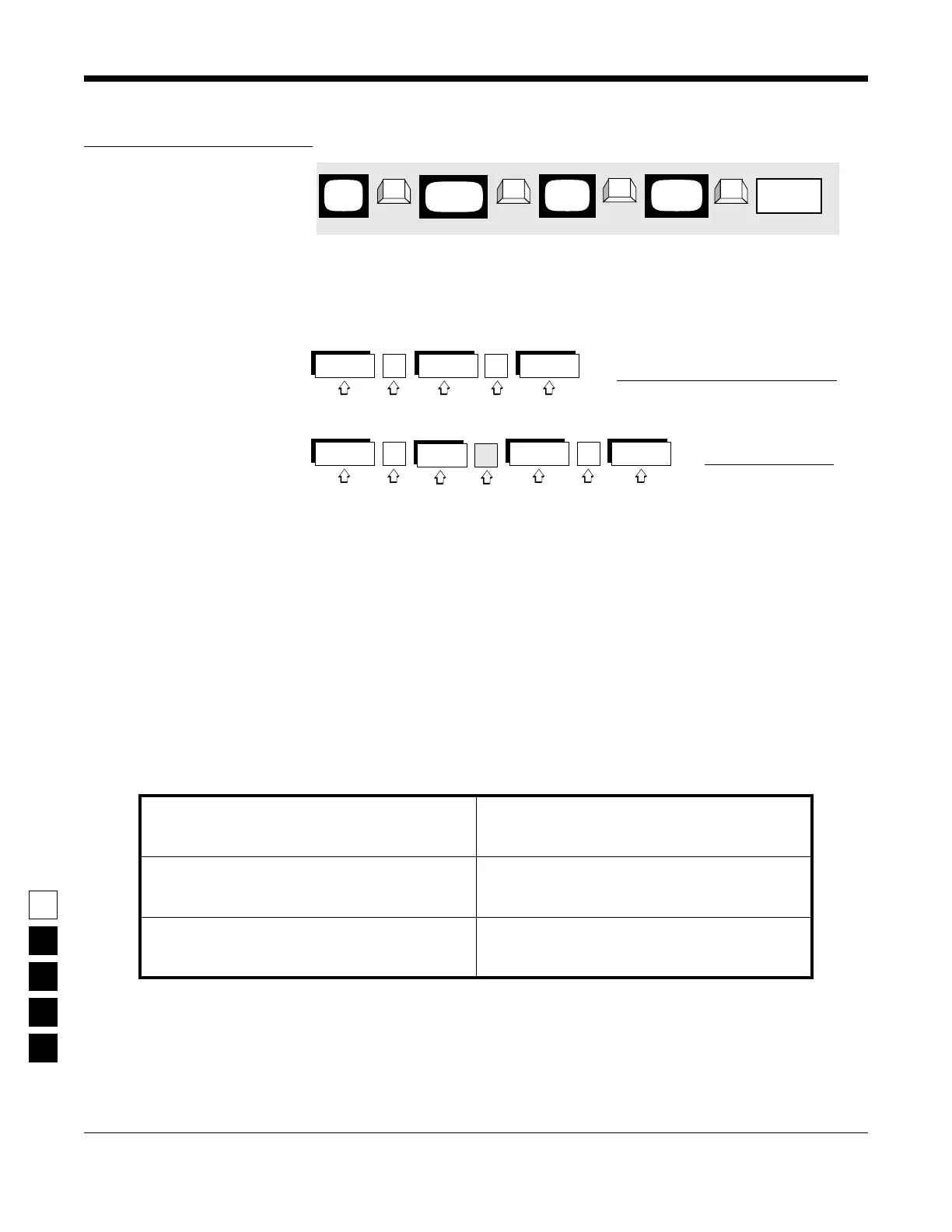
PROGRAMMING PROCEDURE
1.
Press
F4
at the
MAIN MENU
to get to the
CHANGE/VIEW CODEPLUG MENU
.
4.
At the RADIO-WIDE SCAN OPTIONS screen,
press Tab (or Enter or Return) until the Priority
Sampling Rate field is highlighted.
2. At the CHANGE/VIEW CODEPLUG MENU,
press F2 to get to the RADIO WIDE CONFIGU-
RATION screen.
5. Use the ↑ ↓ arrow keys to select or directly
type in the desired Priority Sampling Rate.
3. At the RADIO WIDE CONFIGURATION screen
press F7 to get to the RADIO-WIDE SCAN
OPTIONS screen.
MAIN
MENU
RADIO
screen
WIDE
Priority
➠
F4
➠
F2
➠
Tab
CHANGE/
VIEW
➠
F7
SCAN
screen
OPTIONS
Sampling
Rate field
NPRI n
hole
Voice
Sample
PRI 1
Voice
Sample
PRI 1
Voice
Single Priority “Lookback” Sequence
NPRI n
Voice
Sample
PRI 2
“Lookback” Sequence
NPRI n
hole
NPRI n
hole
NPRI n
hole
Voice
Sample
PRI 1
NPRI n
hole
Voice
Sample
PRI 1
NPRI n
Voice
Dual Priority



 To Next Page