October, 1996 6880902Z36-B
3-5
GM300 Radio Service Software Manual Tutorials
Programming Basic Radios
3
3.2.4.2
Program The Radio-Wide Features First
After the radio's codeplug data is read, the RSS allows you to access the CHANGE/VIEW menu. From
here you can program the features you want on every channel, and the ones you want common to all
channels. First you'll program the common (radio-wide) ones.
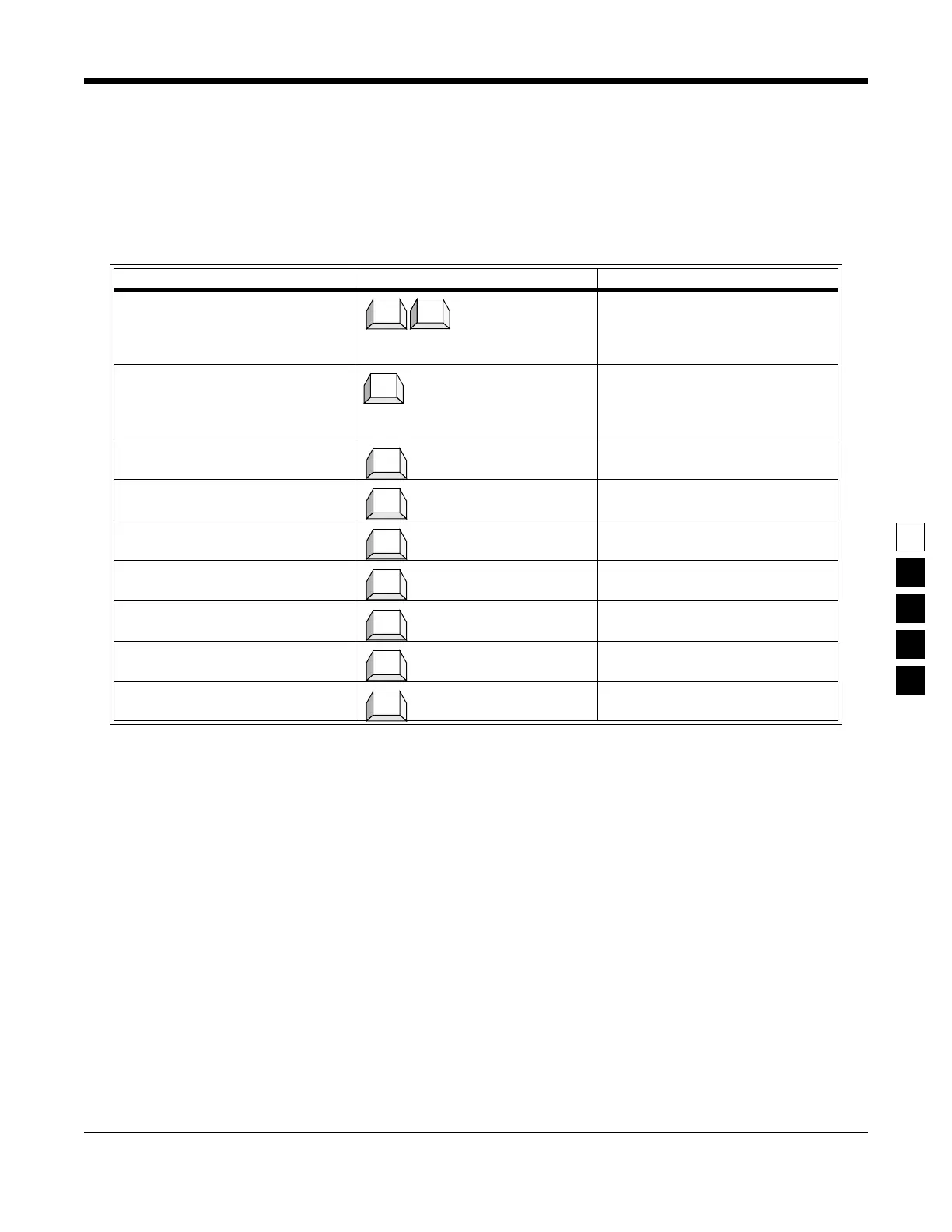
Table 3-4. Steps to Program Radio-Wide Features
Instruction What to type What it does or means
1. Go to CHANGE/VIEW menu (Press
Esc
to back up to MAIN
MENU.
)
Press
F4
at the MAIN
MENU to see the CHANGE/VIEW
Menu.
2. Go to RADIO-WIDE screen At the CHANGE/VIEW menu,
press
F2
to see the RADIO-WIDE
screen. The TOT Rekey Time field
should be highlighted.
3. Select choice
4. Go to TOT Rekey Time Pressing
Tab
advances the prompt
to the next field
5. Select choise
6. Go to Forced Monitor field Pressing
Tab
advances the prompt
to the next field.
7. Select choice
8. Go to Handset field Pressing
Tab
advances the prompt
to the next field.
9. Select choice
Esc
F4
F2
↓
Tab
↓
Tab
↓
Tab
↓



 To Next Page