October, 1996 6880902Z36-B 2-33
GM300 Radio Service Software Manual Getting Started
Changing A Field Value
2
2.8.5 The Relationship Between Screens
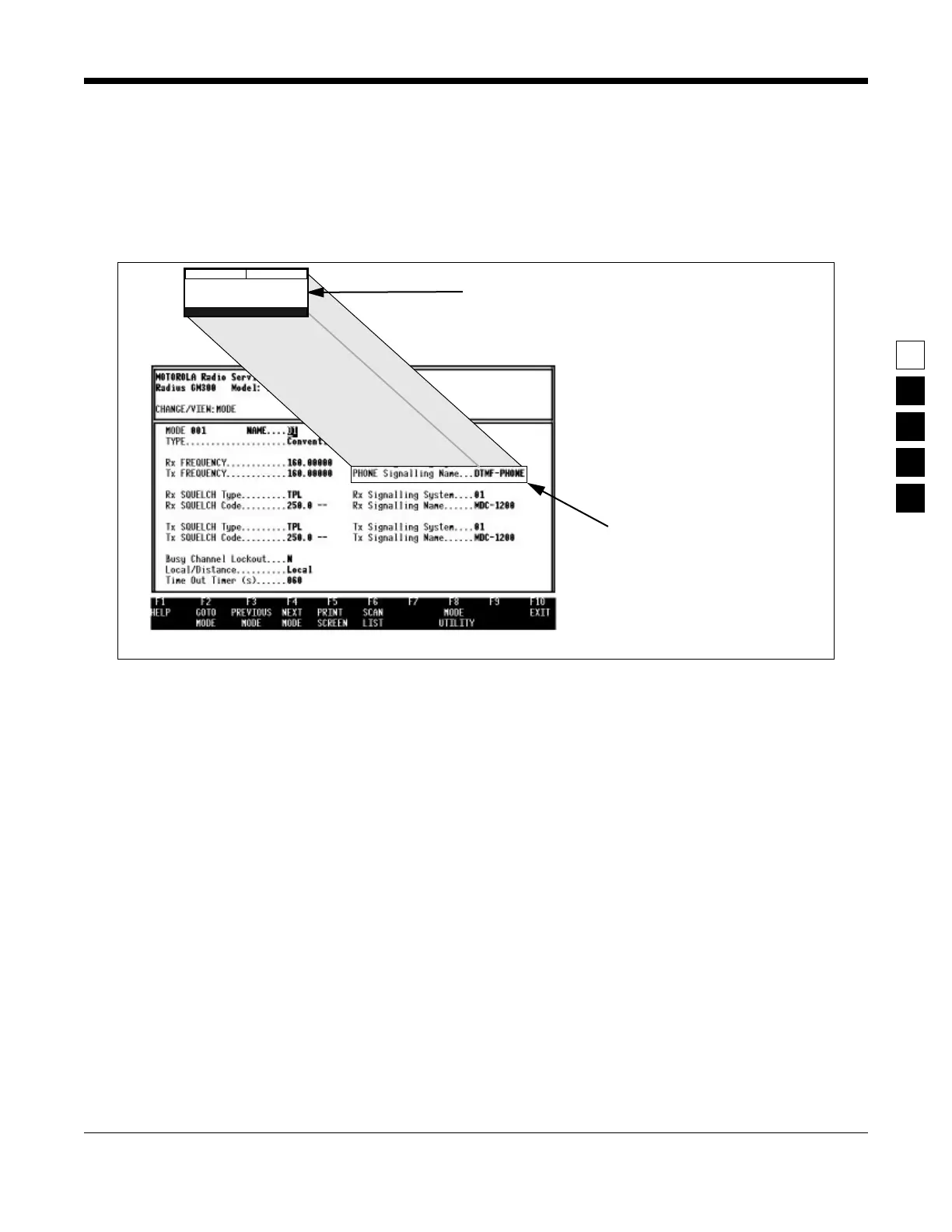
Some screens contain fields that require or take values from other screens and features, and thus are
dependent upon each other. For example, the signalling system values specified on the CHANGE/
VIEW:SIGNAL screen are “assigned” at the CHANGE/VIEW:MODE screen's PHONE Signalling Name
field (Figure 2-11).
Figure 2-11. Relationship Between Screens
2.9 Changing A Field Value
Screen fields come in three basic types:
❏ Information fields - non-editable fields which cannot be altered or changed.
❏ Scrollable fields - to edit or change a choice, press the arrow key(s).
❏ Direct-entry fields - to edit or change a choice, type in an acceptable value.
Changing a field's value is typically done by either scrolling through a list of options for scrollable fields
or by typing in a correct value for direct-entry fields as shown in Figure 2-12 on page 2-34. Scrolling is
done with the arrow keys.
The Reference sections in this manual, detail each feature, its default value, and its programmable
choices.
The options you set on this screen...
Will be put in this
field on this screen
(CHANGE/VIEW:-
MODE screen)
CHANGE/VIEW:
SIGNAL SYS



 To Next Page