Tutorials GM300 Radio Service Software Manual
3-14 6880902Z36-B October, 1996
Cloning Radios
3
3.3.5 Clone Remaining Radios
3.3.5.1
Exit RSS
To exit RSS, follow the steps in Table 3-9 on page 3-11.
In a matter of minutes three more radios were programmed identically to the first one. Additional fea-
tures can be added by following the programming procedures in the corresponding reference pages in
the Reference sections that follow.
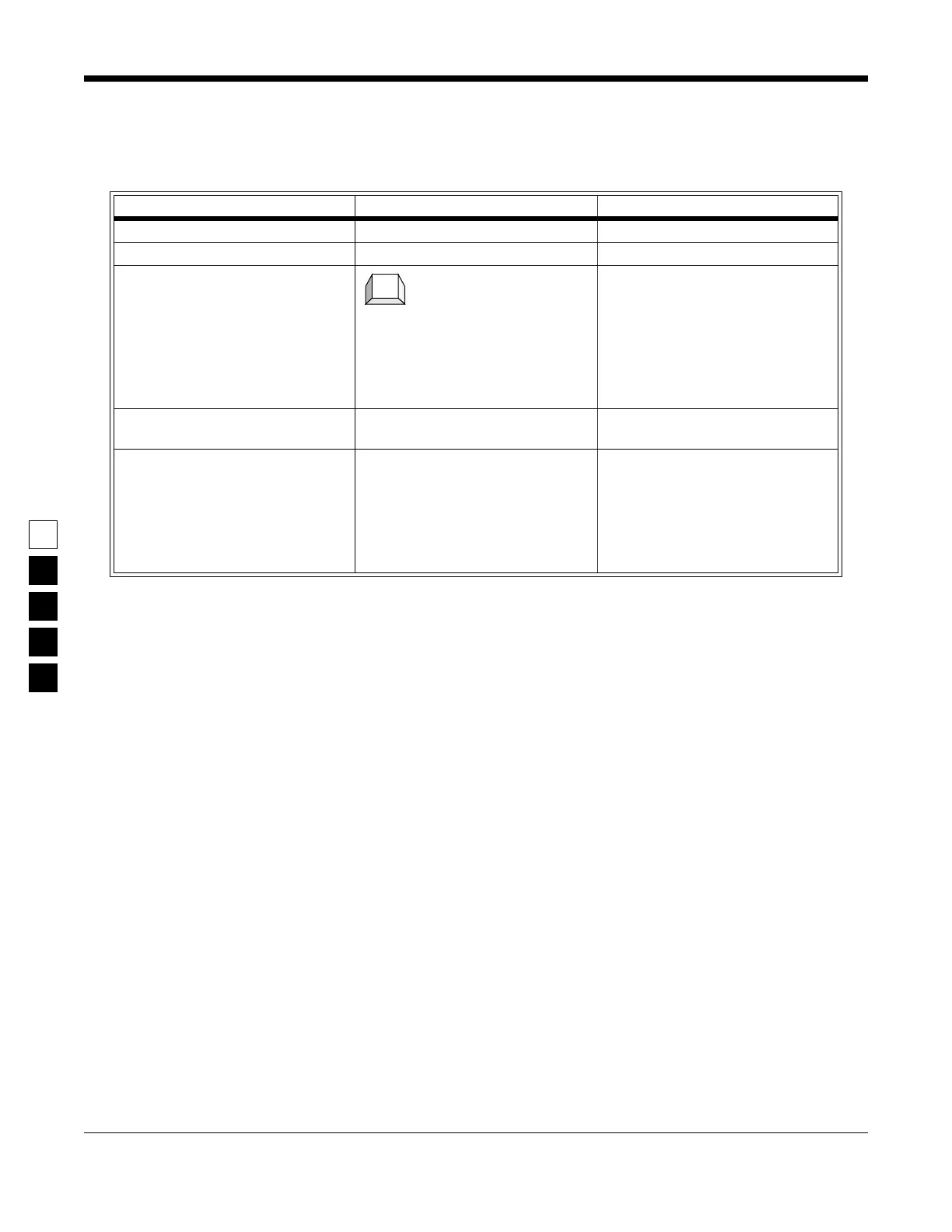
Table 3-11. Cloning Additional Radios
Instruction What to type What it does or means
1. Do Steps 1-5 in Table 3-10. Do steps 1-5 in Table 3-10.
2. Connect next target radio Connect cable from RIB to the radio.
3. Clone the radio Press F5 at the GET/SAVE menu to
clone the radio. This saves (reads)
the source file into the current radio.
The cloning process will check for
compatibility of the two radios
automatically. You will receive an
error message if cloning cannot be
performed.
4. Disconnect radio When Step 3 is finished, disconnect
the radio.
5. Clone remaining radios Repeat Steps 2-4 for the last two
radios. If for any reason the radios
cannot be cloned, an error message
will appear. Check all connections
or refer to Appendix A (Error Code
Explanations) and B (Troubleshoot-
ing Problems).
F5



 To Next Page