Basic Features GM300 Radio Service Software Manual
4-8 6880902Z36-B October, 1996
GM300 Features
4
Rx Frequency
RSS LOCATION
DEFINITION A designated frequency in MHz for receiving messages and signals.
DEFAULT/CHOICES See Motorola catalog, price sheets or your service manual for valid Rx frequen-
cies.
A radio will receive on this frequency when the radio display shows the corre-
sponding “mode name”. Frequencies must be within the advertised band and
divisible by 5 kHz or 6.25 kHz (12.5 kHz or 25 kHz for 800 MHz/900 MHz bands).
These frequencies may have poor receive performance due to self-quieting:
We do not recommend using these frequencies due to possible self-quieting. Con-
tact Product Services for other frequencies.
RECOMMENDATIONS If the mode will be receive only, type BLANK for the Tx Frequency.
A “talk-around” frequency is entered by making the Tx frequency equal to the Rx
frequency.
WARNINGS Cannot have a null or blank frequency. If you need blank Rx channels, then delete
the mode or use mode naming.
SEE ALSO Tx Frequency, Rx Squelch Code and Rx Squelch Type
PROGRAMMING PROCEDURE
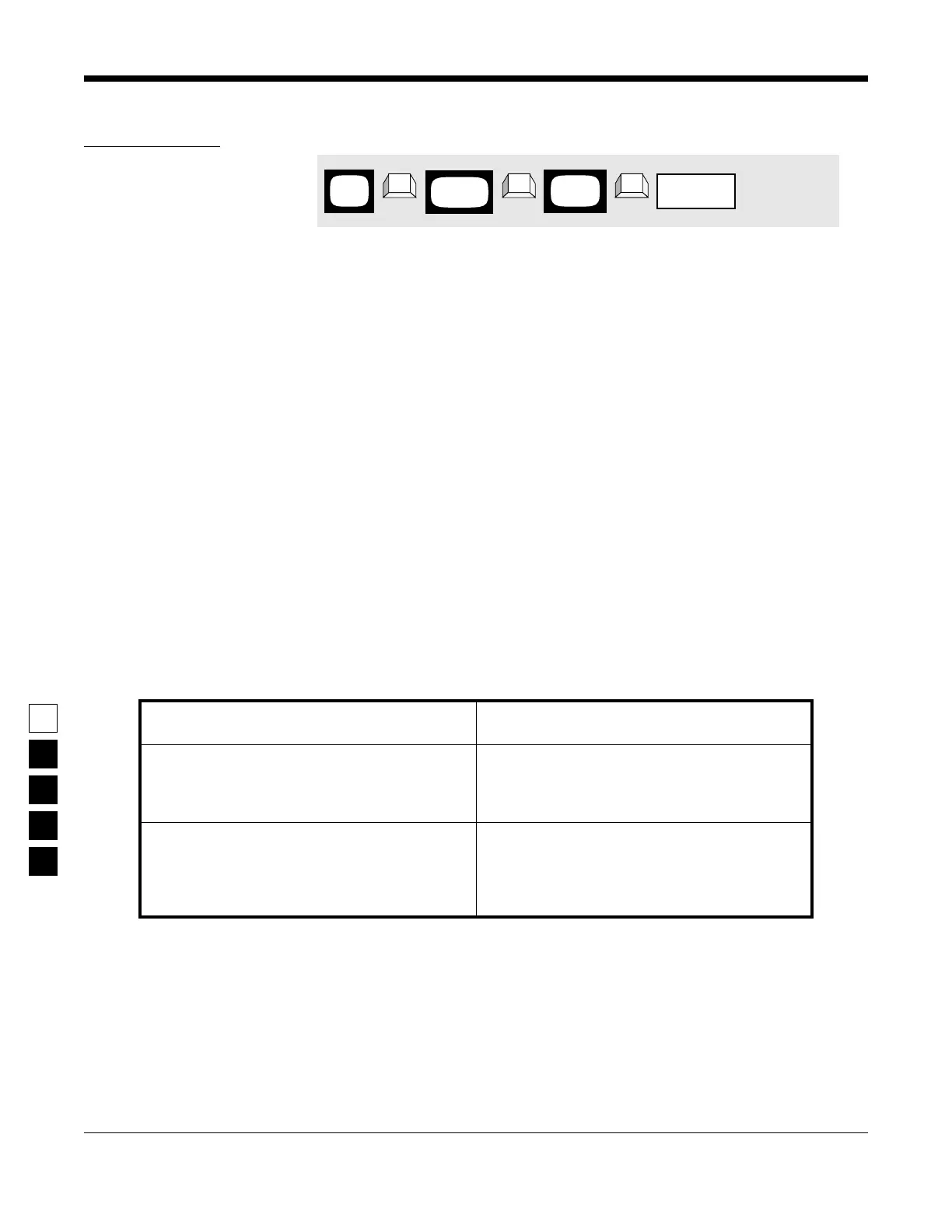
1. Press F4 at the MAIN MENU to get to the
CHANGE/VIEW CODEPLUG MENU.
4. Press Tab (or Enter or Return) until the Rx
Frequency field is highlighted.
2. At the CHANGE/VIEW CODEPLUG MENU,
press F5 to get to the MODE CONFIGURATION
screen.
5. Type in the desired Rx Frequency in MHz. Be
sure to type in the decimal point too. (You
could scroll through the list too using an arrow
key.)
3. At the MODE CONFIGURATION screen, select
the mode number for which you want to pro-
gram contains the Rx Frequency by pressing
either the F3 or F4 keys until the desired mode
# is displayed in the Name field.
6. To change the Rx Frequency on other modes,
repeat steps 3-5.
MAIN
MENU
MODE
screen
CONFIG
field
Rx Frequency
➠
F4
➠
F5
➠
Tab
CHANGE/
VIEW



 To Next Page