October, 1996 6880902Z36-B 4-7
GM300 Radio Service Software Manual Basic Features
GM300 Features
4
Mode Name
RSS LOCATION
DEFINITION The number to be displayed on the front of the radio for this mode.
DEFAULT/CHOICES Default: The current channel number.
Choices: 1 through 99
The number you type here will be the number displayed on the front of the radio.
For example, the radio could have three modes, named 1, 5 and 98.
RECOMMENDATIONS Use when your customer needs the channels in a specific sequence for compatibil-
ity with existing radios. It can also be used when a customer wants to “ship”
channel positions.
PROGRAMMING PROCEDURE
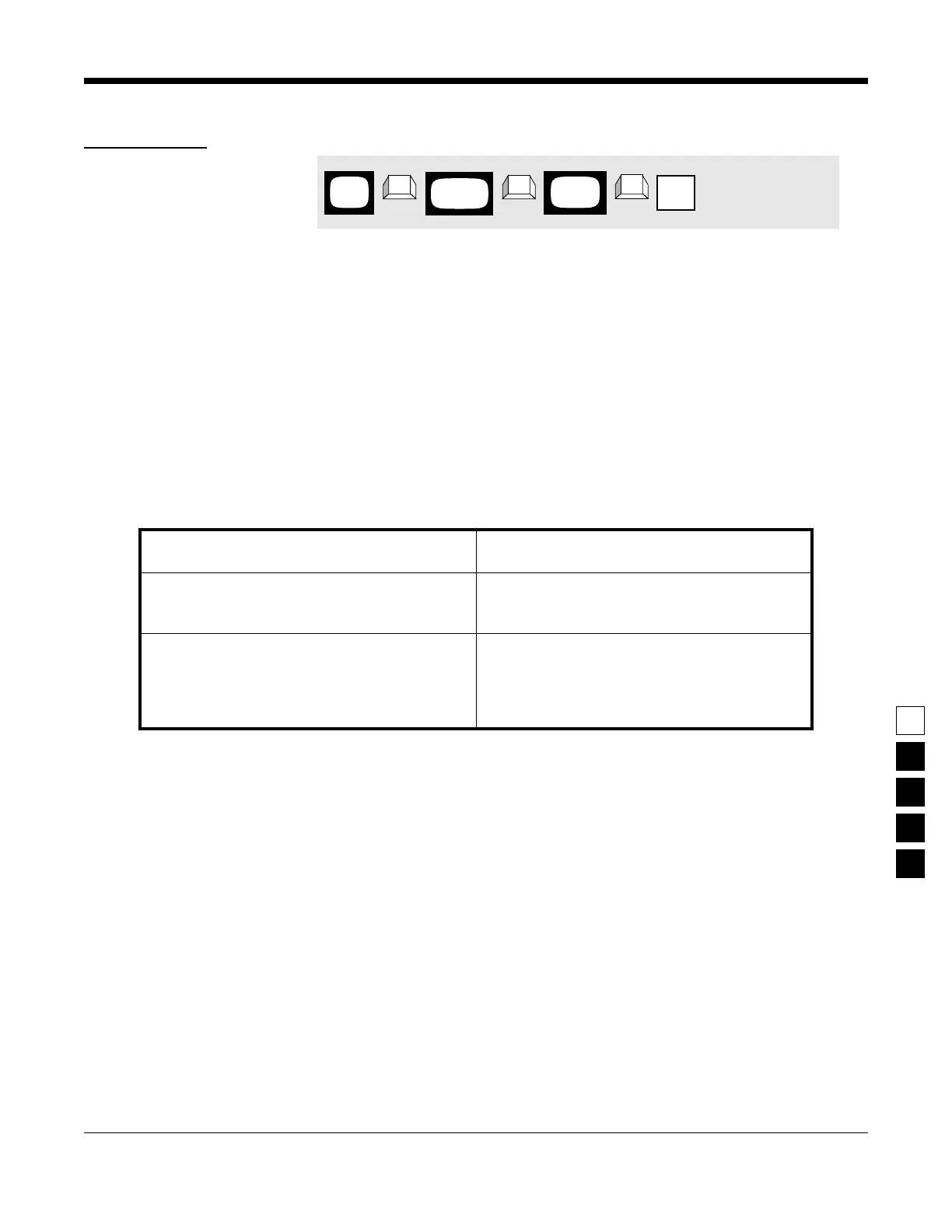
1. Press F4 at the MAIN MENU to get to the
CHANGE/VIEW CODEPLUG MENU.
4. Press Tab (or Enter or Return) until the mode
Name field is highlighted.
2. At the CHANGE/VIEW CODEPLUG MENU,
press F5 to get to the MODE CONFIGURATION
screen.
5. Use the ↑ ↓ arrow keys to select the desired
Name.
3. At the MODE CONFIGURATION screen, select
the mode number that want you to change by
pressing either the F3 or F4 keys until the
desired mode number is displayed in the Name
field.
MAIN
MENU
MODE
screen
CONFIG
field
Name
➠
F4
➠
F5
➠
Ta b
CHANGE/
VIEW



 To Next Page