October, 1996 6880902Z36-B 5-9
GM300 Radio Service Software Manual Scanning Features
Scan Features
5
Scan T
alkback
RSS LOCATION
DEFINITION Determines which channel the radio will revert to when either the microphone is
taken off hook or transmits while the scanner has stopped (hanging) on activity.
DEFAULT/CHOICES Default: N
Choices: ■ Y ■ N
Y If Scan Talkback is enabled (Y), the radio will remain on the currently
active channel when transmitting and/or mic is taken off hook.
N If disabled (N), then the radio will revert to the home channel.
DEPENDENCIES Applies to all scan lists (user and mode-slaved).
EXCEPTIONS Does not affect radio operation when scanning with no activity present (scan bars
on the display). In such circumstances the radio always reverts to the home chan-
nel.
RECOMMENDATIONS Enable talkback for most customers; disable when most channels are being
scanned for receive-only purposes. Some public safety users prefer to disable Scan
Talkback.
SEE ALSO Scan Hang Time.
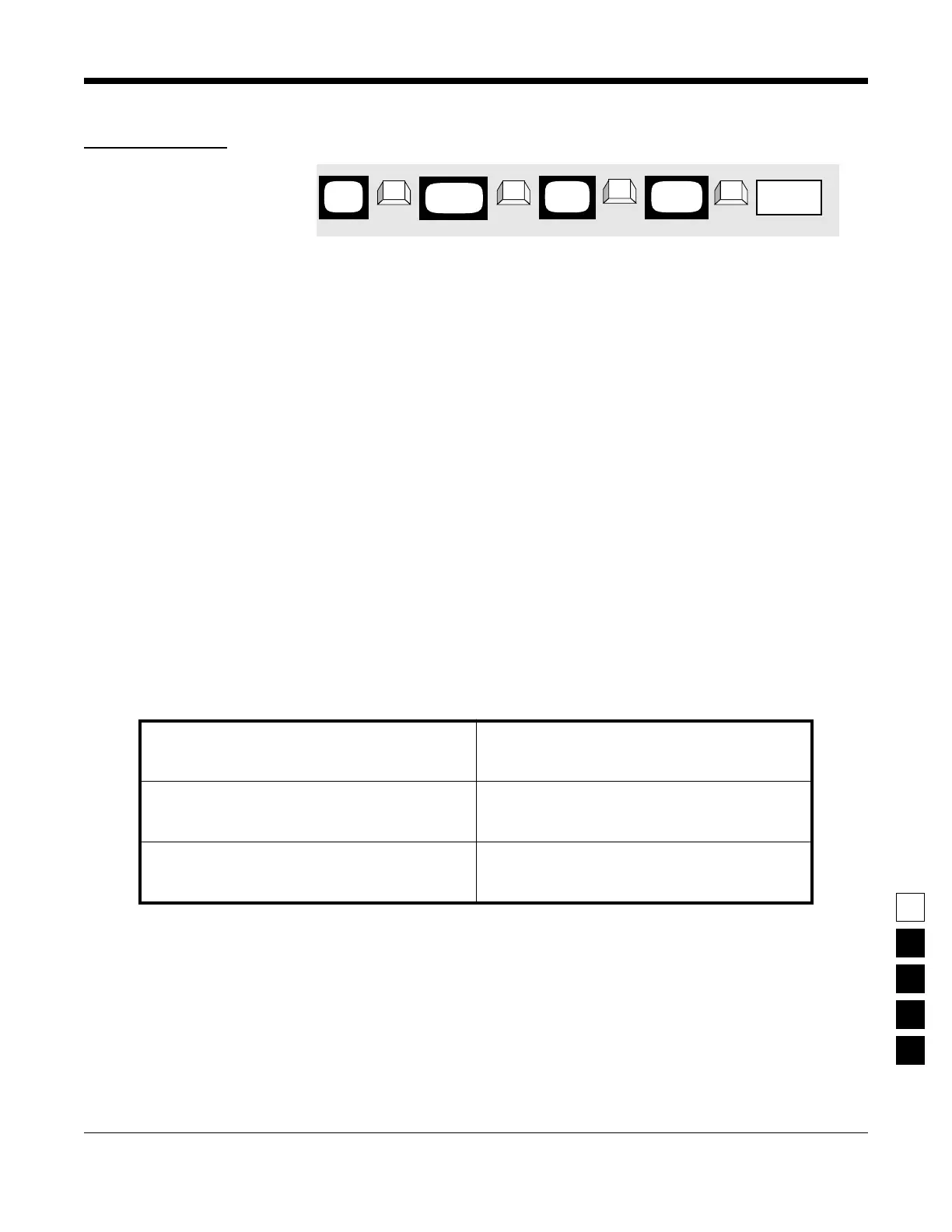
PROGRAMMING PROCEDURE
1. Press F4 at the MAIN MENU to get to the
CHANGE/VIEW CODEPLUG MENU.
4. At the RADIO-WIDE SCAN OPTIONS screen,
press Tab (or Enter or Return) until the Scan
Talkback field is highlighted.
2. At the CHANGE/VIEW CODEPLUG MENU,
press F2 to get to the RADIO WIDE CONFIGU-
RATION screen.
5. Use the ↑ ↓ arrow keys to select the desired
Scan Talkback option.
3. At the RADIO WIDE CONFIGURATION screen,
press F7 to get to the RADIO-WIDE SCAN
OPTIONS screen.
MAIN
MENU
RADIO
screen
WIDE
Scan
➠
F4
➠
F2
➠
Tab
CHANGE/
VIEW
➠
F7
SCAN
screen
OPTIONS
field
Talkback



 To Next Page