Basic Features GM300 Radio Service Software Manual
4-6 6880902Z36-B October, 1996
GM300 Features
4
Local/Distance
RSS LOCATION
DEFINITION A feature that affects radio sensitivity and interference rejection.
DEFAULT/CHOICES Default: Local
Choices: ■ Dx ■ Local
Local Use Local in areas of dense radio usage (suburbs and major cities).
Local improves IM performance dramatically, but loses some sensitiv-
ity.
Dx Use Dx (distance) when in an area where radio is decoding weak sig-
nals (rural area).
RECOMMENDATIONS Use Local when in an area where there is a lot of interference (in the city). When
frequently traveling between local and distant areas, use two channels with the
same frequencies, only program one as Local and one as Dx. This way you can
simply switch from the local channel to the distance channel as you travel from
the city to a more rural area. Most control stations should be Local.
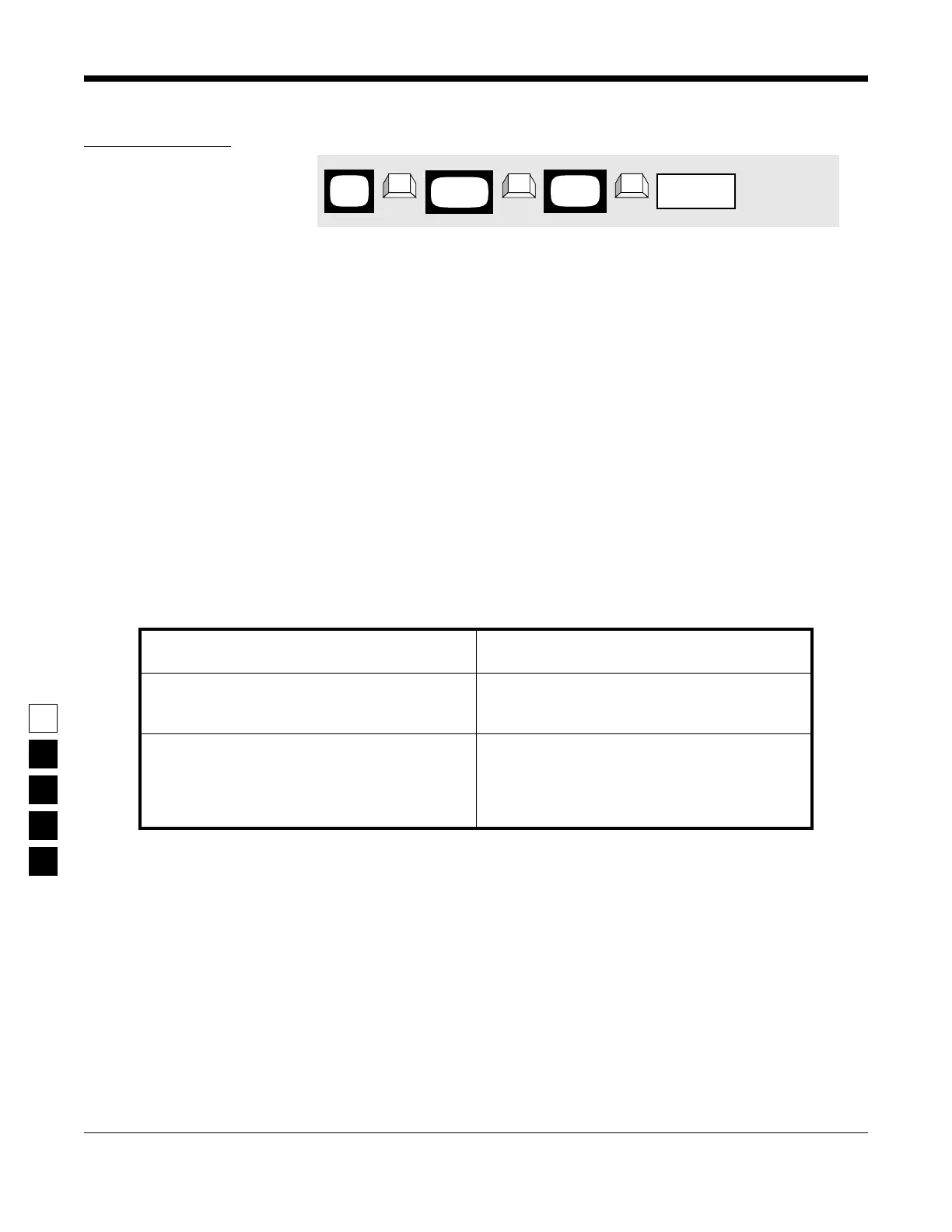
PROGRAMMING PROCEDURE
1. Press F4 at the MAIN MENU to get to the
CHANGE/VIEW CODEPLUG MENU.
4. Press Tab (or Enter or Return) until the Local/
Distance field is highlighted.
2. At the CHANGE/VIEW CODEPLUG MENU,
press F5 to get to the MODE CONFIGURATION
screen.
5. Use the ↑ ↓ arrow keys to select the desired
Local/Distance value.
3. At the MODE CONFIGURATION screen, select
the mode number for which you want to
change the Local/Distance value by pressing
either the F3 or F4 keys until the desired mode
number is displayed in the Name field.
6. To change the Local/Distance value on other
modes, repeat steps 3-5.
MAIN
MENU
MODE
screen
CONFIG
field
Local/Distance
➠
F4
➠
F5
➠
Tab
CHANGE/
VIEW



 To Next Page