Getting Started GM300 Radio Service Software Manual
2-38 6880902Z36-B October, 1996
Exit RSS
2
2.10.3 Setting Default Menu and Screen Colors
2.11 Exit RSS
If you want to program a radio or do a tutorial, don't exit yet. Instead, proceed to Section 3 - Tutorials sec-
tion. Whenever exiting RSS, always ask yourself these questions:
❏ Did you apply the changes to the radio (save to the radio)?
❏ Did you apply the changes to a computer file (save archive file)?
❏ Did you save the changes to a backup computer file (save backup file)?
If you do want to exit, use the Esc key to return to the MAIN MENU, then press F10 twice to exit to the
DOS prompt.
The tutorials that follow in Section 3 - Tutorials will give you a working knowledge of RSS and the ability
to proceed with more advanced feature programming.
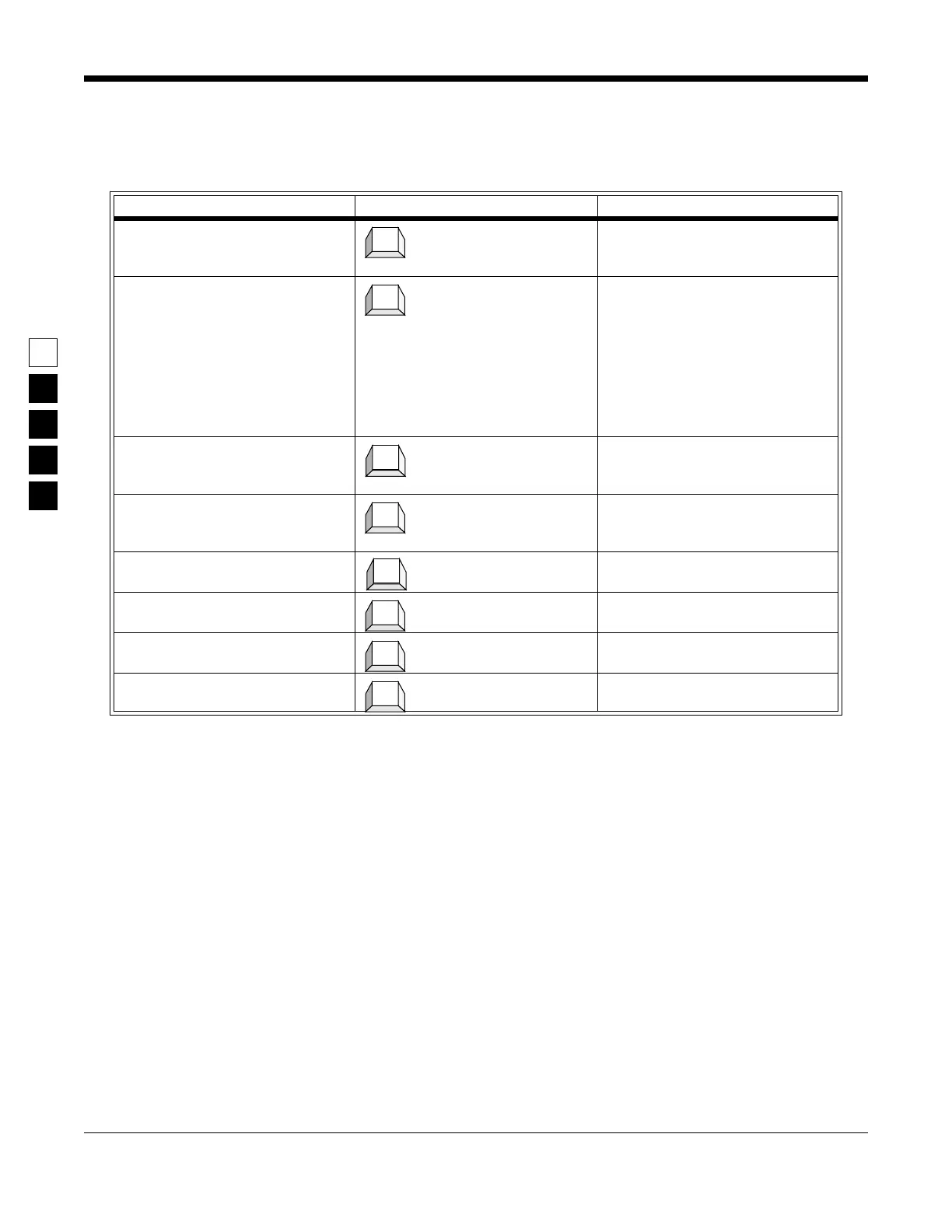
Table 2-18. Selecting the Color of Menus and Screens
Instruction What to type Explanation
1. Go to COLOR CONFIGURA-
TION
Press F7 at the SETUP COMPUTER
CONFIGURATION MENU to get to
COLOR CONFIGURATION.
2. Specify monitor type At COLOR CONFIGURATION,
press an arrow key to scroll through
the available monitor type field
options. The only options for this
field are
Color and Mono. If you
have a monochrome or LCD moni-
tor, select
Mono and go to Step 7. If
you have a color monitor, select
Color and go to Step 3.
3. If Color, go to next field After selecting
Color, press the Ta b
or Enter key to advance to the next
field, called Text.
4. Select color for this field Use the up or down arrow keys to
scroll through the available field
options. Pick a color.
5. Move to next field Press Tab (or Enter or Return) to go
to the next field
6. Select colors for all fields Repeat steps 4 and 5 for each of the
remaining fields
7. Save this configuration F8 saves the field options displayed
on the screen.
8. Exit screen when done Press F10 to exit this screen and go
to previous menu.
F7
↓
Tab
↓
Tab
↓
F8
F10



 To Next Page