October, 1996 6880902Z36-B
4-5
GM300 Radio Service Software Manual Basic Features
GM300 Features
4
Handset
RSS LOCATION
DEFINITION
Selects how receive audio is routed for handset. Mutes loudspeaker when handset
is removed from hang-up cup, enables loudspeaker when handset is hung up.
DEFAULT/CHOICES Default: N
Choices:
■
Y
■
N
RECOMMENDATIONS
Use when the handset is connected to the radio.
WARNINGS
If this feature is enabled, and a handheld microphone is used, you will not hear
the audio speaker when microphone is off-hook.
PROGRAMMING PROCEDURE
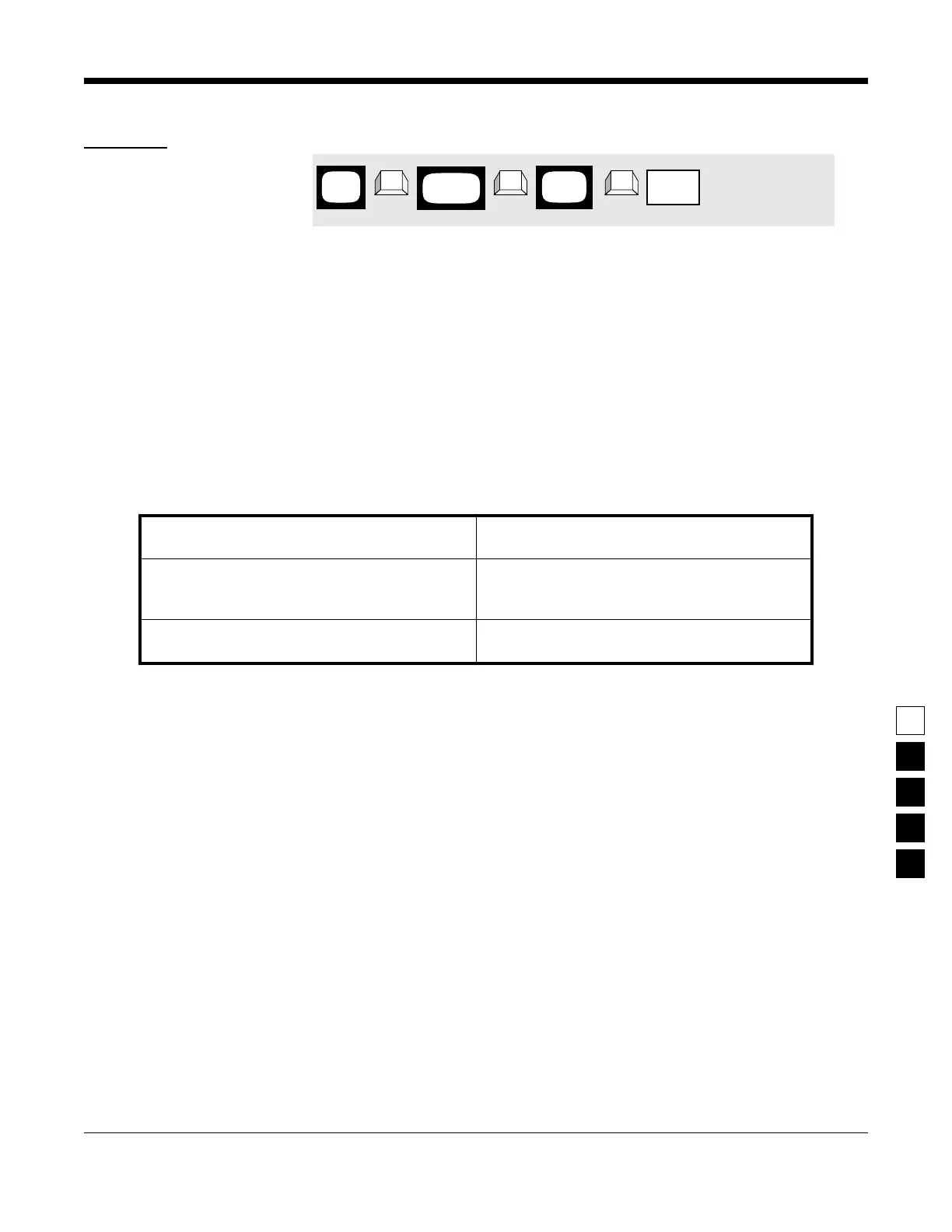
1.
Press
F4
at the
MAIN MENU
to get to the
CHANGE/VIEW CODEPLUG MENU
.
4.
Use the
↑ ↓
arrow keys to select the desired
Handset
value.
2.
At the CHANGE/VIEW CODEPLUG MENU,
press F2 to get to the RADIO WIDE CONFIGU-
RATION screen.
3. Press Tab (or Enter or Return) until the Hand-
set field is highlighted.
MAIN
MENU
RADIO
screen
WIDE
field
Handset
➠
F4
➠
F2
➠
Tab
CHANGE/
VIEW



 To Next Page