Scanning Features GM300 Radio Service Software Manual
5-8 6880902Z36-B October, 1996
Scan Features
5
Scan Speed
RSS LOCATION
DEFINITION Determines how long each channel is checked for carrier and PL. Allows adjust-
ment for radio hardware improvements and customer preference.
DEFAULT/CHOICES Default: Normal
Choices: ■ Fast ■ Normal ■ Slow
Normal Most customers will use Normal.
Fast Fast risks a loss of carrier detect, degrading the range. Fast is most
applicable when Rx frequencies are less than 5 MHz. Fast should only
be used where strong signal conditions exist.
Slow Slow is the most reliable and does not affect sensitivity.
SEE ALSO Appendix E - Timing Diagrams.
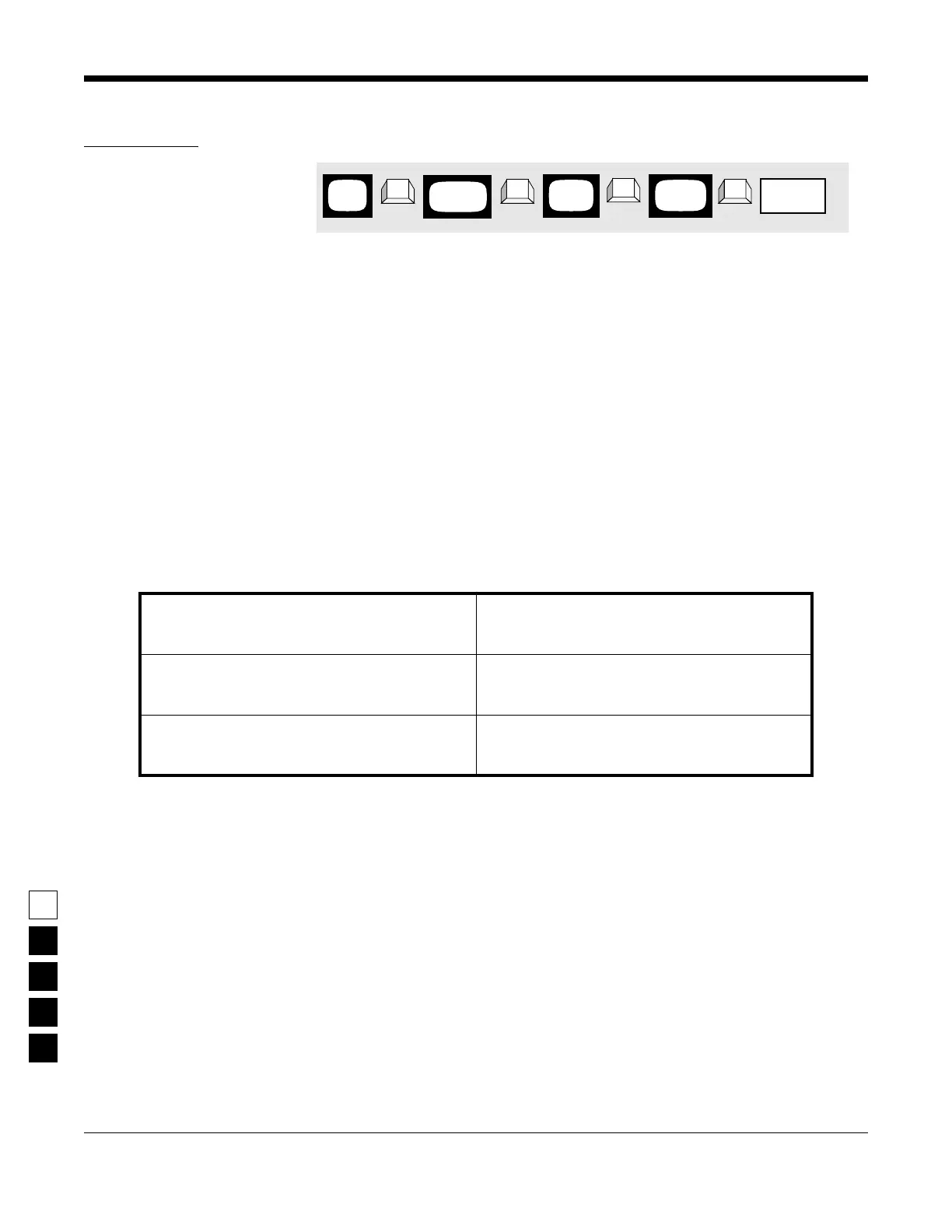
PROGRAMMING PROCEDURE
1. Press F4 at the MAIN MENU to get to the
CHANGE/VIEW CODEPLUG MENU.
4. At the RADIO-WIDE SCAN OPTIONS screen
press Tab (or Enter or Return) until the Scan
Speed field is highlighted.
2. At the CHANGE/VIEW CODEPLUG MENU,
press F2 to get to the RADIO WIDE CONFIGU-
RATION screen.
5. Use the ↑ ↓ arrow keys to select the desired
Scan Speed.
3. At the RADIO WIDE CONFIGURATION screen,
press F7 to get to the RADIO-WIDE SCAN
OPTIONS screen.
MAIN
MENU
RADIO
screen
WIDE
Scan Speed
➠
F4
➠
F2
➠
Tab
CHANGE/
VIEW
➠
F7
SCAN
screen
OPTIONS
field



 To Next Page