Basic Features GM300 Radio Service Software Manual
4-10 6880902Z36-B October, 1996
GM300 Features
4
Rx Squelch T
ype
RSS LOCATION
DEFINITION Determines what form of continuous subaudible code (along with carrier) is
needed to open receive audio.
DEFAULT/CHOICES Default: CSQ
Choices: ■ CSQ ■ TPL ■ DPL ■ INV.DPL
CSQ Carrier Squelch. For receiver to unmute for all carriers.
TPL Tone Private Line, CTCSS. If you want the receiver to unmute only
specific carriers with specific codes, use TPL or DPL. For TPL you can
type either the frequency in MHz or a 2-digit tone code (see Appen-
dix C).
DPL Digital Private Line, Digital CTCSSS. If you want the receiver to
unmute only specific carriers with specific codes, use TPL or DPL.
For DPL, enter a 3-digit tone code (see Appendix C).
INV.DPL Inverted DPL is only needed if a customer's system has an audio path
“flipped”.
DEPENDENCIES Rx Squelch Type
RECOMMENDATIONS Use when you want to have multiple groups using the same frequency or when
you want more privacy.
WARNINGS Do not use Inverted DPL (INV.DPL) for new systems! Inverted DPL is needed
only for special applications, such as a “flipped” audio path or a multi-hop
repeater.
SEE ALSO Rx Squelch Code
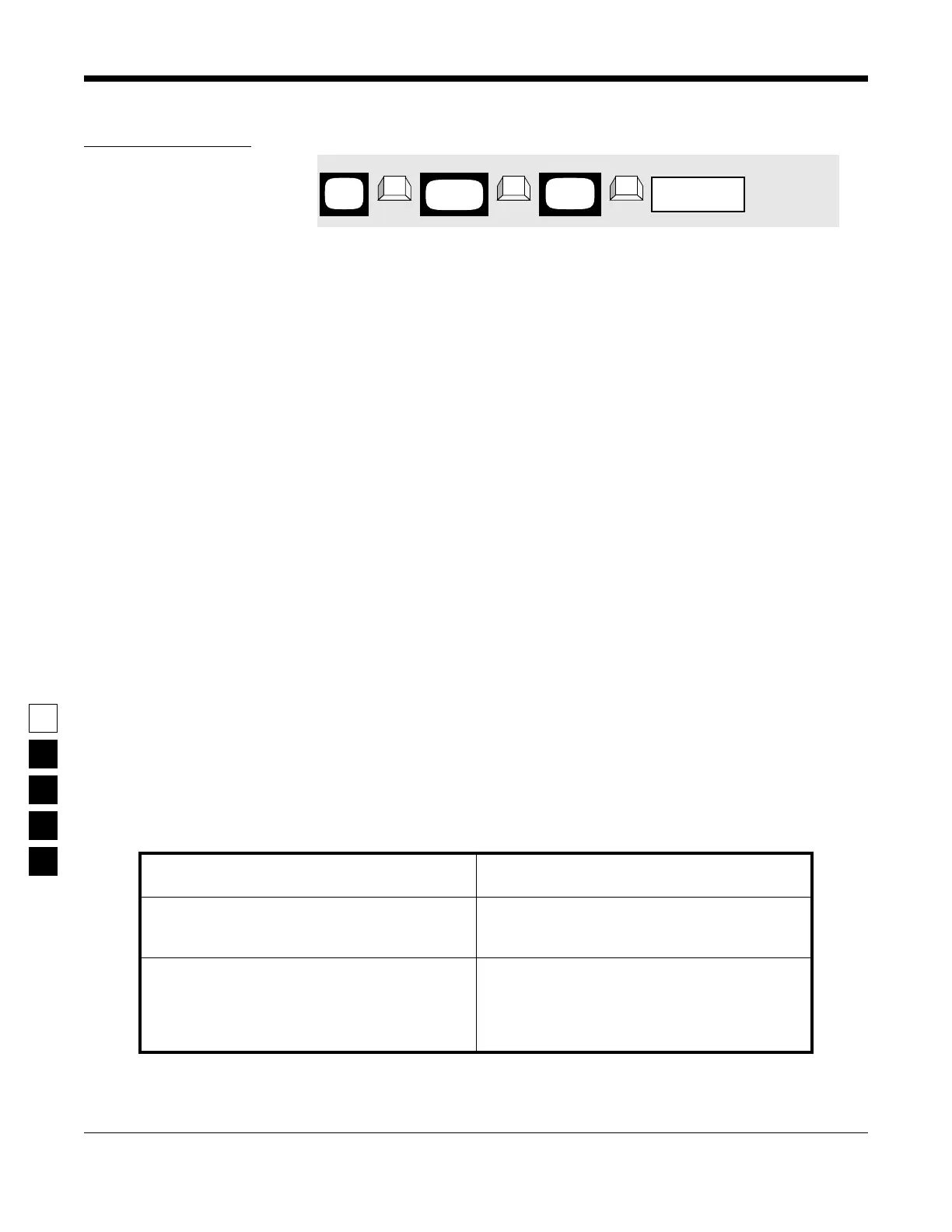
PROGRAMMING PROCEDURE
1. Press F4 at the MAIN MENU to get to the
CHANGE/VIEW CODEPLUG MENU.
4. Press Tab (or Enter or Return) until the Rx
Squelch Type field is highlighted.
2. At the CHANGE/VIEW CODEPLUG MENU,
press F5 to get to the MODE CONFIGURATION
screen.
5. Use the ↑ ↓ arrow keys to select the desired
Rx Squelch Type.
3. At the MODE CONFIGURATION screen, select
the mode number for which you want to pro-
gram the desired Rx Squelch Type by pressing
either the F3 or F4 keys until the desired mode
# is displayed in the Name field.
6. To change the Rx Squelch Type on other
modes, repeat steps 3-5.
MAIN
MENU
MODE
screen
CONFIG
field
Rx Squelch Type
➠
F4
➠
F5
➠
Tab
CHANGE/
VIEW



 To Next Page