Scanning Features GM300 Radio Service Software Manual
5-2
6880902Z36-B October, 1996
Scan Features
5
Priority Channel T
one
RSS LOCATION
DEFINITION
Whenever the radio's scan stops on a priority channel, a short tone can be
sounded. Enabling the tone draws the user's attention to a message of high impor-
tance.
DEFAULT/CHOICES Default: N
Choices:
■
Y
■
N
DEPENDENCIES
Applies to all scan lists (user and mode-slaved).
RECOMMENDATIONS
Enable when customer requests. Not used in conjunction with 8-channel radios.
WARNINGS
Enabling the tone can cause a loss of 100 ms of the priority channel audio.
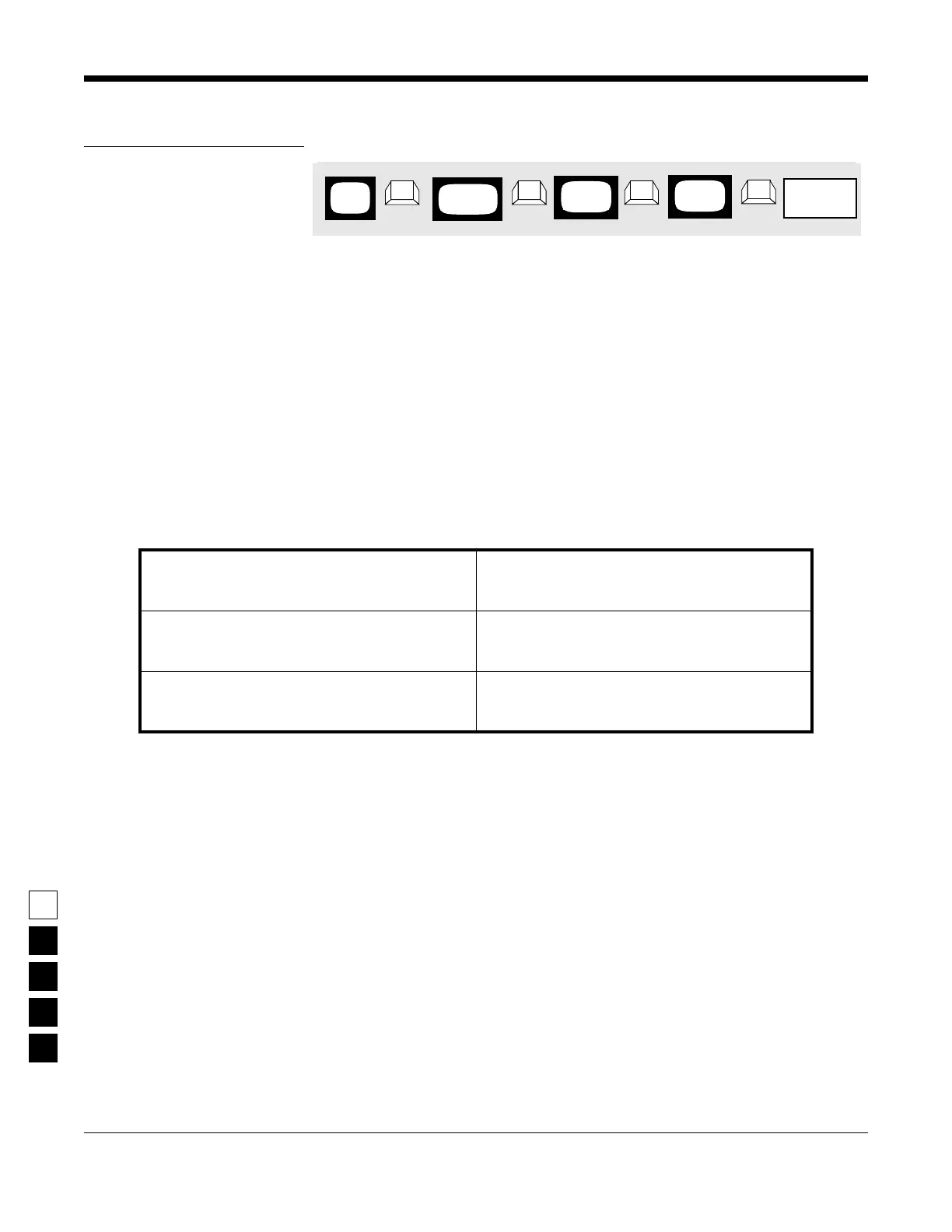
PROGRAMMING PROCEDURE
1.
Press
F4
at the
MAIN MENU
to get to the
CHANGE/VIEW CODEPLUG MENU
.
4.
At the
RADIO-WIDE SCAN OPTIONS
screen,
press
Tab
(or
Enter
or
Return
) until the
Priority
Channel Tone
field is highlighted.
2.
At the
CHANGE/VIEW CODEPLUG MENU
,
press
F2
to get to the
RADIO WIDE CONFIGU-
RATION
screen.
5.
Use the
↑ ↓
arrow keys to select the desired
Priority Channel Tone
option.
3.
At the
RADIO WIDE CONFIGURATION
screen,
press
F7
to get to the
RADIO-WIDE SCAN
OPTIONS
screen.
Not Programmable with the RSS
MAIN
MENU
RADIO
screen
WIDE
➠
F4
➠
F2
➠
F7
CHANGE/
VIEW
SCAN
screen
OPTIONS
➠
TAB
Priority
ChannelTone
Field



 To Next Page