Tutorials GM300 Radio Service Software Manual
3-6
6880902Z36-B October, 1996
Programming Basic Radios
3
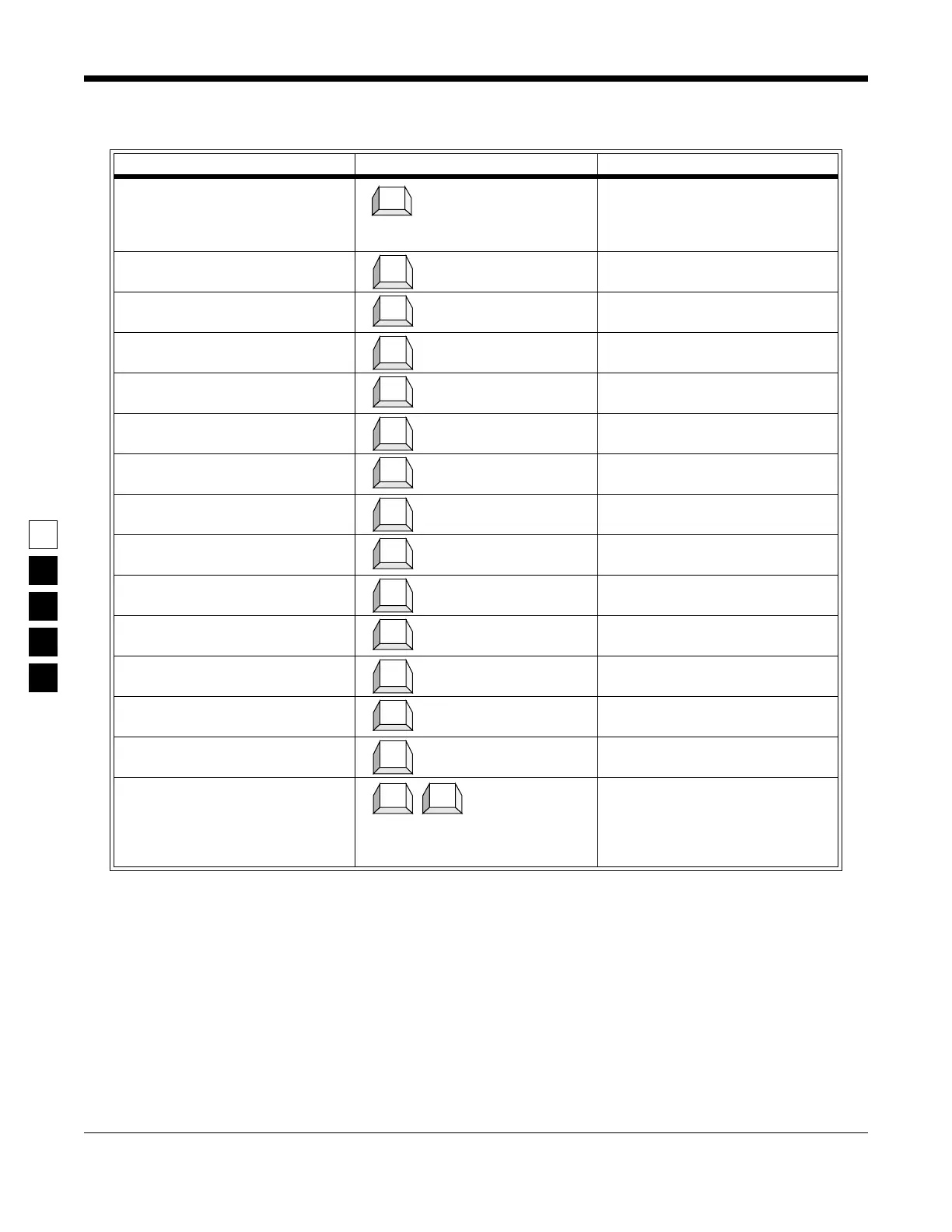
Table 3-5. Steps to Program Radio-Wide Scan Features
Instruction What to Type What it does or means
1. Go to SCAN OPTIONS screen From the RADIO-WIDE screen
press F7 to see the SCAN OPTIONS
screen. Thge PRI Sampling Method
field should be highlighted.
2. Select Choice
3. Go to Scan Speed field Pressing Tab advances the prompt
to the next screen.
4. Select Choice
5. Go to User PRI2 Allowed field Pressing Tab advances the prompt
to the next screen.
6. Select Choice
7. Go to PRI Sampling Rate field Pressing Tab advances the prompt
to the next field.
8. Select Choice
9. Go to PRI Channel Tone field Pressing Tab advances the prompt
to the next field.
10.Select Choice
11.Go to Scan Hang Time field Pressing Tab advances the prompt
to the next field.
12.Select Choice
13.Go to Scan Talk Back field Pressing Tab advances the prompt
to the next field.
14.Select Choice
15.Return to CHANGE/VIEW
menu
From the SCAN OPTIONS screen
press F10 to return to the RADIO-
WIDE screen, then press F10 to
return to the CHANGE/VIEW
menu.
F7
↓
Tab
↓
Tab
↓
Tab
↓
Tab
↓
Tab
↓
Tab
↓
F10 F10



 To Next Page