October, 1996 6880902Z36-B 5-5
GM300 Radio Service Software Manual Scanning Features
Scan Features
5
Priority 2 Mode
RSS LOCATION
DEFINITION A mode-slaved scan list can be either non-priority, single-priority, or dual-prior-
ity. In the case of dual-priority, the second priority is defined once for all mode-
slaved scan lists. The mode number entered will be the only available Priority 2
channel in any mode-slaved scan list
DEFAULT/CHOICES Default: Off
Choices: ■ Any channel in radio or OFF
EXCEPTIONS Not available on 8-channel models..
RECOMMENDATIONS Leave at default unless the application requires a specific second priority channel.
Should a user want a “dynamic” second priority, implement “user-scan” instead.
SEE ALSO User Scan List
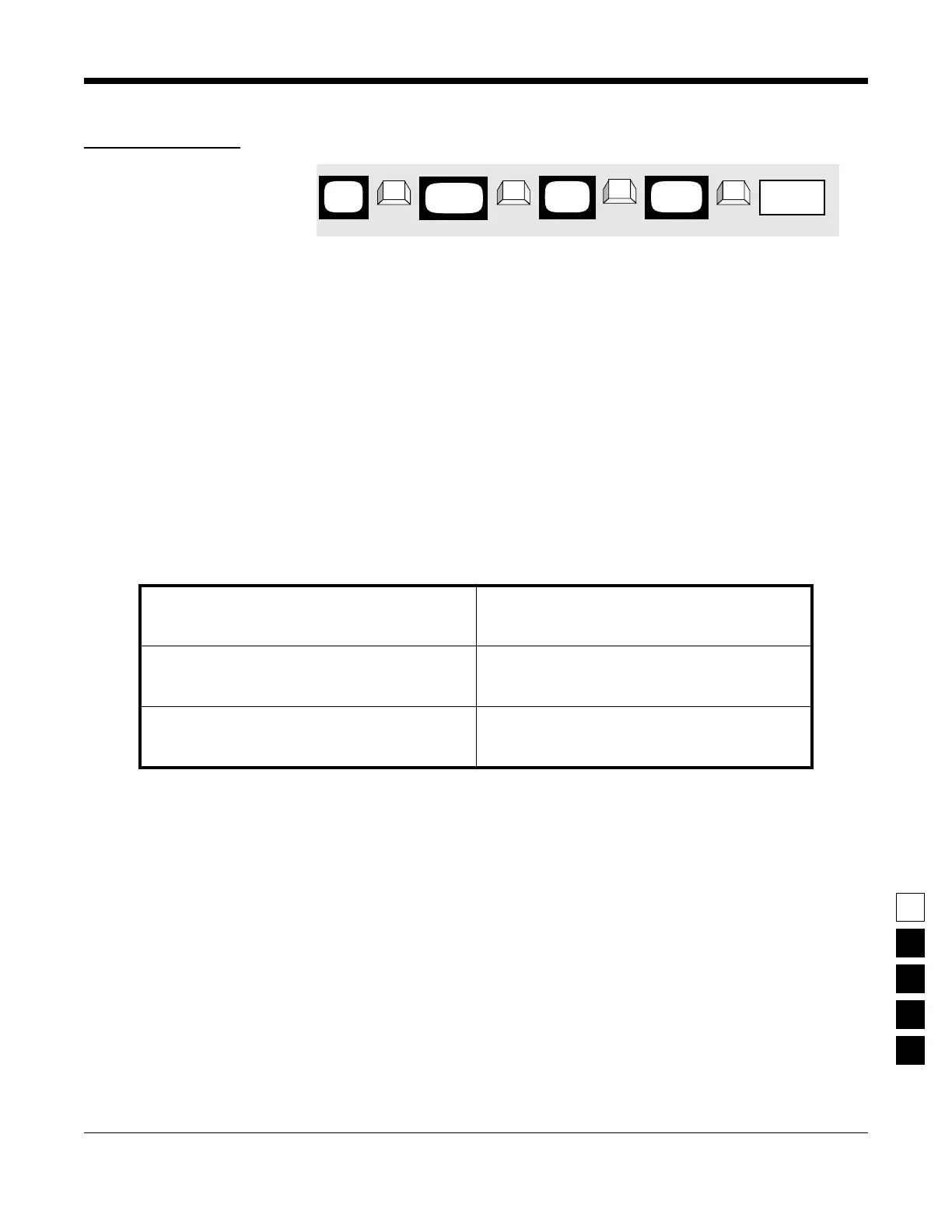
PROGRAMMING PROCEDURE
1. Press F4 at the MAIN MENU to get to the
CHANGE/VIEW CODEPLUG MENU screen.
4. At the RADIO-WIDE SCAN OPTIONS screen,
press Tab (or Enter or Return) until the Priority
2 Mode field is highlighted.
2. At the CHANGE/VIEW CODEPLUG MENU,
press F2 to get to the RADIO WIDE CONFIGU-
RATION screen.
5. Use the ↑ ↓ arrow keys to select or directly
type in the desired Priority 2 Mode.
3. At the RADIO WIDE CONFIGURATION screen
press F7 to get to the RADIO-WIDE SCAN
OPTIONS screen.
MAIN
MENU
RADIO
screen
WIDE
➠
F4
➠
F2
➠
Tab
CHANGE/
VIEW
Mode field
Priority 2
➠
F7
SCAN
screen
OPTIONS



 To Next Page