Tutorials GM300 Radio Service Software Manual
3-8
6880902Z36-B October, 1996
Programming Basic Radios
3
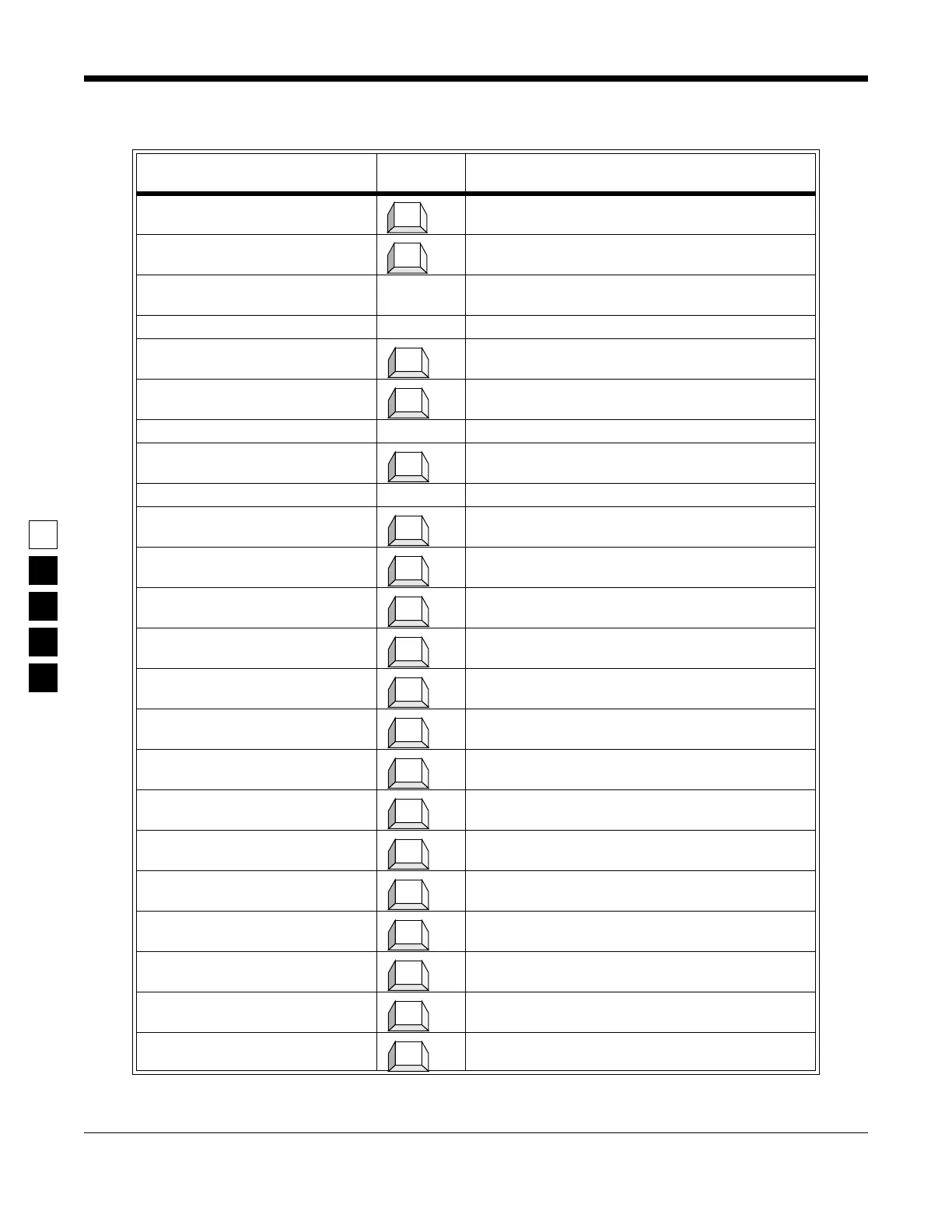
Table 3-6. Steps to Program Per-Mode Features
Instruction
What to
type What it does or means
1. Go to
CHANGE/VIEW
menu (Press
Esc
to back up to
MAIN MENU
.
)
Press
F4
at the
MAIN MENU
to see the
CHANGE/VIEW
Menu
.
2. Go to MODE CONFIG menu
At CHANGE/VIEW
menu, press
F5
to go to
MODE
CONFIGURATION
menu. You will be at mode 1.
3. Go to
Name
field The prompt will be on the
Name
field when you move
to this screen, as it is the first field.
4. Select a
Name
5. Skip Type field The Type field cannot be accessed at this time.
6. Go to Rx Frequency field Pressing Tab advances the prompt to the next field.
7. Select an Rx Frequency A frequency number can be typed in or selected.
8. Go to Tx Frequency field Pressing Tab advances the prompt to the next field.
9. Select a Tx Frequency A frequency number can be typed in or selected.
10.Go to Rx Squelch type field Pressing Tab advances the prompt to the next field.
11.Select an Rx Squelch type
12.Go to Rx Squelch Code field Pressing Tab advances the prompt to the next field.
13.Select an Rx Squelch Code
14.Go to Tx Squelch Type field Pressing Tab advances the prompt to the next field.
15.Select a Tx Squelch Type
16.Go to Tx Squelch Code field Pressing Tab advances the prompt to the next field.
17.Select a Tx Squelch Code
18.Go to Busy Channel Lockout
field
Pressing Tab advances the prompt to the next field.
19.Select BCL choice
20.Go to Local/Distance field Pressing Tab advances the prompt to the next field.
21.Select a Local/Distance value
22.Go to Time-Out Timer field Pressing Tab advances the prompt to the next field.
23.Select a Time-Out Timer value.
F4
F5
Tab
Tab
Tab
Tab
↓
Tab
↓
Tab
↓
Tab
↓
Tab
↓
Tab
↓
Tab
↓



 To Next Page