October, 1996 6880902Z36-B 4-15
GM300 Radio Service Software Manual Basic Features
GM300 Features
4
Tx Squelch Code
RSS LOCATION
DEFINITION The subaudible code the radio will transmit. Allows for more users and privacy
on a frequency. Receiver unmutes when code is detected.
DEFAULT/CHOICES Default: BLANK
Choices: ■ see TPL/DPL tables (Appendix C) or press F1 to display help
If the Tx Squelch Type = TPL, then enter a frequency in hertz (Hz) or any 2-digit
PL code from Appendix C.
If Tx Squelch Type = DPL or INV.DPL, type a 3-digit numeric code from the table
in Appendix C.
DEPENDENCIES Tx Squelch Type and Tx Frequency
EXCEPTIONS If a Tx Squelch Type = CARRIER SQUELCH or Tx Frequency = blank, then this
field is not available.
RECOMMENDATIONS Use when you want to have multiple groups using same frequency or when you
want more privacy.
IMPORTANT NOTE TPL tones above 220 Hz will have more bleed-through to the speaker. DPL code
645 is a reserve code and will have a greater false opening probability. TPL codes
near 120 Hz and 180 Hz have a high false opening probability due to 60 Hz AC
power harmonies. Countries having 50 Hz AC power may have false opening on
100 Hz (code 1Z) and 150 Hz. TPL 134Hz can be false-opened by DPL dekey.
SEE ALSO Tx Squelch Type, Tx Frequency
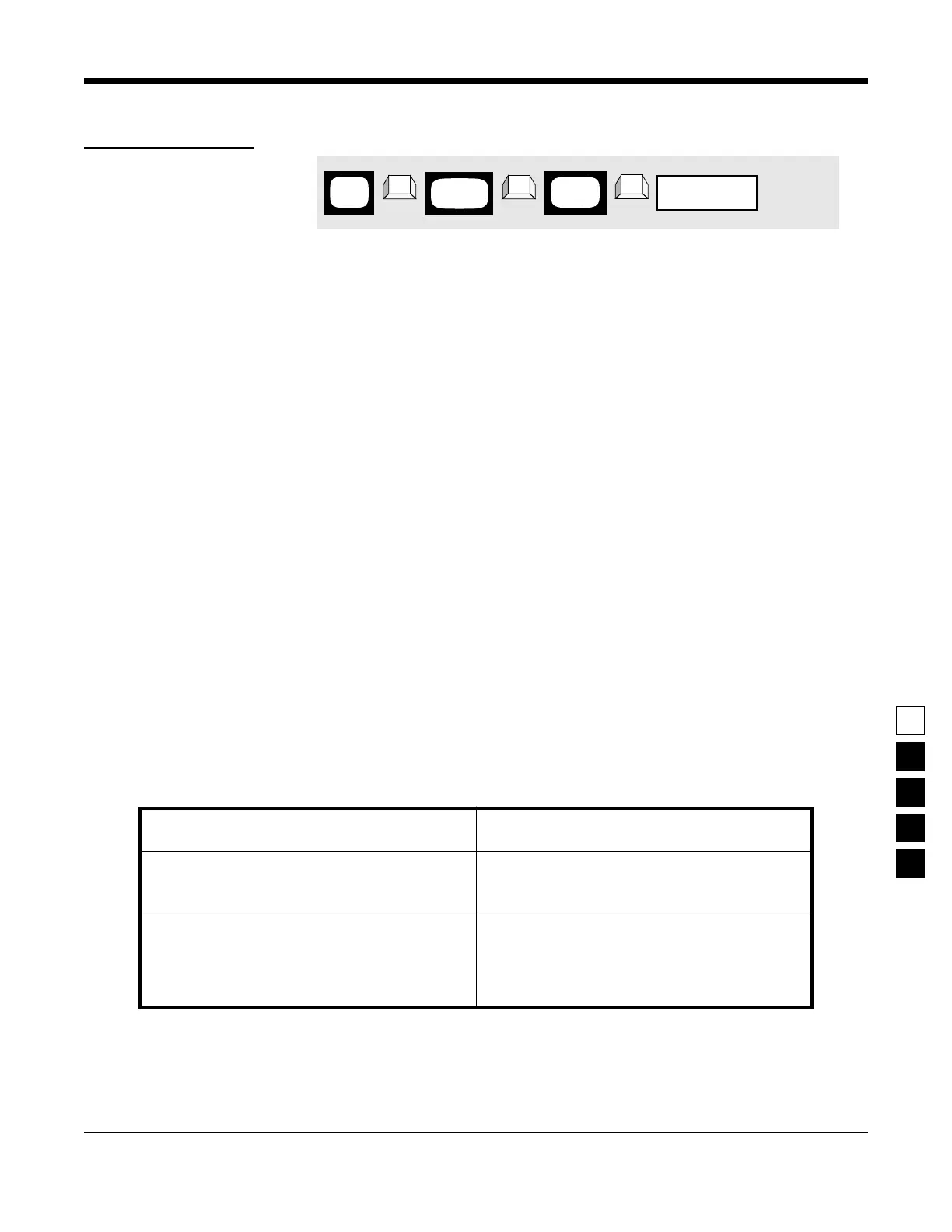
PROGRAMMING PROCEDURE
1. Press F4 at the MAIN MENU to get to the
CHANGE/VIEW CODEPLUG MENU.
4. Press Tab (or Enter or Return) until the Tx
Squelch Code field is highlighted.
2. At the CHANGE/VIEW CODEPLUG MENU,
press F5 to get to the MODE CONFIGURATION
screen.
5. Use the ↑ ↓ arrow keys to select the desired
Tx Squelch Code.
3. At the MODE CONFIGURATION screen, select
the mode number for which you want to pro-
gram the desired Tx SQUELCH Code by press-
ing either the F3 or F4 keys until the desired
mode # is displayed in the Name field.
6. To change the Tx Squelch Code on other
modes, repeat steps 3-5.
MAIN
MENU
MODE
screen
CONFIG
field
Tx Squelch Code
➠
F4
➠
F5
➠
Tab
CHANGE/
VIEW



 To Next Page