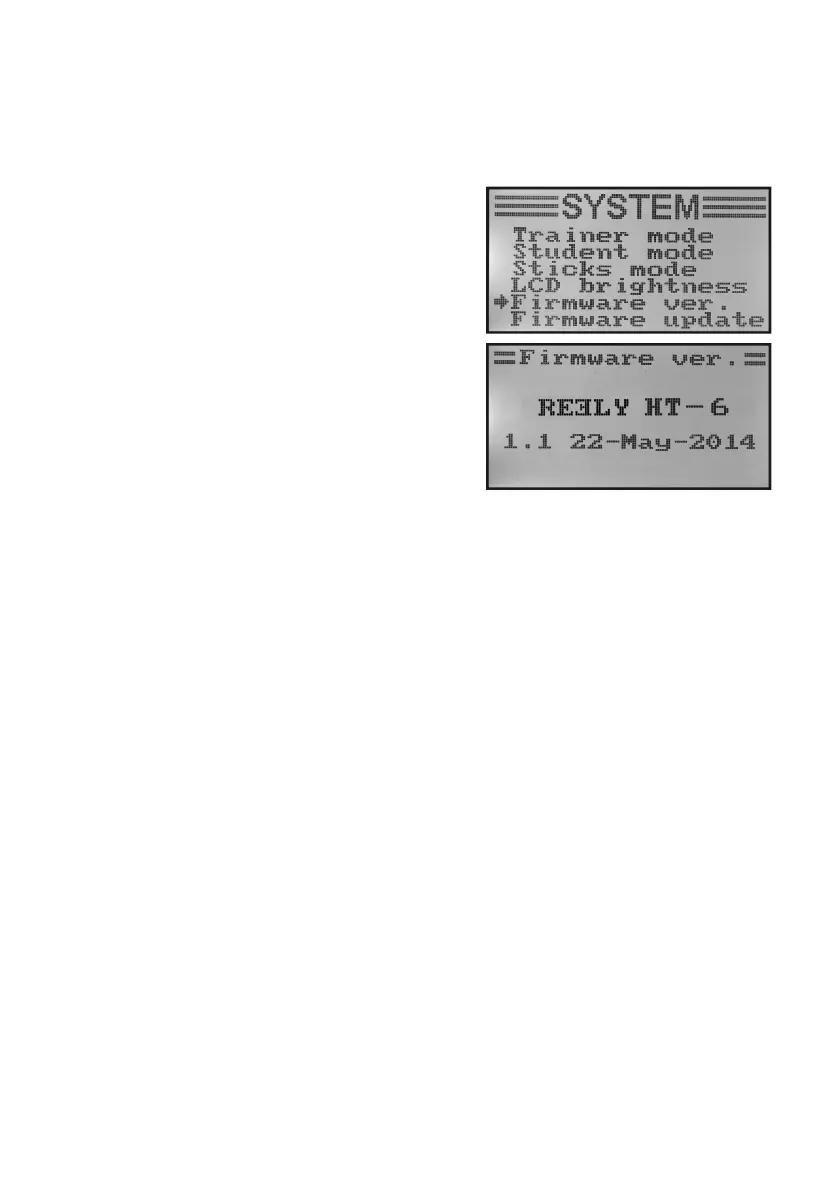
k) Transmitter Software Version „Firmware Ver.“
On demand, you can have the version number and the date of the transmitter software displayed. This way, you can
recognise at once whether there is a newer software for the transmitter that can be installed (see following menu
item).
Display of the transmitter software version:
• Switchonthetransmitterandcallthesystemsettingmenu.
• Movethecursorarrowtothemenuitem„Firmwarever.“with
the two buttons „UP“ and „DOWN“.
• Brieypushthebutton„OK“toactivatethemenuitem.
The transmitter designation, software version and date of the
transmitter software are displayed in the display.
• Pushthebutton „CANCEL“repeatedlyuntilyou getbackto
the operating display.
Figure 31



 To Next Page