14. The Function Setting Menu „Functions Setup“
Thespecicsettingsfortherespectivemodelsaremadeinthe
function setup menu. The menu items available in the function
setup menu depends on which model type was selected in the
system setup menu.
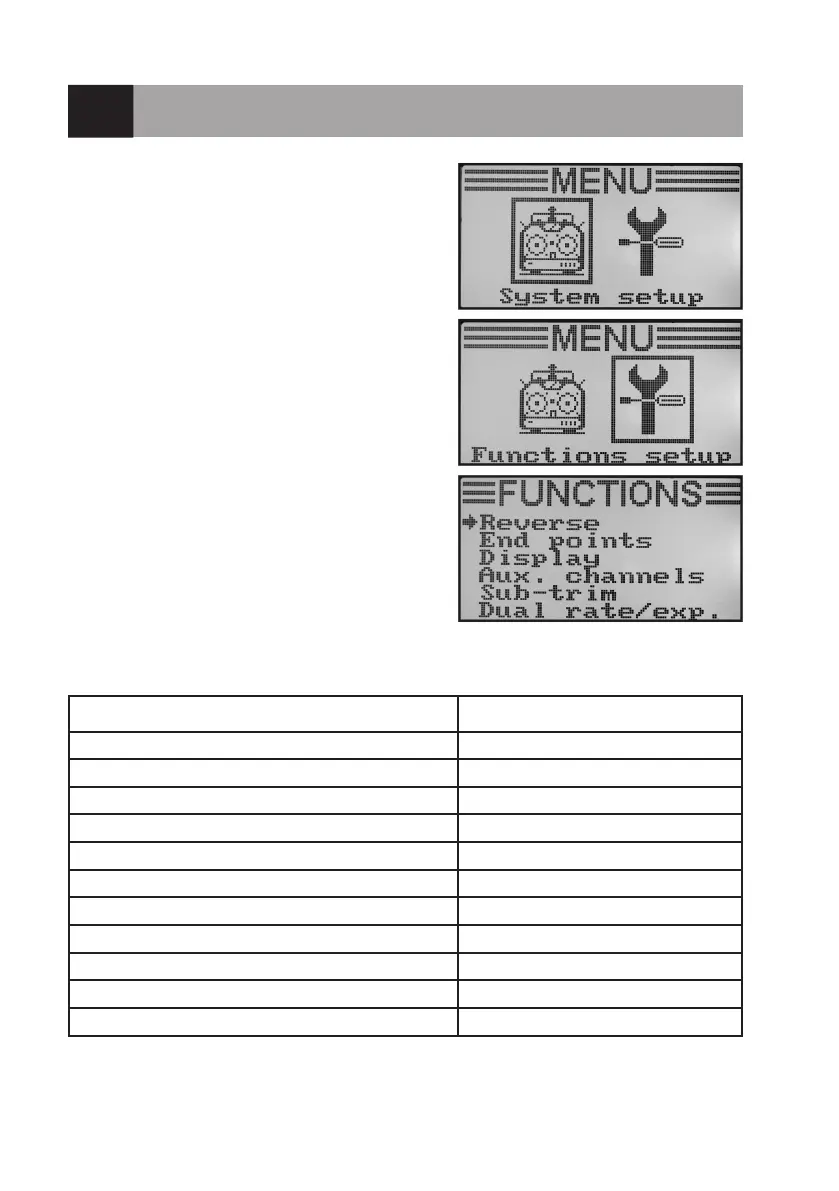
To get to the function settings menu, push the button „OK“ and
hold it with the transmitter switched on. The operating display in
the display switches to the menu display. The selection window
around the remote control icon shows that you can call the sys-
tem setup menu in this setting.
Push the button „UP“ or „DOWN“ so that the selection window
frames the tools.
Briey push the button „OK“ to get to the function settings
menu.
The rst 6 menu items of the function setting menuare now
displayed.
The following setting functions are available for you in the function setting menu:
Function Display
Servo direction setting „Reverse“
Servoenddeectionsetting „End points“
Servo control/test „Display“
Control encoder assignment „Aux. channels“
Basic trim „Subtrim“
Dual rate/exponential setting „Dual rate/exp.“
Throttle curve setting „Throttle Curve“
Pitch curve setting (only for helicopters with pitch function) „Pitch Curve“
Swash plate servo settings „Swash AFR“
Mixer programming „Mix“
Deltamixer(forightmodelsonly) „Elevon“
Figure 34
Æ



 To Next Page