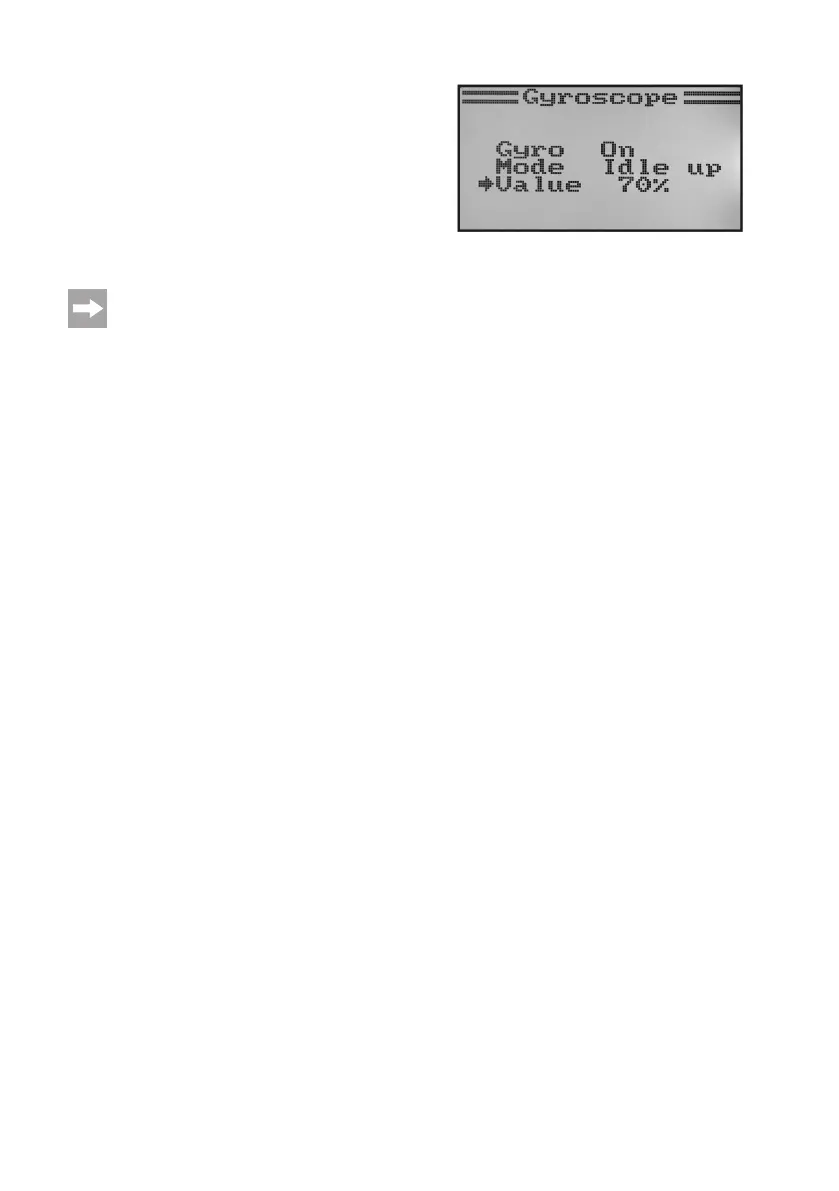
• Thenpushthetoggleswitch„SWB“tocalltheightcondition
„Idle up“.
• Nowsettherequiredgyrosensitivityforthisightconditionas
well.
• Keepthebutton„CANCEL“pushedforalongerperiodtosave
the settings. The display then shows the function setup menu
again.
• Pushthebutton „CANCEL“repeatedlyuntilyou getbackto
the operating display.
Ondemand,anothertoggleswitchforswitchingtheightconditionscanbeassignedinthefollowingmenu
switch assignment menu (Switches assign).
Figure 52b



 To Next Page