102
2004 – 2014 Reliable Controls
®
Corporation. All rights reserved.
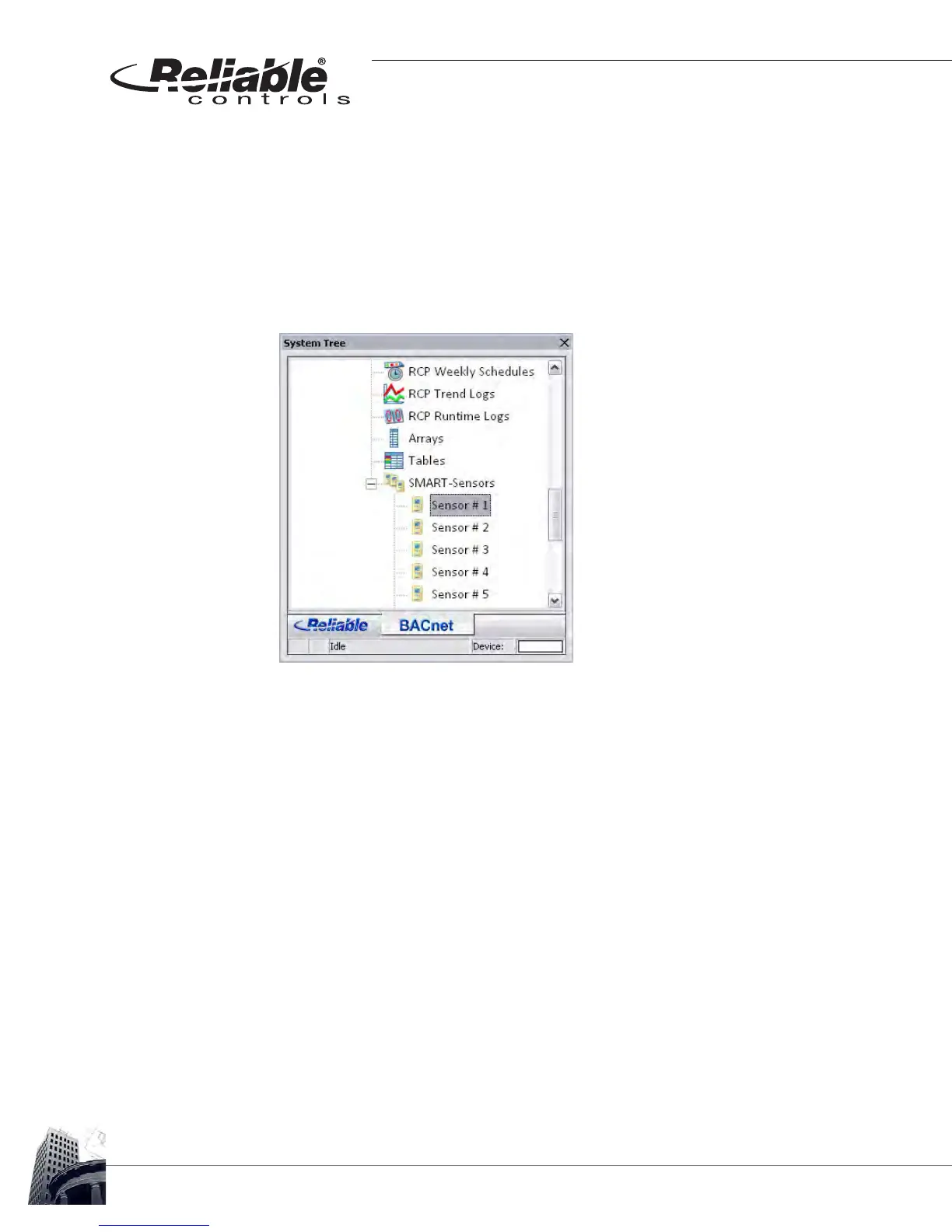
2 Locate the host controller of the SS-L to be programmed by expanding the
SMART-Net
™
network in the System Tree and clicking the + adjacent to the
SMART-Sensors node. A list of available SMART-Sensor worksheets will be
displayed, one for each SS-L SMART-Net
™
address based on the host controller
type. Locate the desired Sensor node and click it to open the corresponding
worksheet.
In Figure 94, Sensor # 1 is selected to configure the SS-L at address number 1.
FIGURE 94: SELECT A SMART-SENSOR WORKSHEET SENSOR NODE FROM SYSTEM TREE
3 Determine which onboard options of the SS-L model are required for the
application and program the appropriate variables (VARs).
4 The onboard options available for the specific SS-L model being used must be
programmed in the appropriate reserved worksheet rows.
Table 11 may be of assistance in determining appropriate reserved rows.



 To Next Page