Remote users can access the
RFL
9660 by using PC's
with a 286 (or better) processor and a
Hayes-compat-
ible modem. A mouse is optional, but its presence will
simplify use. The PC must be running DOS
3.1
(or better), with Microsoft Windows Version
3.1
(or
better) installed. Microsoft Windows is recommended,
because of its multi-tasking capabilities. The
RFL
9660
also accommodates access by a dumb terminal or with
most PC terminal emulation programs.
The
RFL
9660 is compatible with the Microsoft
Windows Terminal Emulation Program. This allows
user-friendly access to all
RFL
9660 functions. It also
gives you the ability to conveniently run
device-
specific DOS-based programs once the
RFL
9660
selects a port. By using the Windows terminal
function keys, user-programmable events can be
invoked with a mouse.
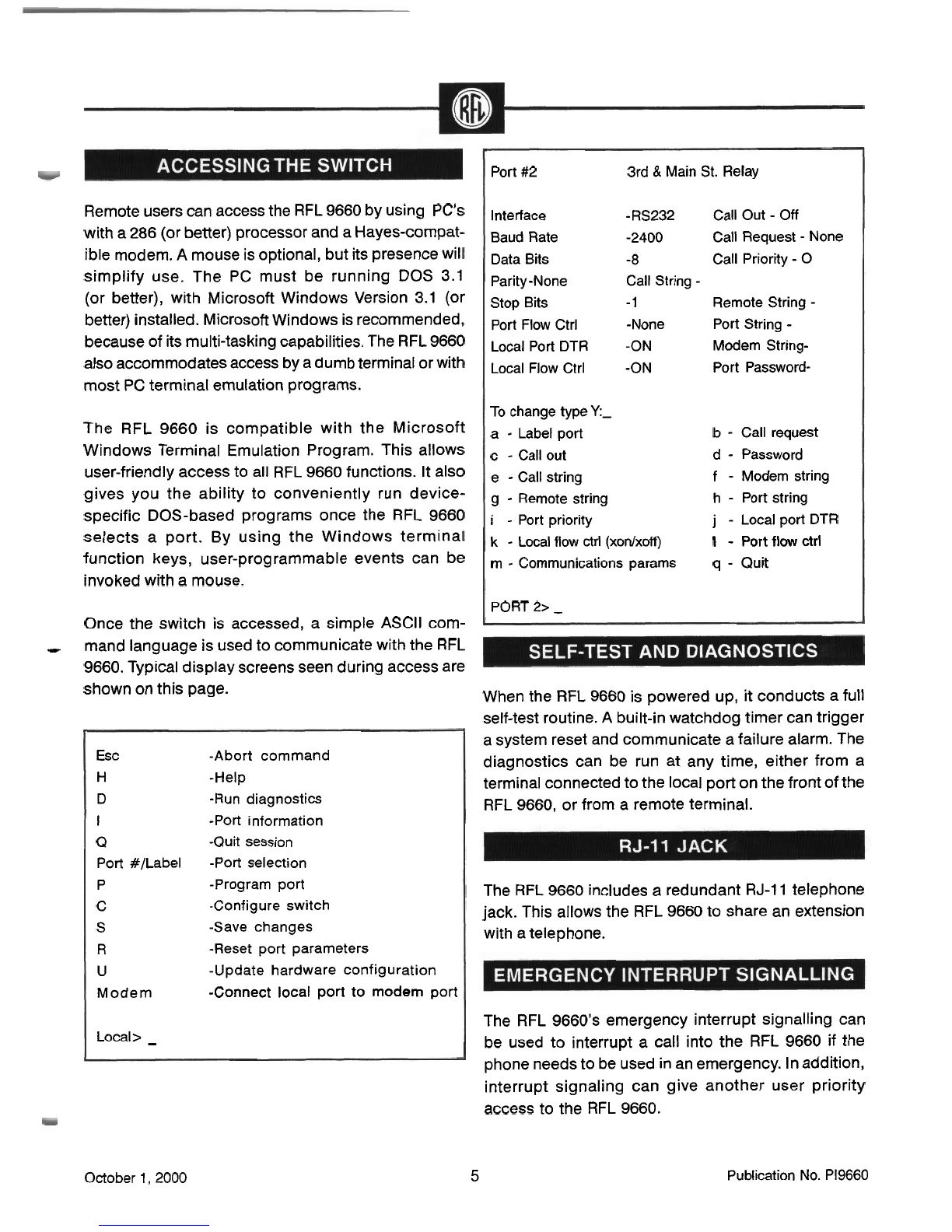
Once the switch is accessed, a simple ASCII com-
Port
#2
3rd
&
Main St. Relay
Interface -RS232 Call Out
-
Off
Baud Rate
-2400
Call Request
-
None
Data Bits
-8
Call Priority
-
0
Parity-None Call String
-
Stop Bits
-
1
Remote String
-
Port Flow Ctrl -None Port String
-
LocalPortDTR
-ON
Modem String-
Local Flow Ctrl -ON Port Password-
To change type
Y:-
a
-
Label port
b
-
Call request
c
-
Call out d
-
Password
e
-
Call string
f
-
Modem string
g
-
Remote string
h
-
Port string
i
-
Port
priority
j
-
Local port DTR
k
-
Local flow ctrl (xonlxoff)
I
-
Port
flow
ctrl
m
-
Communications params
q
-
Quit
PORT 2>
-
-
mand language is used to communicate with the
RFL
9660. Typical display screens seen during access are
shown on this page.
Esc -Abort command
H
-Help
D
-Run diagnostics
I
-Port information
Q
-Quit session
Port #/Label -Port selection
P
-Program port
C
-Configure switch
S
-Save changes
R
-Reset
port parameters
U
-Update hardware configuration
Modem
-Connect local port to modem port
Local>
-
When the
RFL
9660 is powered up, it conducts a full
self-test routine. A built-in watchdog timer can trigger
a system reset and communicate a failure alarm. The
diagnostics can be run at any time, either from a
terminal connected to the local port on the front of the
RFL
9660, or from a remote terminal.
The
RFL
9660 includes
a
redundant
RJ-11
telephone
jack. This allows the
RFL
9660 to share an extension
with a telephone.
The
RFL
9660's emergency interrupt signalling can
be used to interrupt a call into the
RFL
9660 if the
phone needs to be used in an emergency. In addition,
interrupt signaling can give another user priority
access to the
RFL
9660.
October
1,
2000
5
Publication No. PI9660



 To Next Page