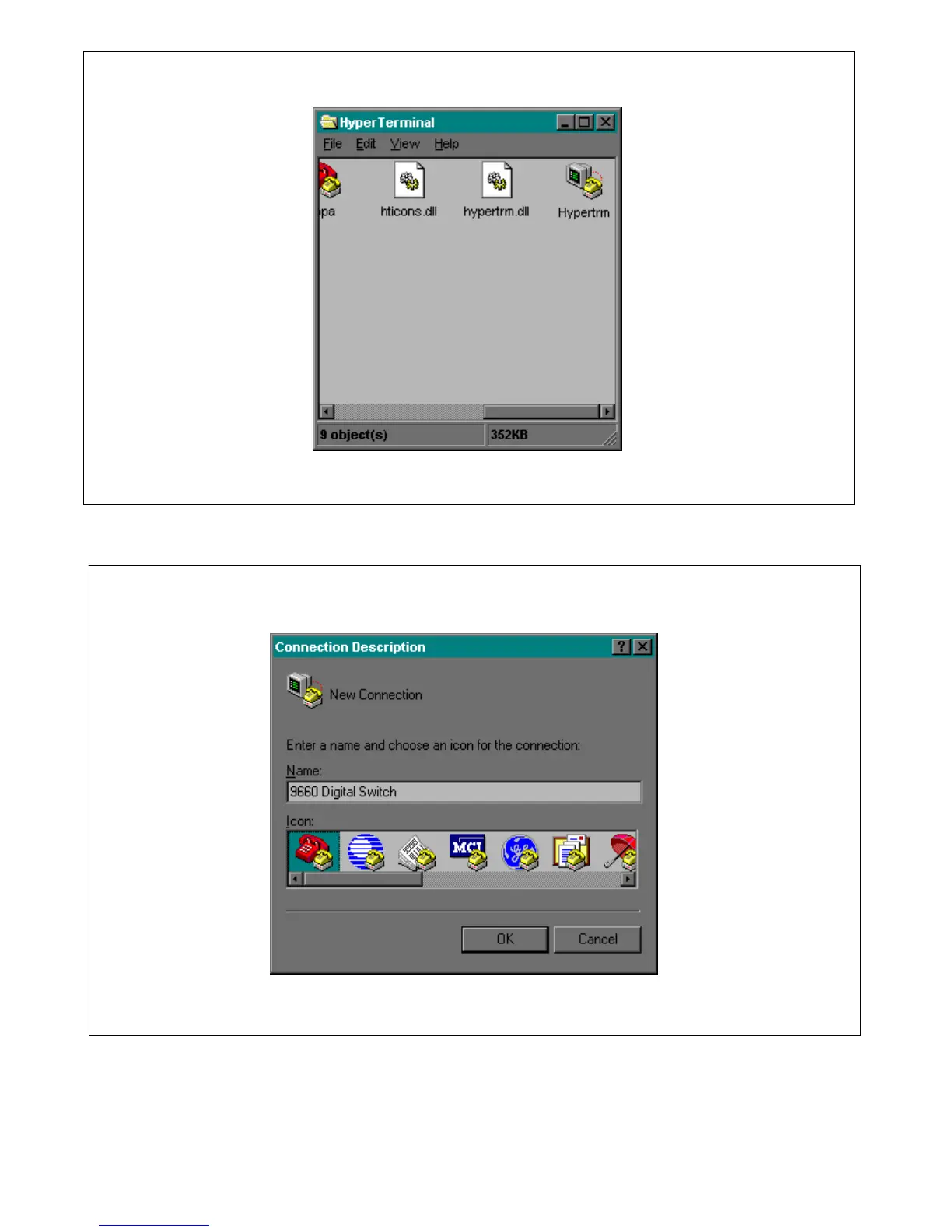
Figure 4-7. HyperTerminal window
Figure 4-8. Connection Description Window.
4. You will be prompted to enter a name for your HyperTerminal connection. You must enter a name.
For example you can enter: 9660 Digital Switch. Then choose an icon for the connection, and then click
on OK. This will bring you to the Phone Number window as shown in Figure 4-9.
RFL 9660 RFL Electronics Inc.
April 24, 2007 4-8 (973) 334-3100



 To Next Page