(1)
(3)
PASSWORD
OK
PASSWORD
NO GOOD
PORT
NUMBER
OR
LABEL
USER
CONNECTED
TO
SELECTED
DEVICE
PORT
LOCAL PORT
CONNECTED
TO MODEM
PORT
(4)
[MODEM]
TIMEOUT OR DESELECT
CODE
[H]
RUN DIAGNOSTIC
ROUTINE
PORT
INFORMATION
DISPLAY
DISPLAYED
[D]
COMPLETE
[I]
DISPLAYED
GENERAL ACCESS
COMMAND
LIST
(“HELP” SCREEN)
“LOCAL>“
OR
“REMOTE”
PROMPT
PASSWORD
NO GOOD
PASSWORD
OK
PASSWORD
PROMPT
(2)
PASSWORD
PROMPT
(2)
TERMINAL
EMULATION
PROGRAM
NOTES
1. “Dial” if using terminal regulator program for remote access; [ENTER] if accessing locally.
2. Password prompts will only appear if passwords have been enabled.
3. “Hang Up” if using terminal emulator program for remote access; [Q] if accessing locally.
4. [MODEM] command is only valid when accessing locally.
5. “[ ]” indicates a command entry using PC or terminal keyboard.
6. Entry descriptions or RFL 9660 responses appear in regular type.
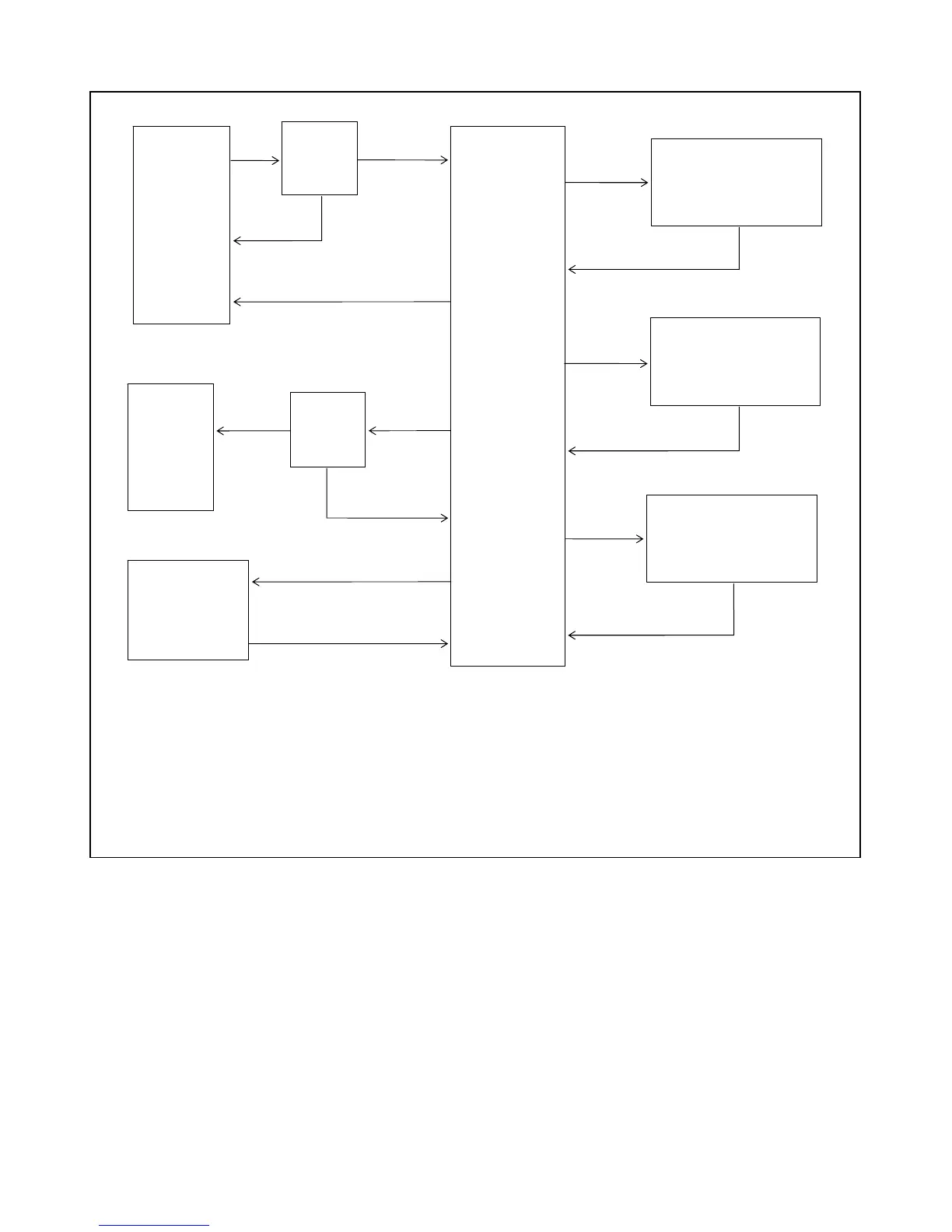
Figure 4-28. Relationship between general access commands
RFL 9660 RFL Electronics Inc.
April 24, 2007 4-29 (973) 334-3100



 To Next Page