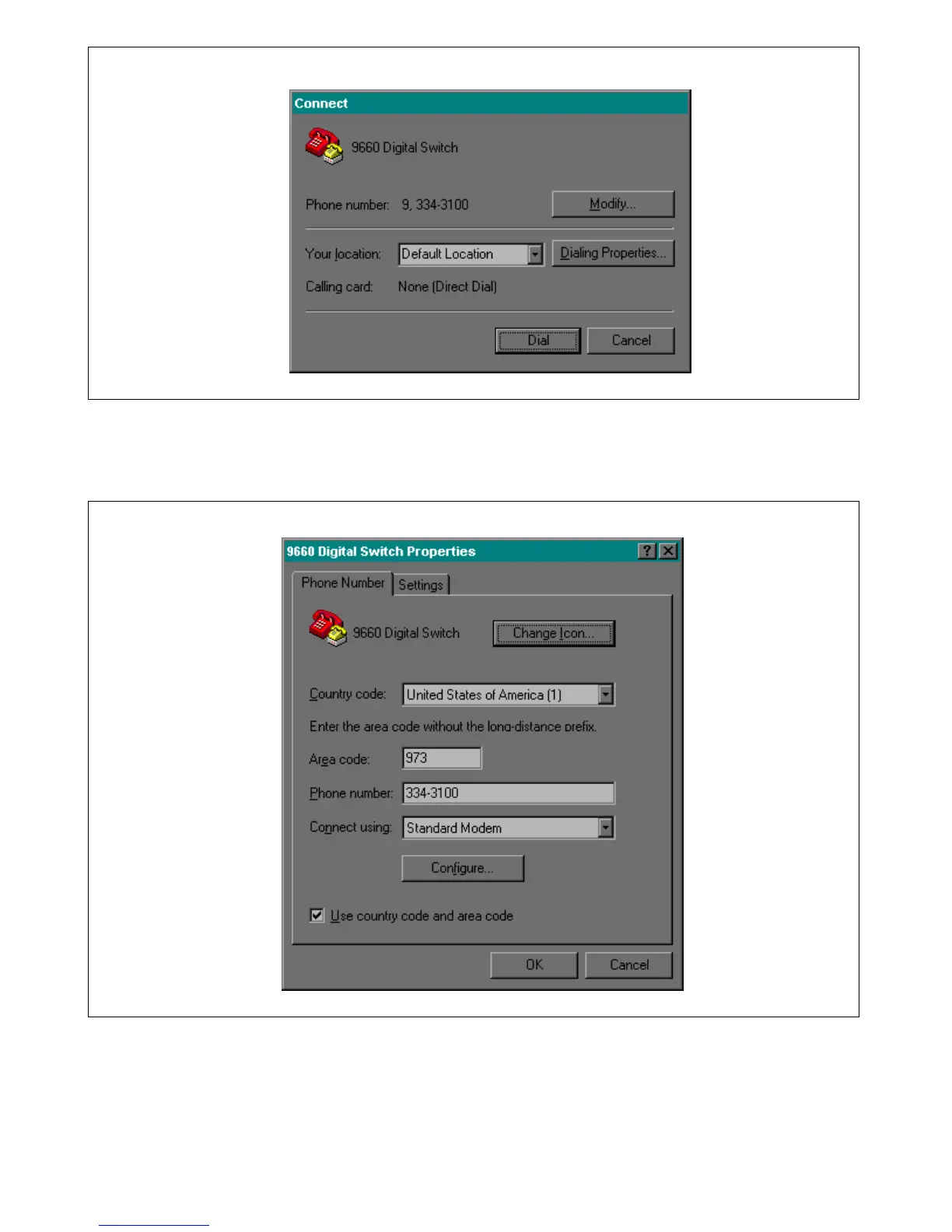
Figure 4-10. Connect window
6. Enter your location. For example: “Substation 49”, then click on Modify. This will bring you to the 9660
Digital Switch “properties/phone number” window as shown in Figure 4-11.
Figure 4-11. Properties/ Phone Number window
7. Click on Configure. This will bring you to the “Modem Properties/General” window as shown in Figure
4-12. Select the communications port number that your modem will be using and confirm that the
maximum baud rate is set to 19200.
RFL 9660 RFL Electronics Inc.
April 24, 2007 4-10 (973) 334-3100



 To Next Page