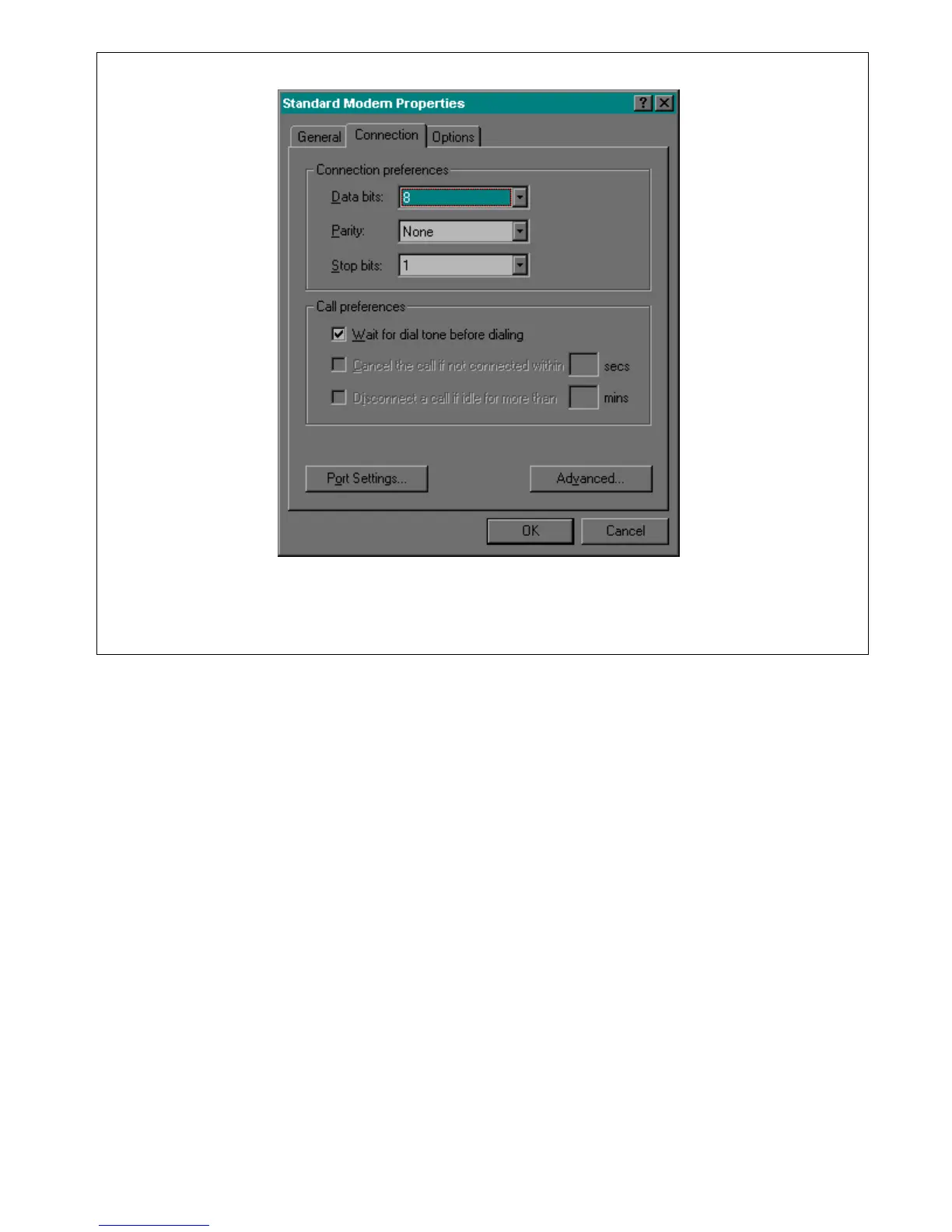
Figure 4-13. Modem Properties/Connection window
9. Click on Port Settings. This will bring you to the Advanced Port Settings window as shown in Figure
4-14. Setup your window with the same parameters as those shown in Figure 4-14.
RFL 9660 RFL Electronics Inc.
April 24, 2007 4-12 (973) 334-3100



 To Next Page