Select the Local CPU work as server. Then you need input a target client IP address which will be
connected to this local CPU.
If the client 192.168.0.214 is connected to the local CPU, and enable the B002, then the datas will be
transferred to the device with IP address 192.168.0.214.
Standard Modbus
1.Slave Address :1 is default
2.Communication parameters:BPS is baud rate、Stopbits、Databits、Communication type: RS232、RS485 .
Actually RS232 or RS485 are just interface of xLogic.
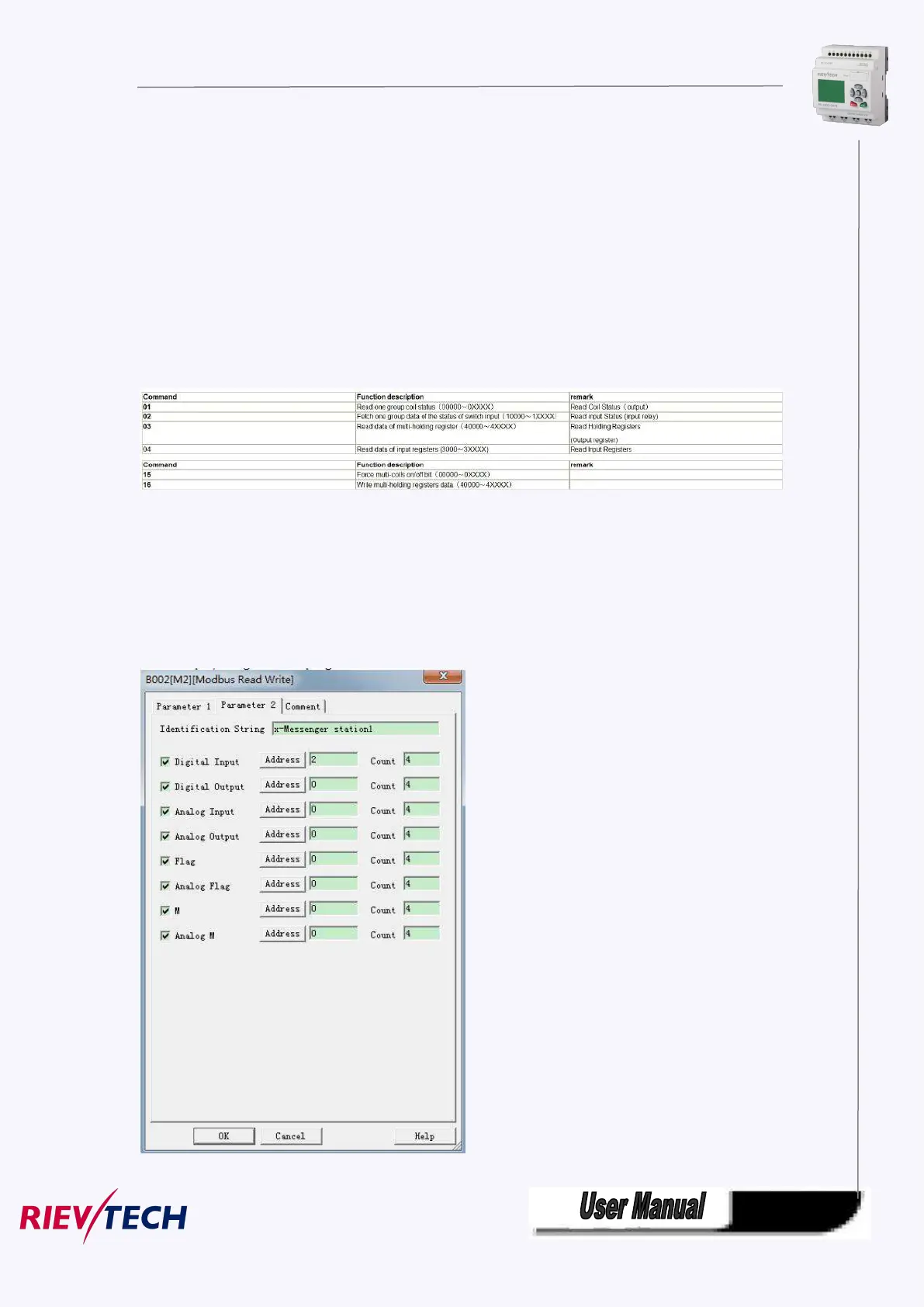
3.Command , register address and register count
4. where is to save the pre-configuration data that would be written to Slave. It contains 2 kind ways to
pre-configuration. One is auto mode ,this data uses the flags in the program ,such as FM, AFM ,I, Q and
AQ. The manual mode is input a fixed value or bit status .
B. customize Modbus
For example,configuration in program like this:



 To Next Page