Remote Port: the remote port (while working as client, CPU will get connected to remote host with such
port.)
Local Port: the local port (while working as server, the client shall be connected with the CPU
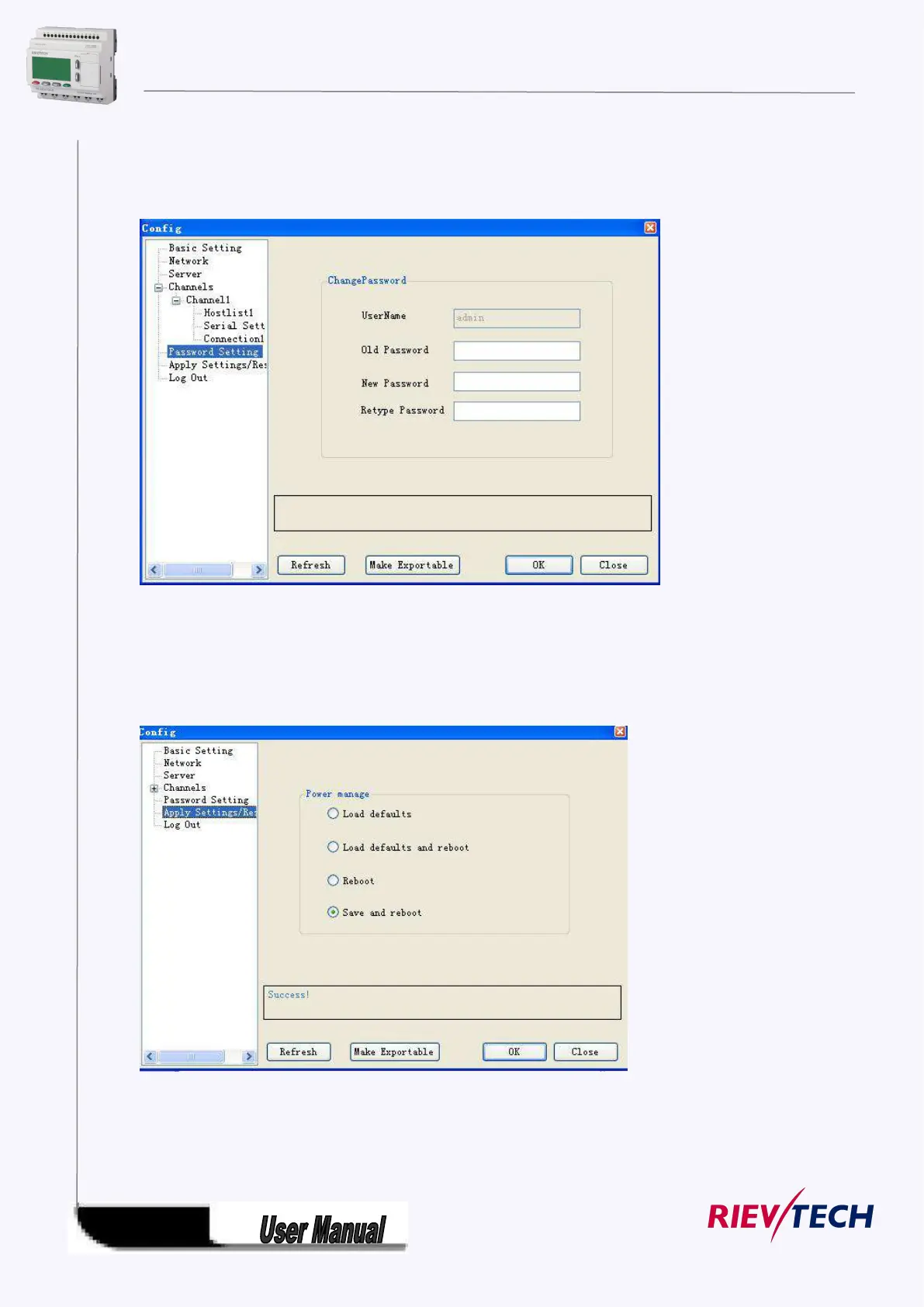
Password setting
Password can be changed in such dialog box. Password is required for accessing the Ethernet port. You
must enter at least one character or number.
Apply Settings/Reset
Merely “Save and reboot “ option can be selected among those options shown in above page.
Note:



 To Next Page