Modify password:
In order to modify password, you are required to present current password.
In the menu of the FUNCTION PAGE:
1. Move the cursor to “Password”: Press “UP” or “DOWN” key.
2. Confirm “Password”: Press OK key.
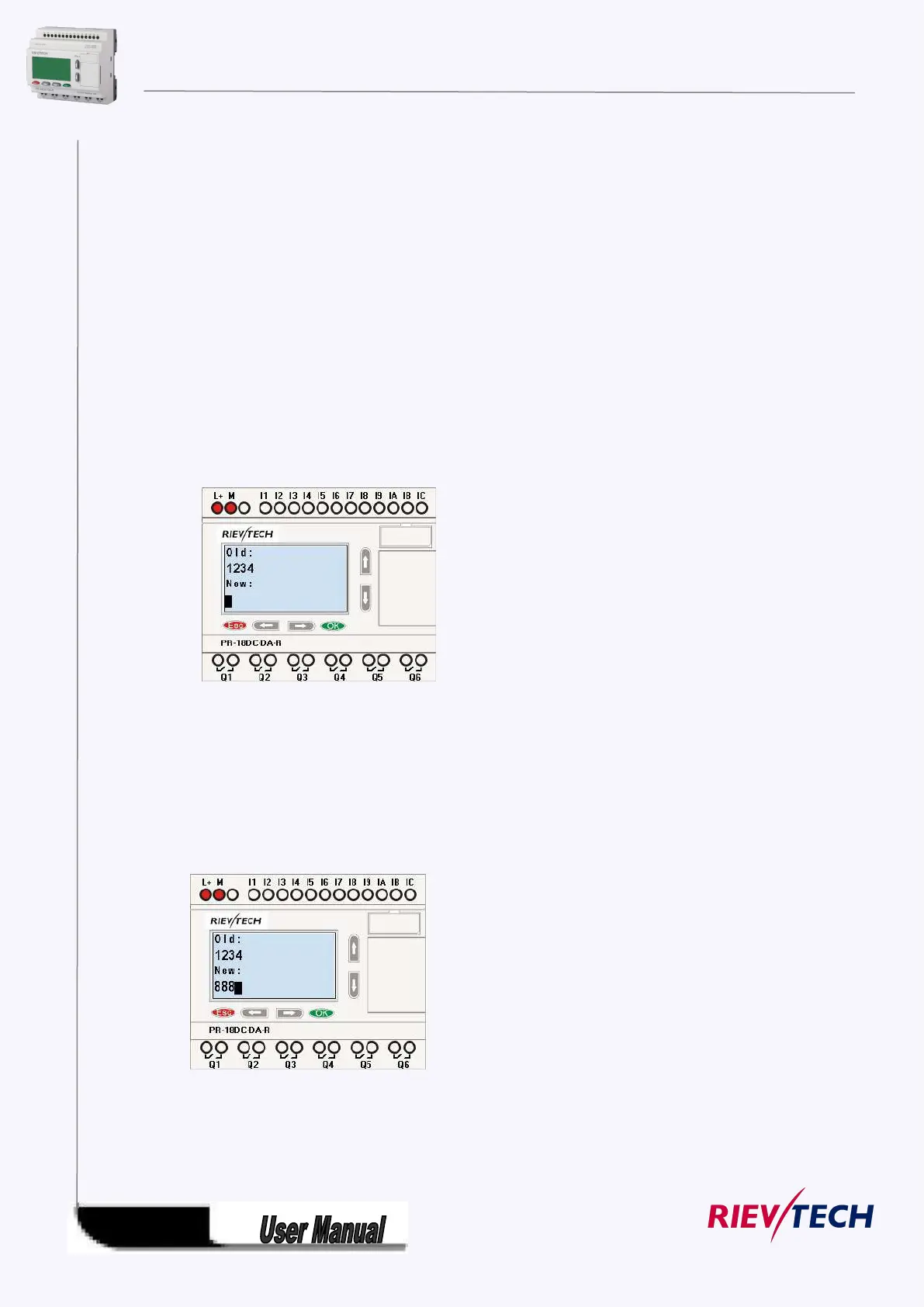
Select “Old” and input primary password (in our instance is “1234”), the process is the same as the step
3 to step 10 mentioned above.
LCD displays:
Thus, you could select “New” to input new password such as “8888”:
3. Select “8”: press “UP” key.
4. Move the cursor to next character: press “Right” key.
Repeat the step 3 and 4 to realize the third and fourth character.
LCD displays:
4.Confirm new password: press OK key.
So you have set the new password and then return to main menu.



 To Next Page