How to remove the password:
In case you need to remove password .e.g. allow the other users to edit your program, then you must
know the current password. The process of removing password is the same as that of modifying
password.
In the menu of the FUNCTION PAGE. :
1. Move the cursor to “Password”: Press “UP” or “DOWN” key.
2. Confirm “Password”: Press OK key.
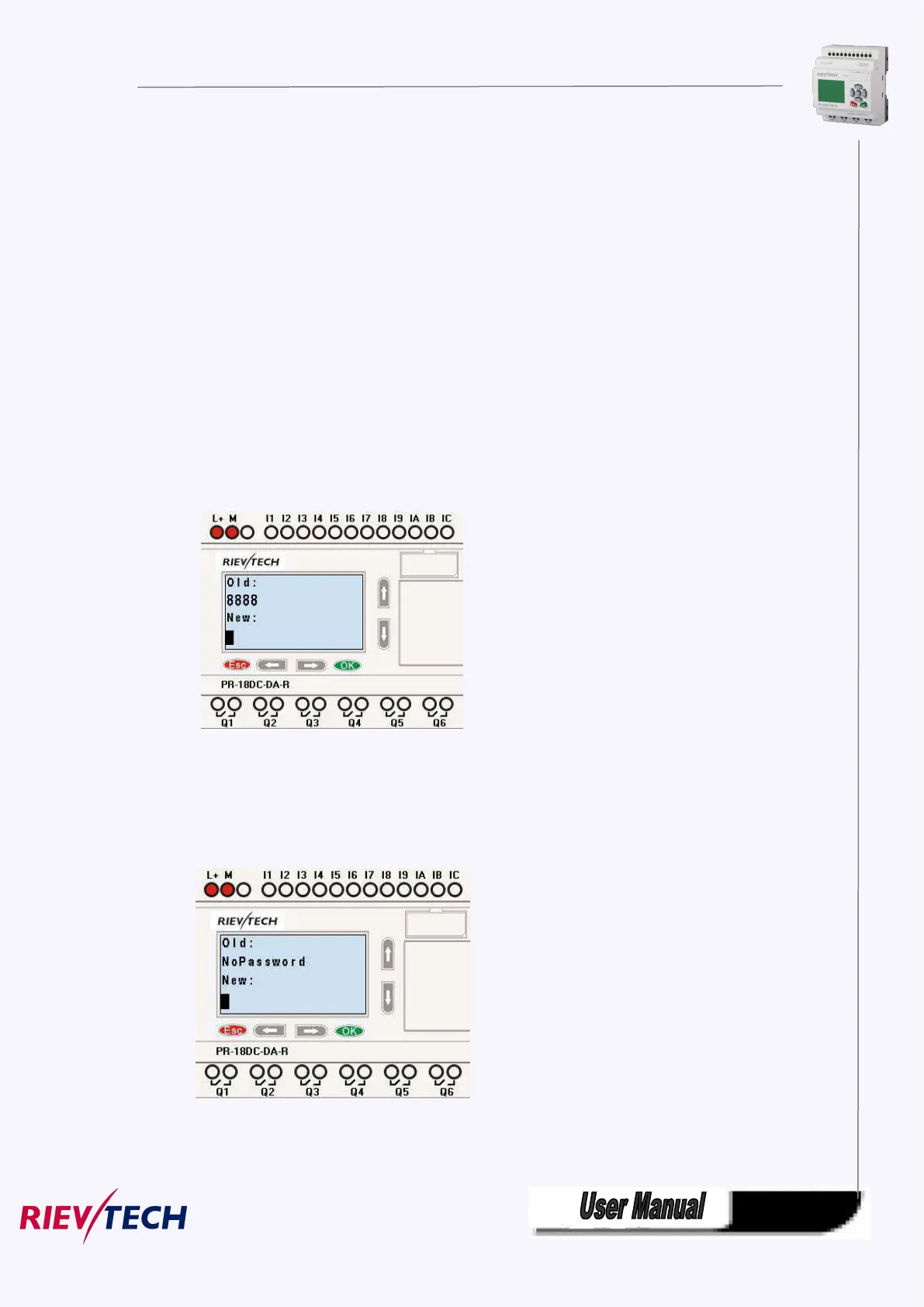
Select “Old” and input primary password (in our instance is “8888”), the process is the same as the step
3 to step 10 mentioned above.
LCD displays as follows:
Input nothing under the “New”, and let it keep blank to clear password.
4.Confirm “blank” password: press OK key. Now you have cleared password and return to main menu. If
you want to set password next time, the LCD will display:
Password settings in xlogicsoft.



 To Next Page