Wrist Camera Instruction Manual
5.2.1. Automatic Method
Caution
A Snapshot position must be defined to launch the object teaching wizard. If no Snapshot position has been
defined, please refer to the Snapshot Position section.
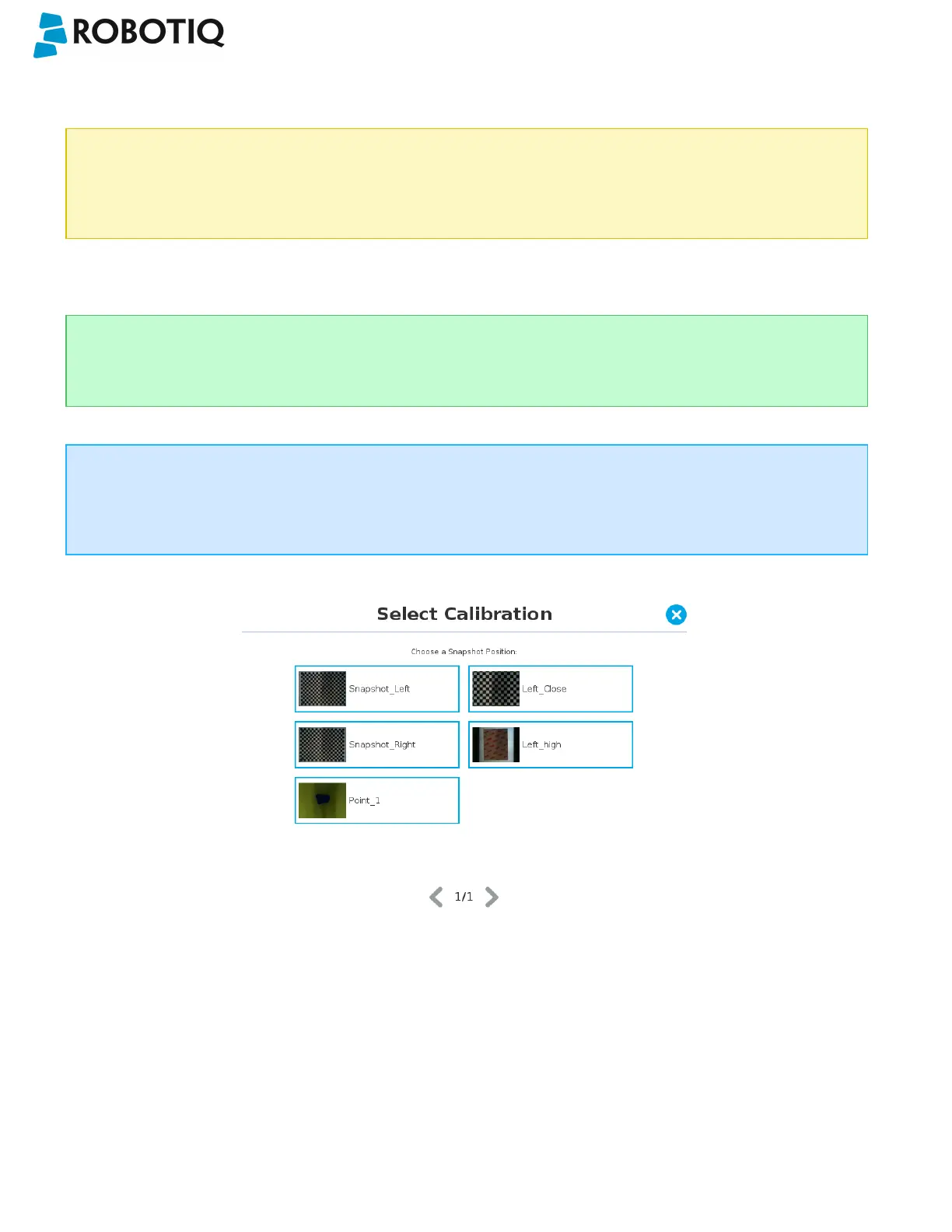
5.2.1.1. Select Calibration
Tip
At any moment during the teaching process, the user can access contextual help videos with the Play button.
Tap the Snapshot position you want to use.
Info
If the robot is not at the Snapshot position, you will be prompted to move to the position.
Tap and hold the Move button to do so.
Fig. 5-3: Select Calibration step
©Robotiq inc. 2016-2018
44



 To Next Page