Wrist Camera Instruction Manual
5.2.2.2. Ring
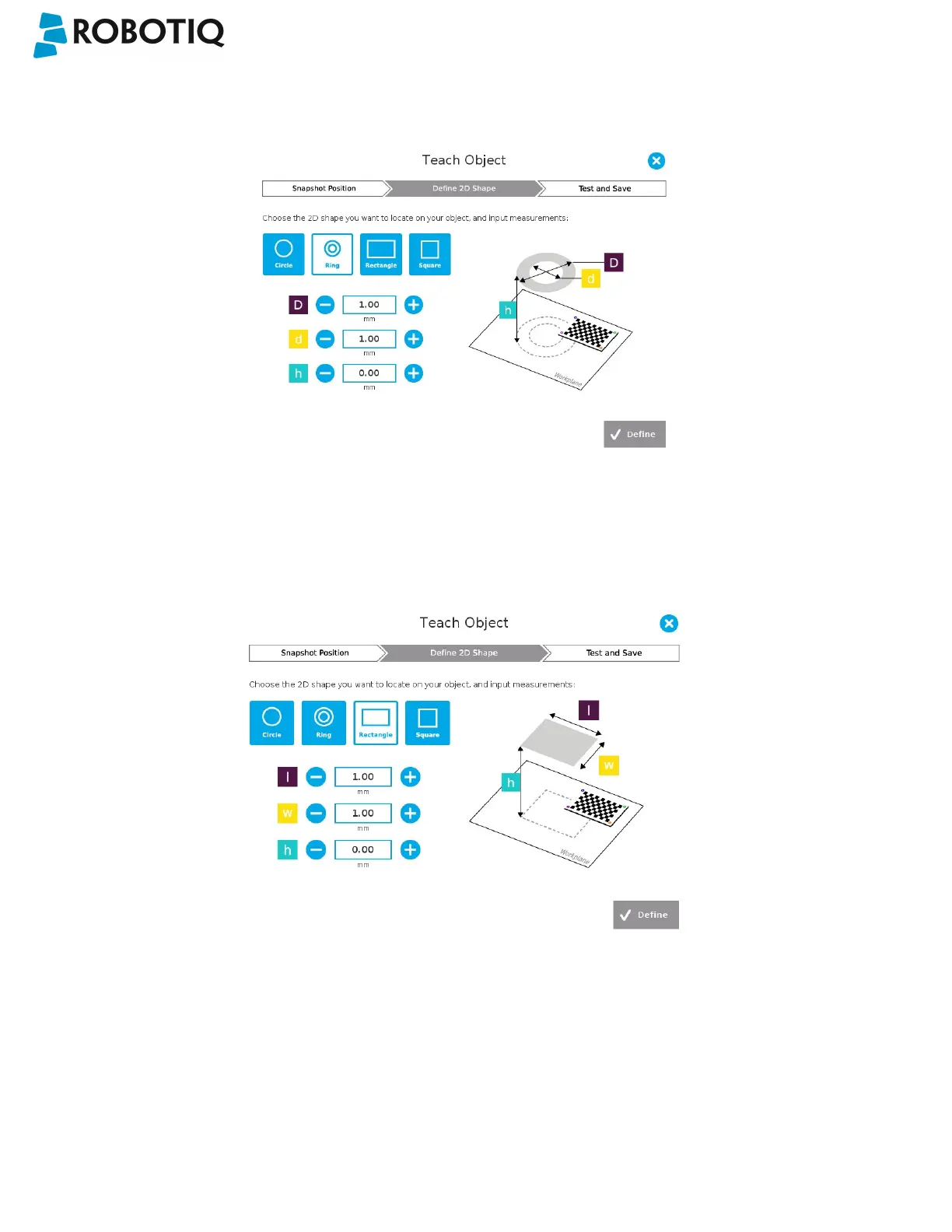
Enter the ring outer diameter (D), inner diameter (d) and the height (h) at which the ring is located. Tap the Define button.
Fig. 5-17: Definition of a ring 2D shape.
5.2.2.3. Rectangle
Enter the rectangle length (l), width (w) and the height (h) at which the rectangle is located. Tap the Define button.
Fig. 5-18: Definition of a rectangle 2D shape.
©Robotiq inc. 2016-2018
66



 To Next Page