Wrist Camera Instruction Manual
5.2.3. Configure Model
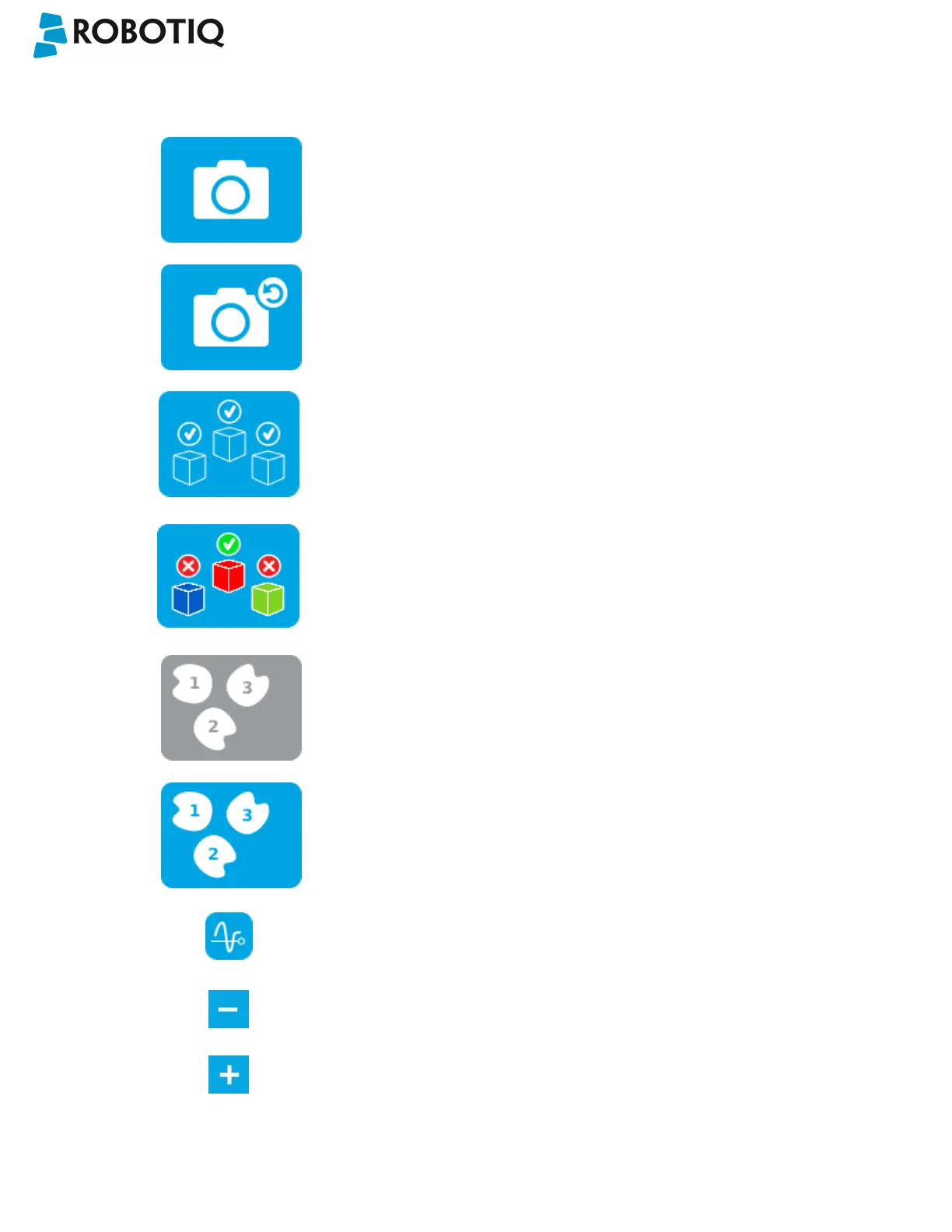
Test locating object button; the Vision System will search for the
object in the field of view of the Wrist Camera.
Back button; after testing an object's location, tap to return to the
output image of the camera.
Color validation button; tap to open the color validation menu.
A colored button Indicates that the color validation mode is enabled.
Please refer to the Color Validation section for more details.
Multiple Object Detection button; a grey button means the feature is
not available at the moment.
Tap to open the multi-object detection menu.
Detection Threshold button; tap to expand the detection threshold
menu. Please refer to the Detection thresholds and scores section for
more details.
Minus button; tap to lower the Detection Threshold. Please refer to
the Detection thresholds and scores section for more details.
Plus button; tap to increase the Detection Threshold. Please refer to
the Detection thresholds and scores section for more details.
©Robotiq inc. 2016-2018
68



 To Next Page