Wrist Camera Instruction Manual
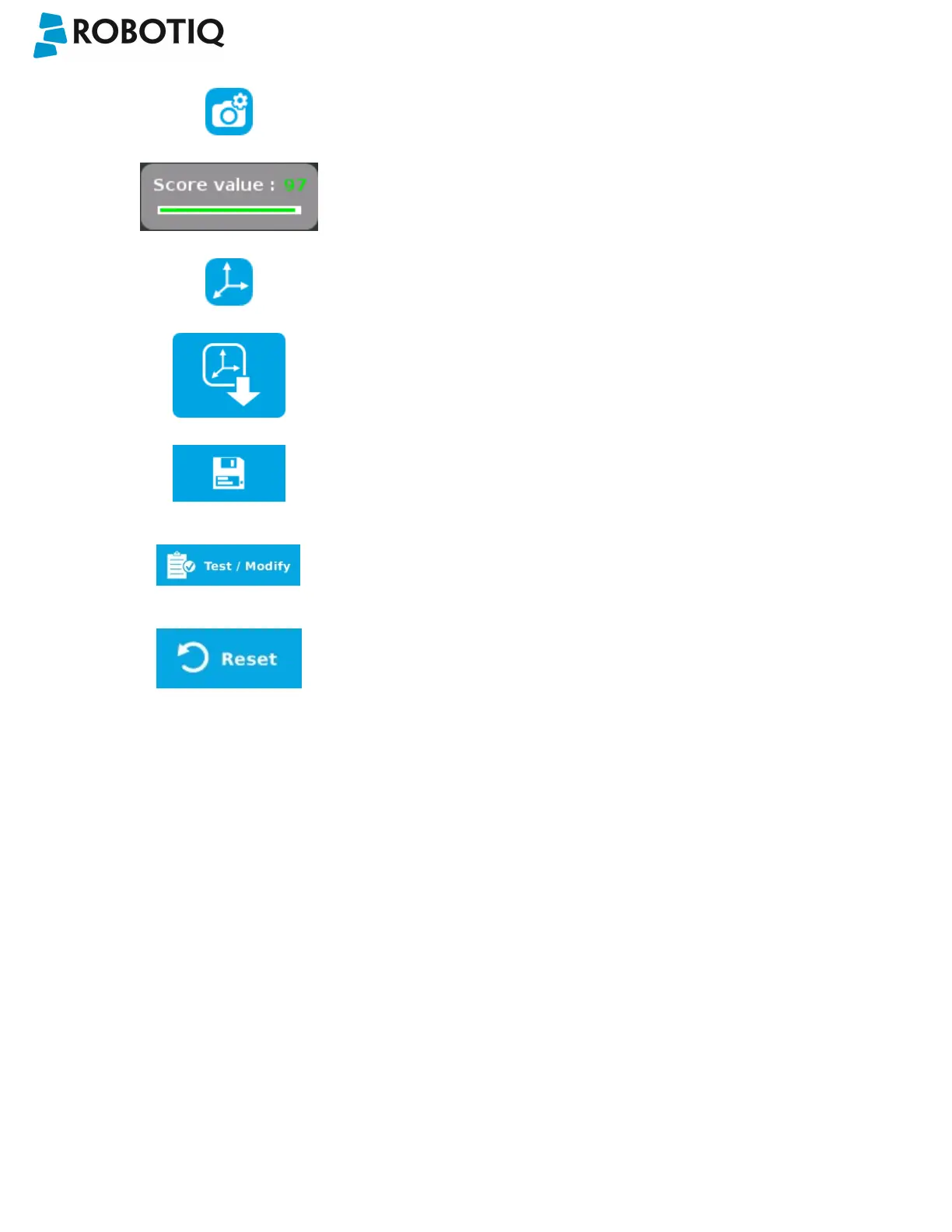
Camera settings button; please refer to the Camera settings section
for more details.
Score value box; display section in which the detection score appears
after testing the object location.
Object location button; when an object is found, tap this button to
view its position relative to the robot base.
Set reference position button; tap to save the object's position for
programming linear move (MoveL) relative to the object's location.
Please refer to the Save location section for more details.
Save &finish button; tap to save the detection threshold, the
reference position and finish the wizard.
Test/Modify button; accessible via the Command tab of the Program
Robot interface in Polyscope, once the object teaching wizard is
completed. Tap to access the Test and Modify wizard. It allows the
user to modify the detection threshold and the saved object position.
Reset button; accessible via the Command tab of the Program Robot
interface in Polyscope, once the Teach object wizard is completed.
Tap to reset the whole process of the object teaching wizard.
©Robotiq inc. 2016-2018
69



 To Next Page