Wrist Camera Instruction Manual
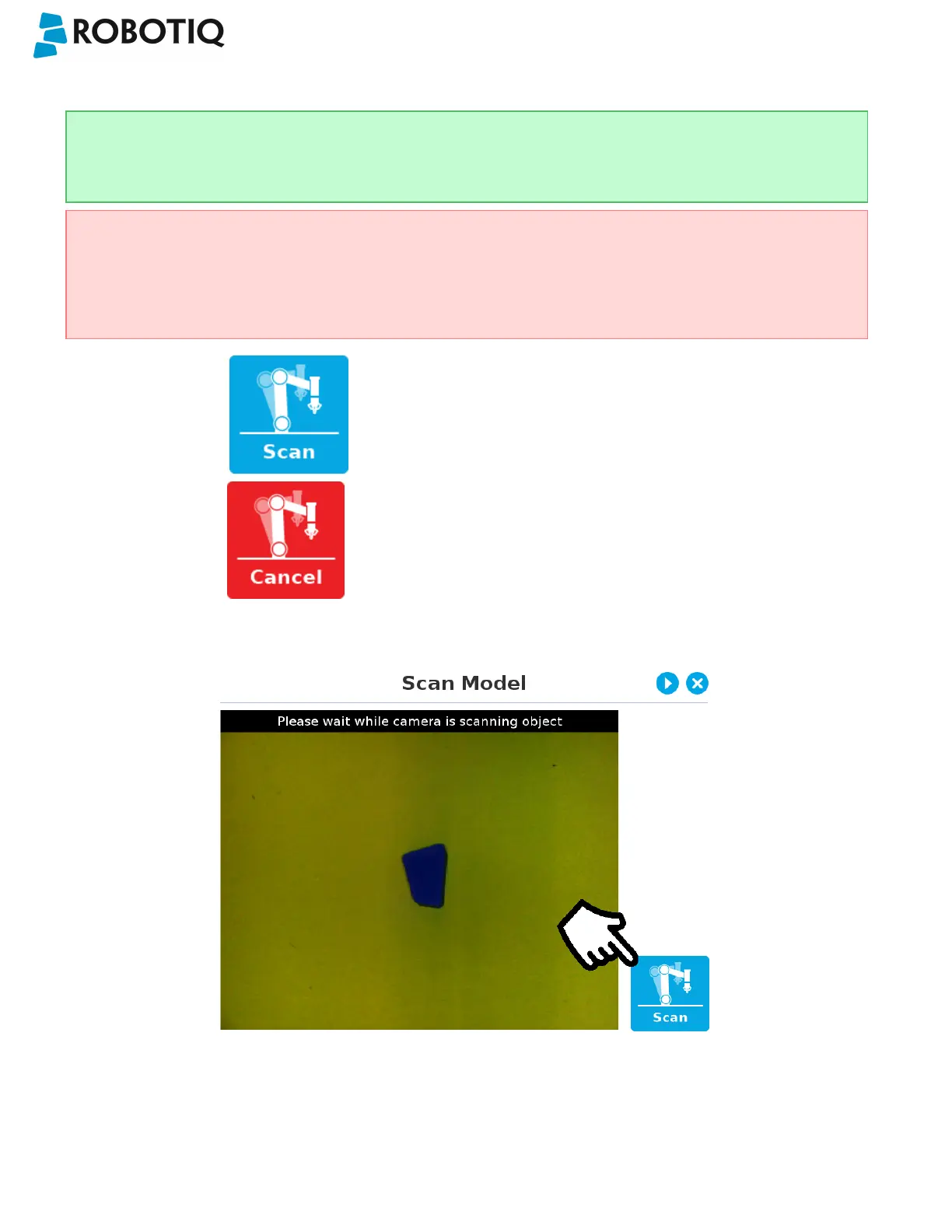
5.2.1.6. Scan Model
Tip
At any moment during the teaching process, the user can access contextual help videos with the Play button.
Warning
Scanning is an automatic process; the robot will move in order to perform calibration. Make sure the robot's work
space is clear. You can tap Cancel to stop the process. The operator should watch the robot at all time and have
the emergency stop button at hand.
Scan button used to start the scanning process
Cancel button used to abort the scanning process
while it is running
Fig. 5-15: Scan Model step with Scan button highlighted
The vision system will run a scan of the object by taking 9 pictures.
When the process is completed, the wizard will bring up the Configure Model step. Please refer to the Configure Model
section for more information.
©Robotiq inc. 2016-2018
63



 To Next Page