Wrist Camera Instruction Manual
3.6.1. Wrist Camera URCap Installation
Make sure the Wrist Camera is properly mounted to the robot arm and that all electrical wiring is correctly done (refer
to the Mechanical Installation section and the Electrical Setup section). Make sure your Universal Robots software is
up to date. The URCap pertaining to this product version has been tested in PolyScope 3.5.
Update
For the URCap update, refer to the Update and Uninstall section.
3.6.1.1. Wrist Camera URCap Installation
l From support.robotiq.com, visit the vision system page and download the latest UCC-X.X.X compressed file.
l Decompress the content of the latest UCC-X.X.X compressed file on the provided 16 Gb USB stick (ACC-USB-
16G).
l Make sure the .urcap file and the vision system folder are on the root of the USB drive, as shown in the figure
below.
Fig. 3-5: Files at the root of the 16 Gb USB stick.
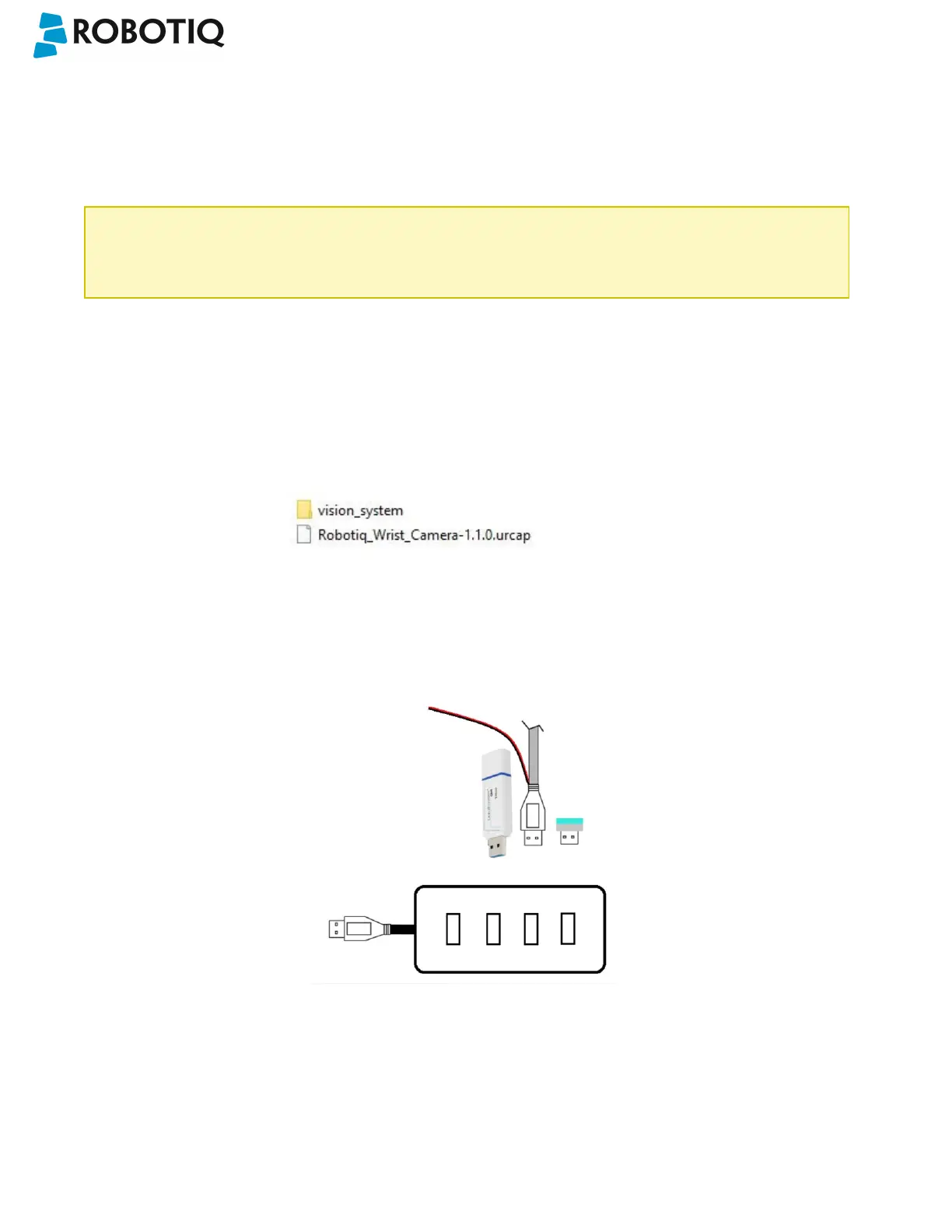
l With the robot controller ON, insert the 16 Gb USB stick containing the latest URCap and vision server in the 4-
port USB hub.
Fig. 3-6: Connections on the 4-port USB hub.
©Robotiq inc. 2016-2018
24



 To Next Page