Wrist Camera Instruction Manual
5.2.3.1. Multiple objects detection
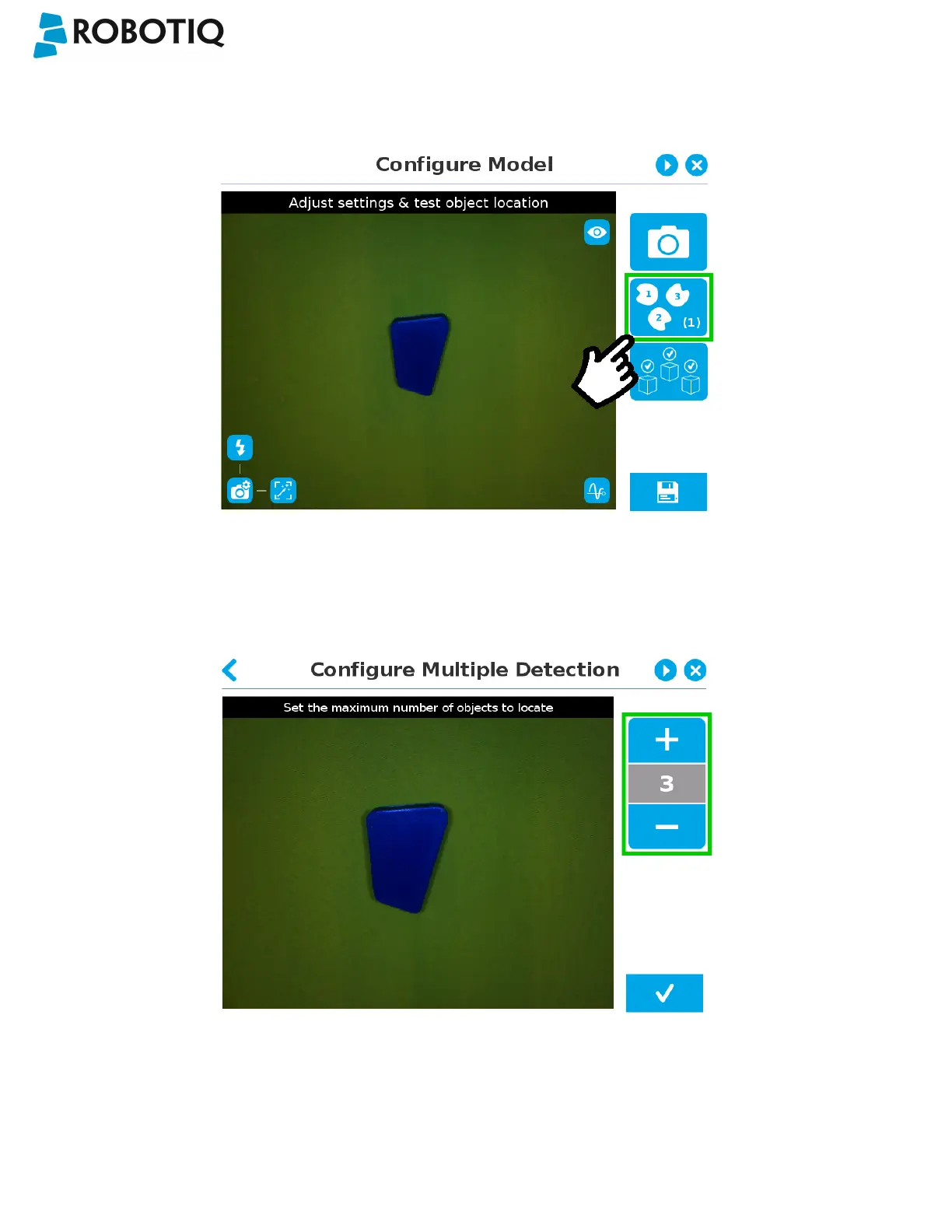
In order to enable the multiple objects detection, tap the multi-object button from the Configure Model step.
Fig. 5-20: Configure Model with multi-object button highlighted.
Once in the multi-object menu, tap the plus (+) symbol to increase the maximum number of objects to detect, or tap the
minus (-) symbol to reduce that number.
Fig. 5-21: Configure Multiple Detection menu.
©Robotiq inc. 2016-2018
70



 To Next Page