Wrist Camera Instruction Manual
5.2.3.3. Detection thresholds and scores
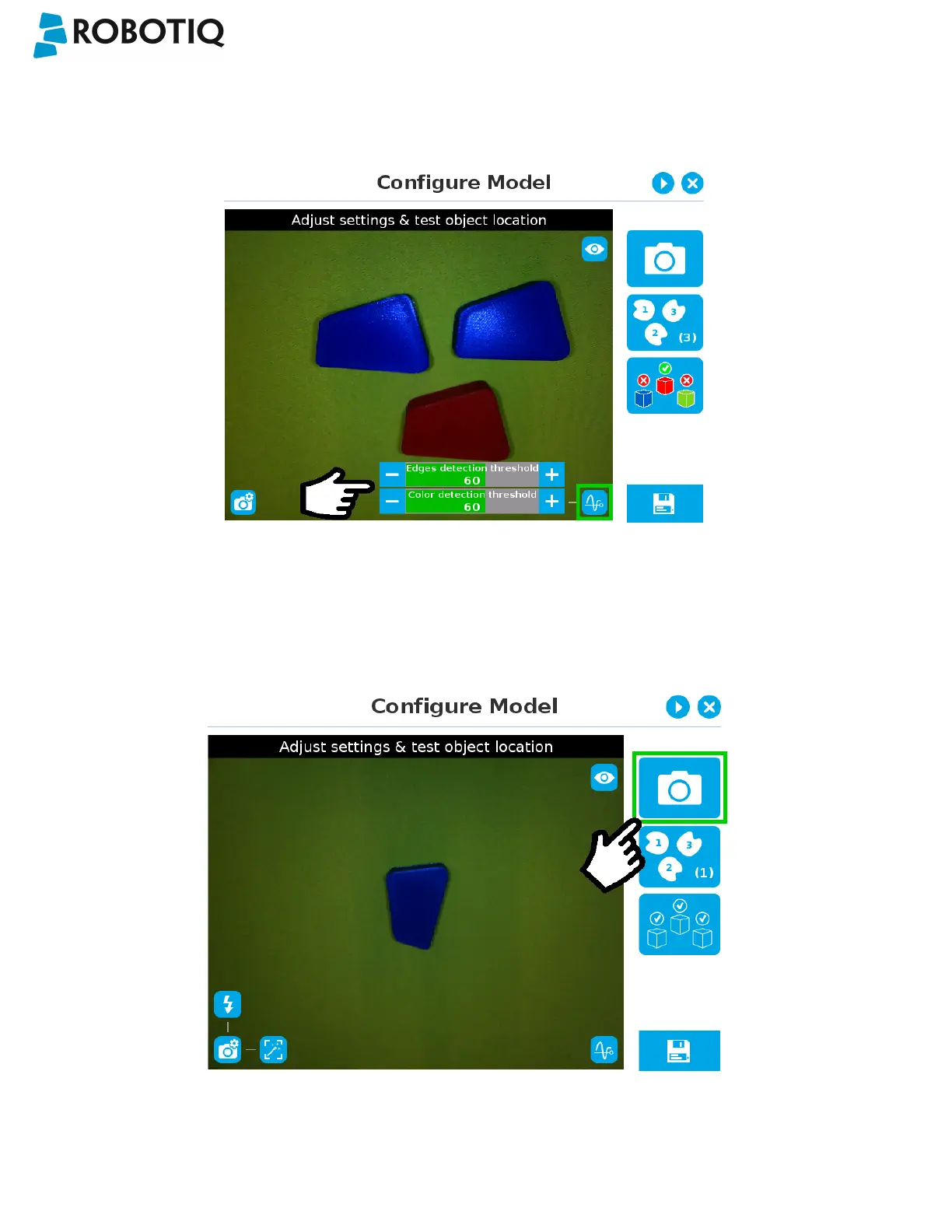
At the Configure model step, the user can tap the Detection threshold button in the lower right corner to expand the
detection threshold settings.
Fig. 5-26: Configure Model Step with detection thresholds highlighted.
After adjusting the detection thresholds, if applicable, the user can test the location of the object(s)in the field of view by
tapping the camera icon.
Fig. 5-27: Configure Model Step with camera icon highlighted.
©Robotiq inc. 2016-2018
76



 To Next Page