Wrist Camera Instruction Manual
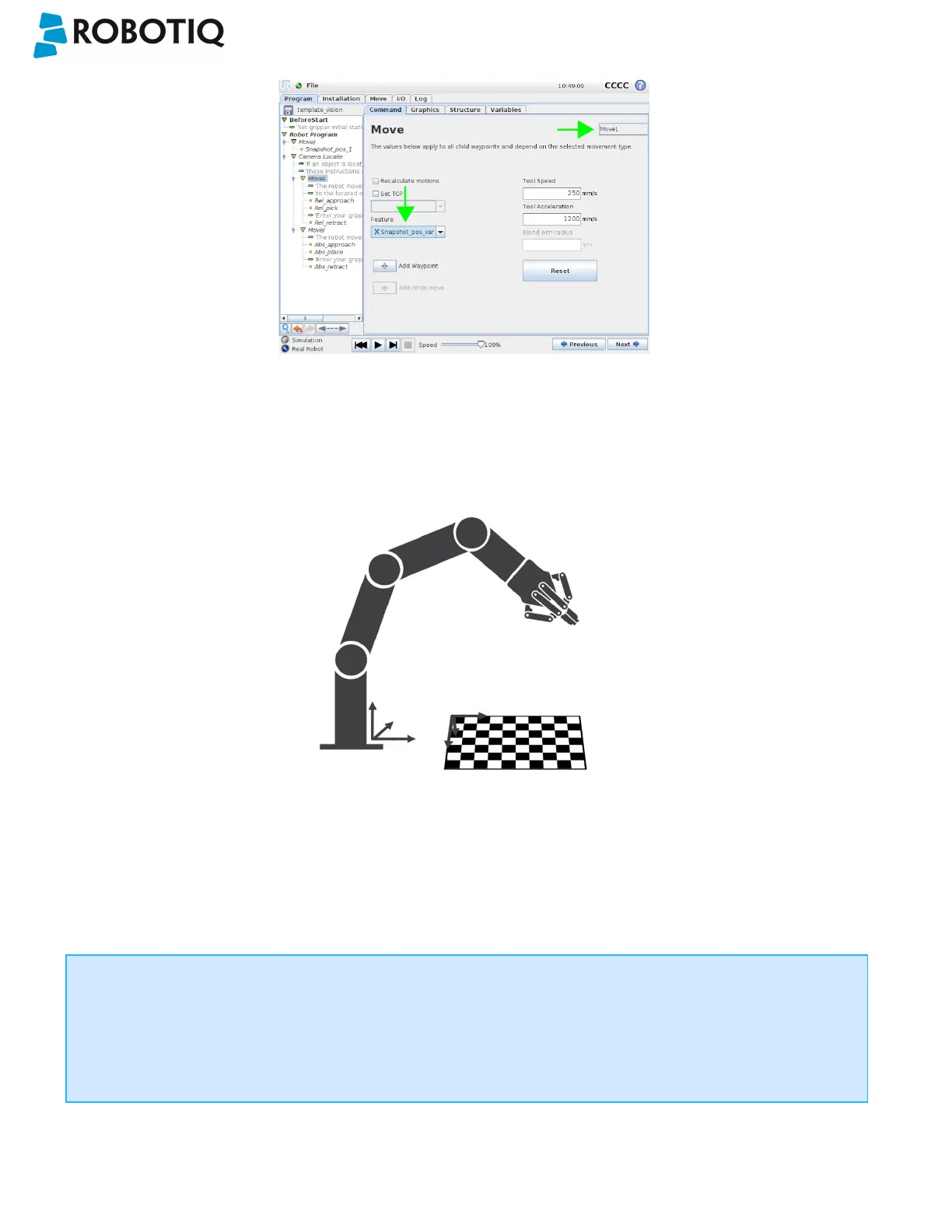
Fig. 6-3: Template program for a Camera Locate pick & place application.
6.2. object_location pose
Once a snapshot position is defined, the workplane used for the calibration gets its own coordinate system, regardless of
its orientation. This coordinate system is shown in the figure below.
Fig. 6-4: workplane reference frame.
The camera will detect an object on the workplane and find its X-Y position, as well as its Z-orientation in the workplane's
coordinate system (see figure below). Thus, a detected object is always laid flat (parallel) to the workplane. It is possible to
use the object_location pose, which is a variable containing the detected object's pose (p[x, y, z, x rotation, y rotation, z
rotation]) in the robot's base reference frame. This variable is updated each time the program goes within a Camera Locate
node, thus every time an object is detected, regardless of how many Camera Locate nodes are in the program. The
object_location pose is relative to the robot's base frame.
Info
object_location is a variable containing the detected object's position and orientation relative to the base
reference frame. The orientation is always parallel to the workplane on which the calibration has been performed.
Thus, the object's X and Y axes are always parallel to the workplane. The Z axis is always normal to the workplane
and points downwards from it, into the workplane (refer to the figure below).
©Robotiq inc. 2016-2018
86



 To Next Page