185Troubleshooting
Roche Diagnostics
cobas
®
pulse · Software version 01.03 · User Assistance · Publication version 1.0
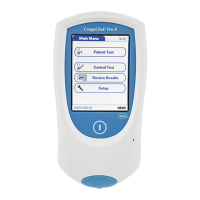
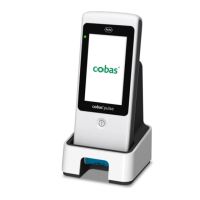
Resetting the instrument
An instrument reset should only be performed when all
other remedial actions have failed.
For example, you might reset an instrument if it ’hangs’.
r To reset the instrument
1 Place the instrument on a level surface.
2 Press the on/off button for at least 10 seconds and
then release the button.
f The instrument turns off and on again.
f The splash screen is displayed.
f Depending on the instrument’s configuration, the
Glucose app screen or the app library is
displayed.
8 Troubleshooting


 To Next Page