Cleaning
Edition BE210202
03.2022
Rondostar 5000
Operating manual
114
6.1.1.5 Conveyor belts: Top
• Dry clean the conveyor belts daily with a plastic horn scraper.
1. Open side tab.
2. Tap cleaning menu.
3. Tap cleaning of left conveyor belt.
4. Press and hold down the black mushroom button.
► Conveyor belts run from right to left
5. Clean the left conveyor belt.
6. Release the black mushroom button.
7. Tap clean right conveyor belt.
8. Press and hold down the black mushroom button.
► Conveyor belts run from left to right
9. Clean the right conveyor belt.
10. Release the black mushroom button.
6.1.1.6 Conveyor belts: underside / machine table / drive roller / idle roller
• Free the conveyor belt underside / machine table / drive rollers /
idle rollers of dough scraps weekly with a brush and plastic horn
scraper.
Also see 3.3 Full view of the machine
Also see 2.5.5 Tensioning the conveyor belts: Belt release [variant] /
2.5.6 Tensioning the conveyor belts: Quick-release belt [variant]
1. Release tension of the conveyor belts.
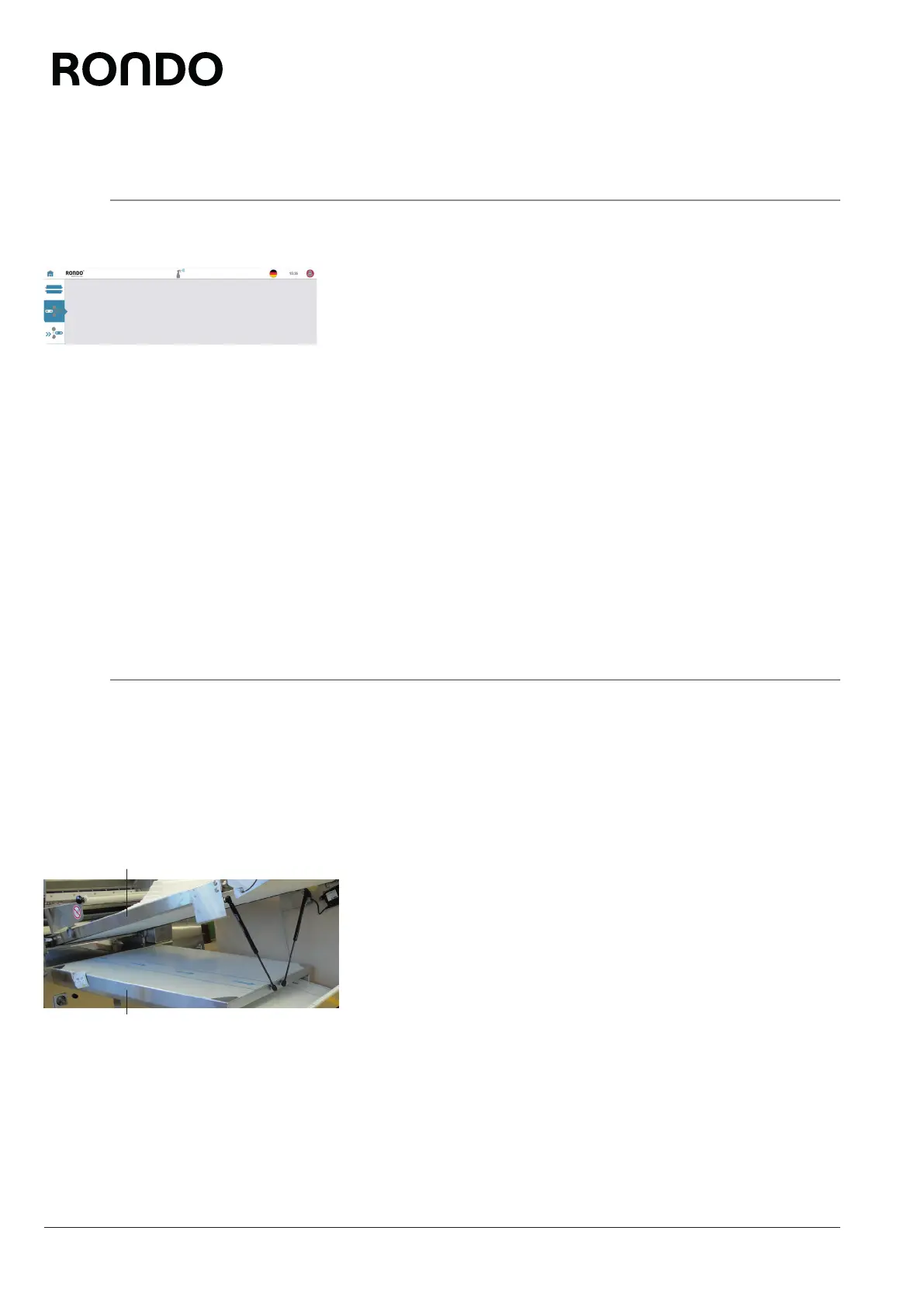
2. Lift the machine table (1). [SSH673***.*]
3. Free the conveyor belt underside / machine table / drive rollers /
idle rollers of dough scraps with a brush and horn scraper.
4. Clean the undertable (2). [SSH673***.*]
5. Lower the machine table. [SSH673***.*]
6. Tensioning the conveyor belts.
1
2



 To Next Page