Apps and Features 168
Hangouts Operations
n Disabling Chat History:Ifyoudon’twanttokeepchathistory,inthechatwindow,tapMore
options >Turn history off.
n
Delete Chat History:Todeleteallyourchathistory,inthechatwindow,tapMore options >
Delete>Delete.
n
Ending a Video Chat:Inthevideochatwindow,tap .
Google Maps
UsetheGoogleMapsapptodetermineyourlocation,finddirections,browselocalbusinessesand
attractions,rateandreviewplaces,andmore.
Note:TouseGoogleMaps,youwillneedtohaveyourtablet'sLocationfeatureturnedon.See
LocationSettingsforinformationaboutenablingLocationonyourtablet.
View Maps of Specified Places
UseGoogleMapstolocateandmapaspecificaddressordestination.
1.
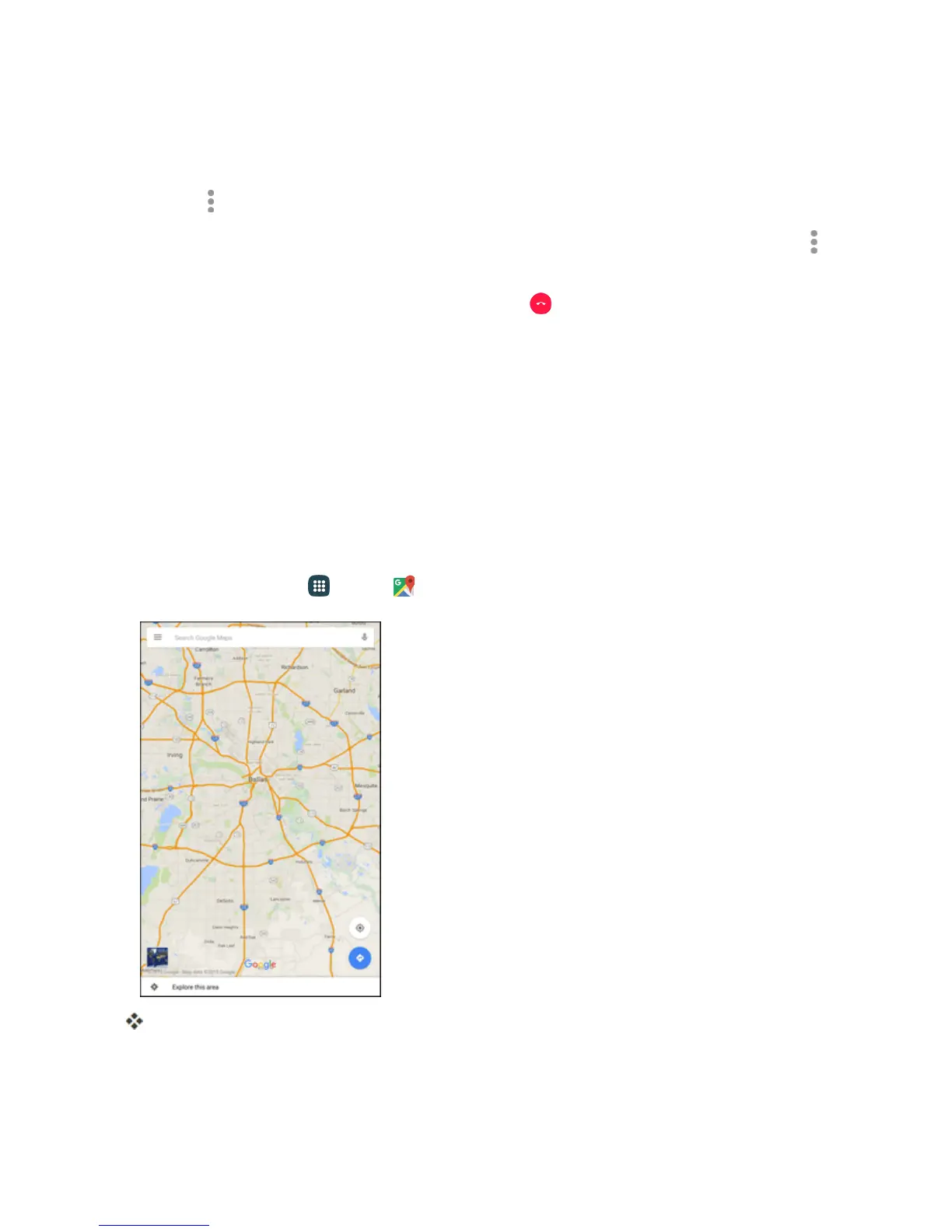
Fromhome,tap Apps >Maps .
GoogleMapsopens.
Note:ThefirsttimeyouaccessMaps,youmaybepromptedtoaccepttheTermsofServiceand
PrivacyPolicy.TapAccept & continuetocontinue.
2. Tapinthesearchboxtostartasearch.












 To Next Page