Apps and Features 176
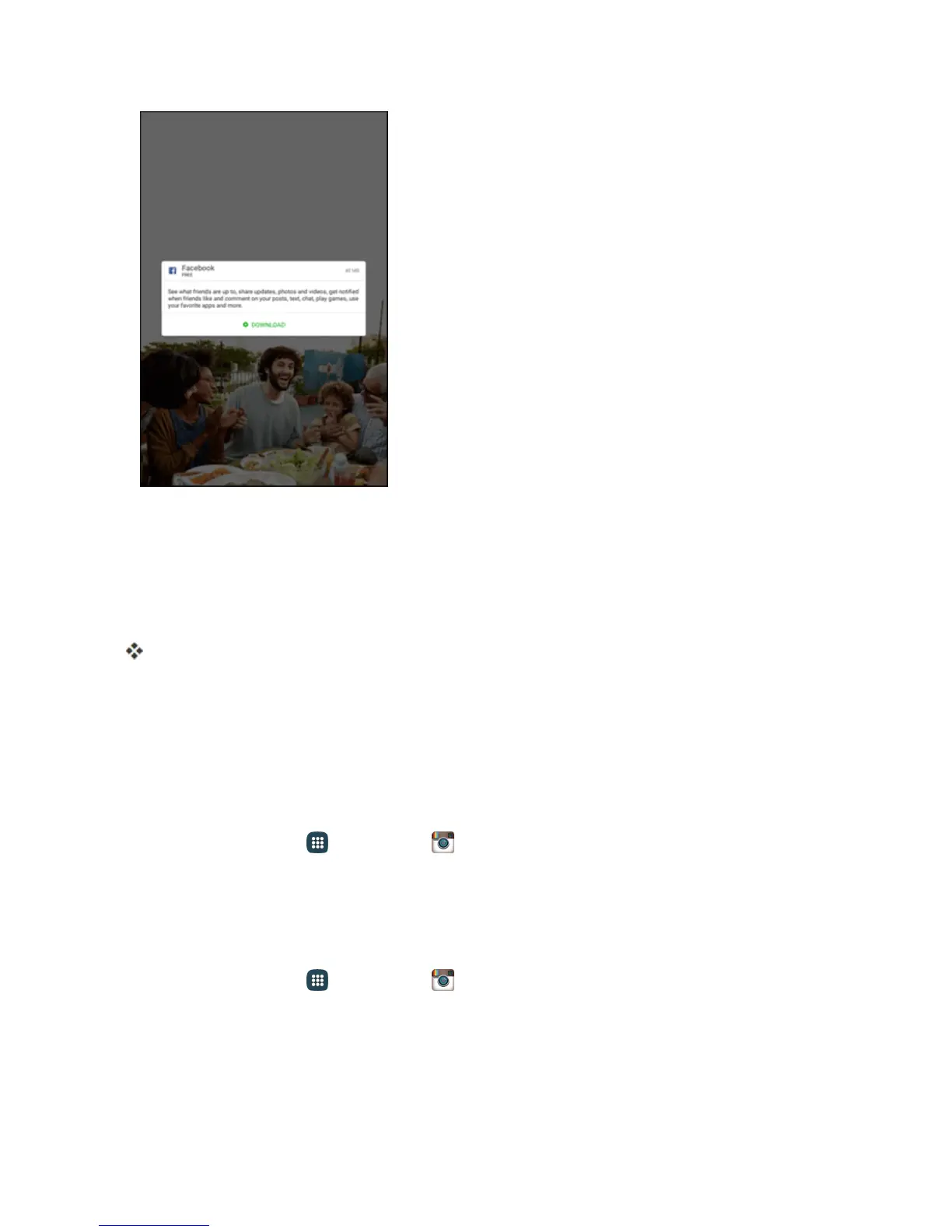
2. IfyouhaveaFacebookaccount,enteryouruserIDandpassword,andthentapLog in.
–or–
TocreateanewFacebookaccount,tapSign Up for Facebook,tapNext,andthenfollowthe
instructions.
YouaresignedintoFacebook.
Instagram
Captureandsharephotosandvideoswithyourfriends.Customizewhatyoucapture,andthen
shareitonyourfeedorpostitdirectlytoyourfriends.
Set Up Instagram
1.
Fromhome,tapApps >Instagram .
2. TapSign upandfollowthepromptstosetupanewInstagramaccount,ortapLog inandenter
yourUsernameandPasswordtoaccessyouraccount.
Use Instagram
n
Fromhome,tapApps >Instagram .
Messenger
SendinstantmessageswithallyourfriendsusingFacebook’sMessengerapp.











 To Next Page