Connectivity 196
n Contacts
n Audiofiles
TheinstructionsbelowillustratesharinginformationviaBluetoothbydescribinghowtosharea
contact.
Sending Contacts Data via Bluetooth
Note:YourtabletmustbepairedwithanotherBluetooth-enableddeviceinordertosend
information.
1.
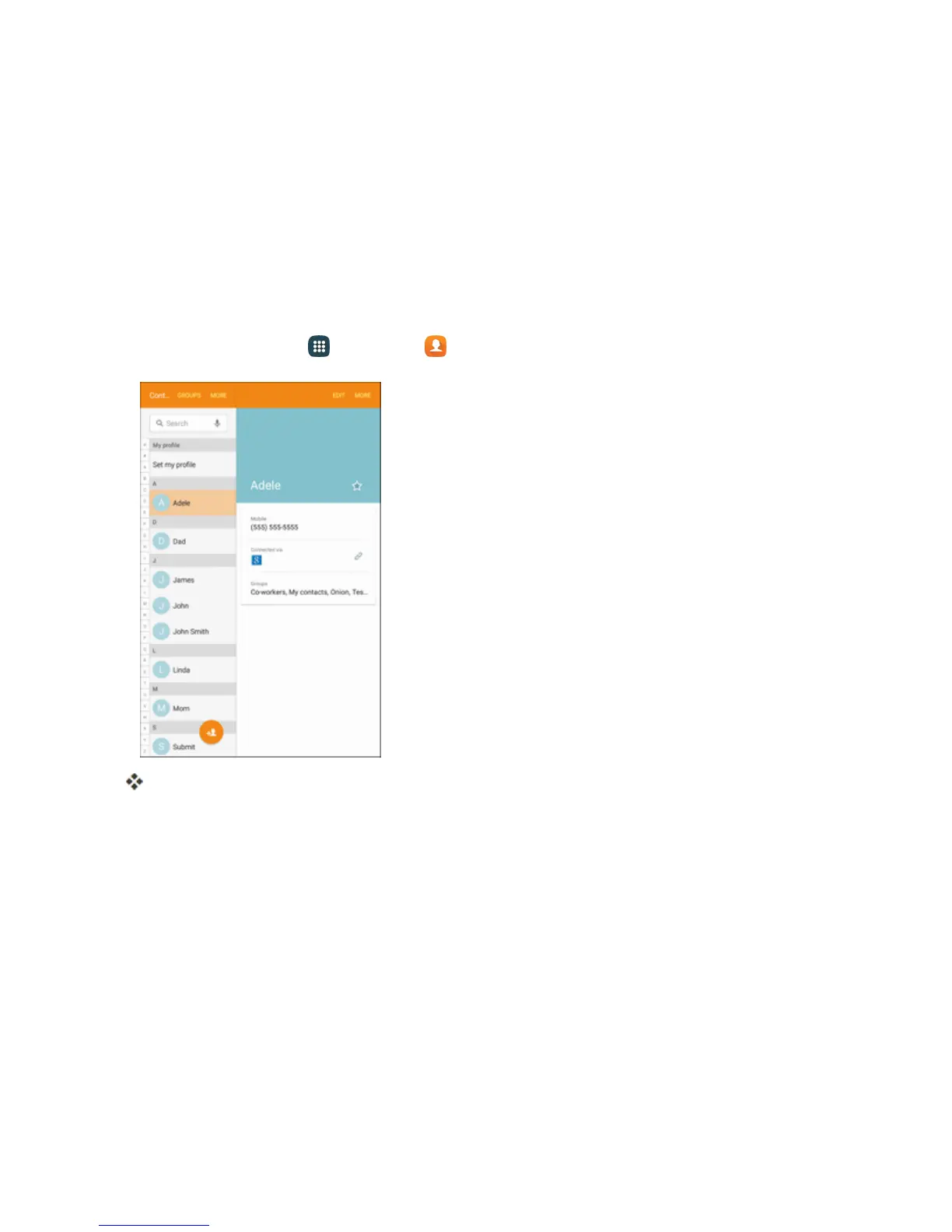
Fromhome,tapApps >Contacts .
YouwillseetheContactslist.
2. Tapacontacttosend.
3. TapMore>Share contact> Bluetooth.











 To Next Page